
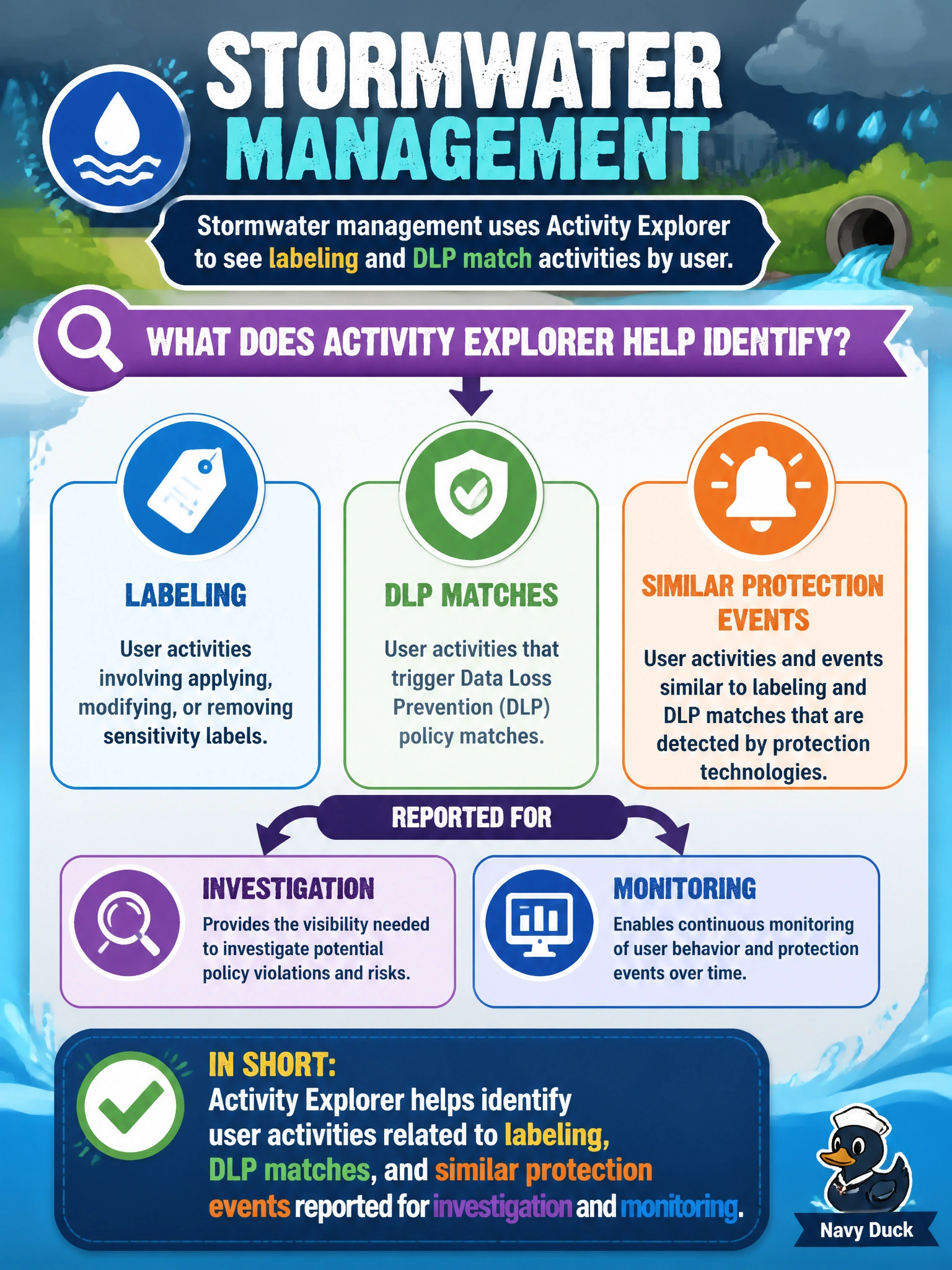
Stormwater management uses activity explorer to see labeling and DLP match activities by user. What does activity explorer help identify?
Select an answer to reveal the explanation.
Short Explanation
Activity explorer shows you who labeled what and where DLP matches fired — it's the by-user activity lens, not a grouping of that activity by current item locations for inventory, a link to admin rule and policy changes, or a filter to only open alerts waiting on triage. Stormwater can use it to investigate labeling and DLP events person by person. That's the specific job this tool does.
Full Explanation
Stormwater management using activity explorer to see labeling and DLP match activities by user is relying on activity explorer to identify user activities related to labeling, DLP matches, and similar protection events reported for investigation and monitoring. Activity explorer provides visibility into who performed protection-related actions and where matches occurred, supporting investigations and operational monitoring across the municipal Microsoft 365 estate.
User activities related to labeling and DLP matches grouped by current labeled item locations tracked for data inventory describes Content Explorer-style inventory thinking — a data-inventory view grouped by where labeled content currently sits — which is a different Purview view from activity explorer's focus on the user actions, such as labeling events and DLP matches, by user for investigation and monitoring. User activities related to labeling and DLP matches linked to admin rule and policy changes logged for governance review confuses end-user activity with administrator configuration — administrative changes to rules and policies themselves are tracked in the unified audit log, which records configuration changes made by administrators — a different record from activity explorer's focus on end-user labeling and DLP-match activity. User activities related to labeling and DLP matches filtered to open DLP alerts queued for incident response handling describes the alert-management queue analysts work from to respond to policy matches, which is a related but separate Purview experience from activity explorer's own job of surfacing the underlying labeling and DLP-match activity by user for investigation and monitoring.
Exam caveat: AB-900 expects identify-level recognition of activity explorer for labeling, DLP, and related protection activity visibility by user—not grouping that activity by current labeled item locations for data inventory as Content Explorer does, linking it to admin rule and policy changes as the audit log does, or filtering it to open DLP alerts for triage as the alert queue does, each a related but distinct view.
Operational check: Open activity explorer filtered to recent labeling and DLP match events for stormwater-related users, confirm investigators can answer who labeled what and where DLP matched, and reach for Content Explorer inventory grouping, audit-log admin-change review, or the open-alert queue only for those other, specific views.
Prefer to study offline? Printable PDF study book + test engine ($7.50, unofficial). These questions stay free here.