
Wastewater treatment plant ops distinguishes insider risk signals from malware detections. What should they understand about Insider Risk Management?
Select an answer to reveal the explanation.
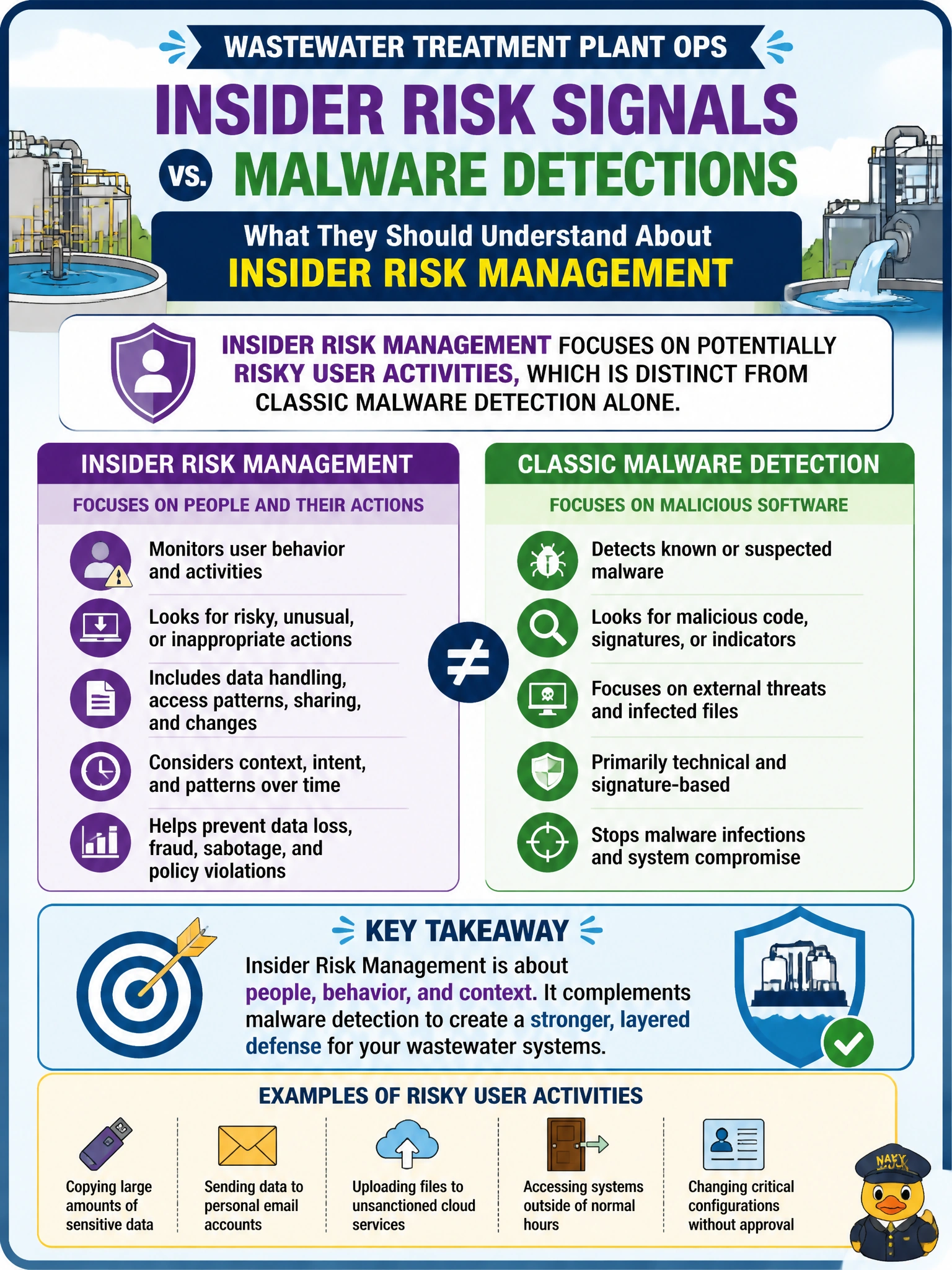
Short Explanation
Malware scanners hunt bad code, Conditional Access blocks risky sign-ins, and DLP stops sensitive content from leaving — Insider Risk Management does none of those jobs directly. It watches sketchy human patterns instead, like odd bulk downloads, even when nothing trips a malware or sign-in alert. Wastewater ops need to keep that distinction straight.
Full Explanation
Wastewater treatment plant ops should understand that Insider Risk Management focuses on potentially risky user activities, which is distinct from classic malware detection alone. Insider risk looks at how people move, download, share, or exfiltrate municipal data—behavior that can be malicious or negligent even when no malware is present. Malware detection remains necessary; it is simply not the same problem Insider Risk Management is designed to surface.
Detecting malware signatures on endpoints using Defender Antivirus scanning engines is Microsoft Defender Antivirus's job, not Insider Risk Management's — IRM does not scan files for known malware signatures; it watches user behavior patterns instead. Claiming Insider Risk Management enforces Conditional Access policies to block risky sign-ins misattributes an identity-and-access control to IRM — blocking risky sign-ins is Conditional Access's role in Entra ID; IRM instead analyzes activity patterns like unusual downloads or data movement after a user is already signed in. Claiming Insider Risk Management applies DLP policies to block sensitive external sharing misattributes a content-protection control to IRM — blocking sensitive sharing in Exchange and SharePoint is Purview DLP's role; IRM analyzes the broader pattern of risky user behavior and can use DLP signals as one input, but it is not itself the DLP enforcement mechanism.
Exam caveat: AB-900 often contrasts insider risk (activity patterns) with malware detection, Conditional Access sign-in blocking, and DLP enforcement. Keep those four distinct: IRM watches behavior, not signatures, sign-ins, or sharing rules.
Operational check: In ops runbooks, keep separate playbooks—AV for malware, Conditional Access for sign-ins, DLP for sharing, Insider Risk Management for user activity—and train plant IT to escalate unusual bulk downloads even when no other alert fires.
Prefer to study offline? Printable PDF study book + test engine ($7.50, unofficial). These questions stay free here.