
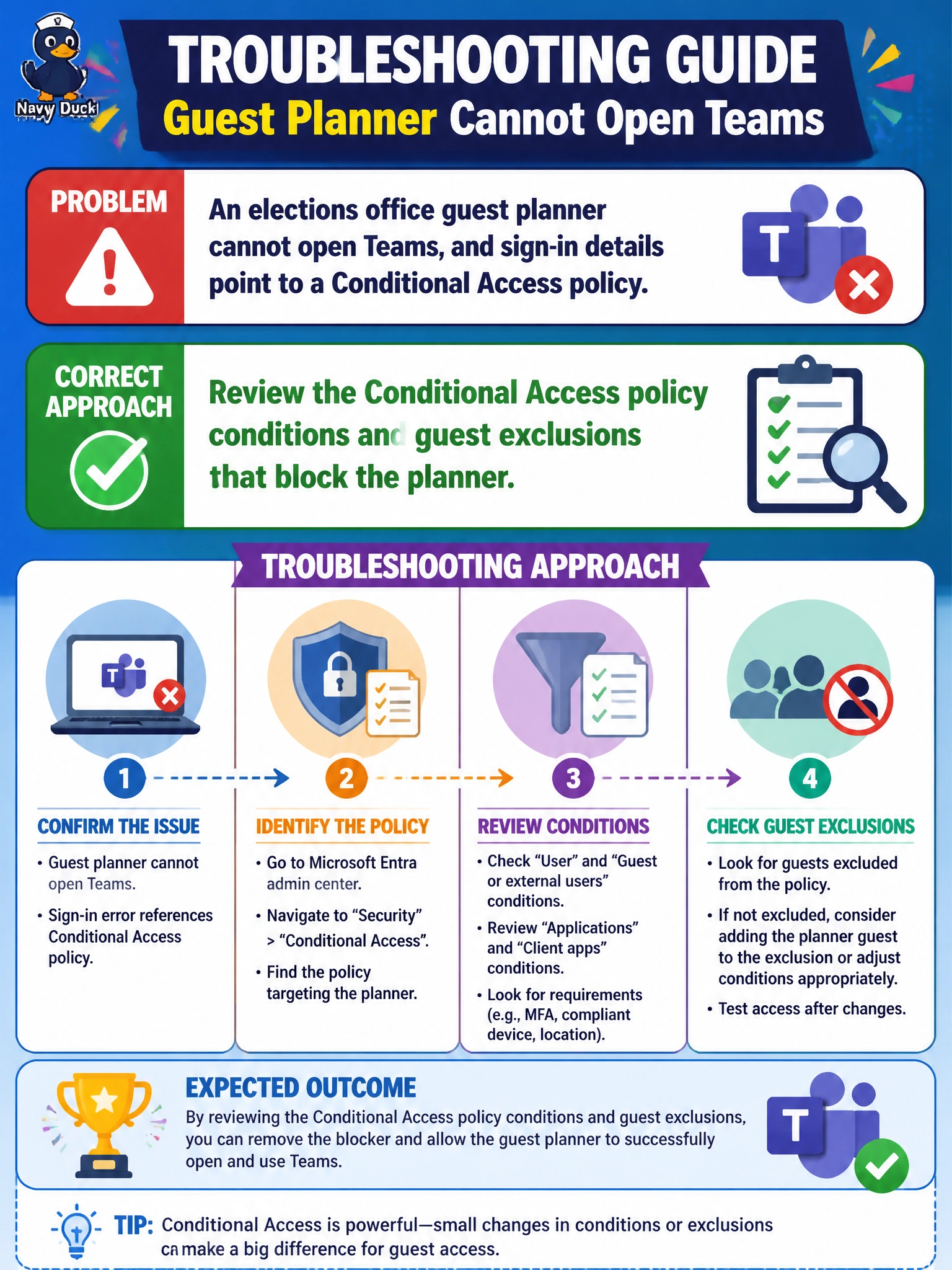
An elections office guest planner cannot open Teams, and sign-in details point to a Conditional Access policy. Which troubleshooting approach fits?
Select an answer to reveal the explanation.
Short Explanation
Guest blocked and CA is in the logs — open the policy, not a side door. Check conditions and guest exclusions that apply to that planner. You’ll miss the failing guest condition if you chase compliant-device controls for office desktops, session timeouts for shared kiosks, or passwordless strengths for staff.
Full Explanation
An elections office guest planner blocked from Teams with sign-in details pointing to Conditional Access should be handled by reviewing the Conditional Access policy conditions and any guest exclusions that apply to that planner. Guest accounts are often in scope for tighter controls (app access, device, location, or authentication strength). Reading the policy explains whether the block is intentional for election integrity or needs a scoped exclusion, Terms of Use step, or alternative access path.
Reviewing the Conditional Access policy compliant device grant controls for managed office desktops misses the guest scope; those grant controls enforce compliant devices for internal desktops rather than the conditions and guest inclusions that are actually denying this external planner Teams access. Reviewing the Conditional Access policy session timeout and browser persistence for shared kiosks addresses sign-in frequency and persistence on kiosks rather than the blocking condition, so it does not explain the policy-cited Teams sign-in failure for this guest. Reviewing the Conditional Access policy authentication strengths for passwordless staff sign-in methods checks staff passwordless requirements rather than the guest's failing condition, so it skips the scoped review of guest exclusions the sign-in log needs.
Exam caveat: Guest troubleshooting still starts with the Conditional Access evaluation in the sign-in log. AB-900 expects review of who/what/where conditions—not permanent guest disablement or session sharing. Guest exclusions exist for justified exceptions; they are not a license to bypass review.
Operational check: Locate the guest’s failed Teams sign-in, note which Conditional Access policy and condition failed, check whether guests or B2B users are included, validate any election-office exclusion groups, and either remediate the failing condition (for example MFA registration for the guest) or document a least-privilege exclusion before retesting Teams access.
Prefer to study offline? Printable PDF study book + test engine ($7.50, unofficial). These questions stay free here.