
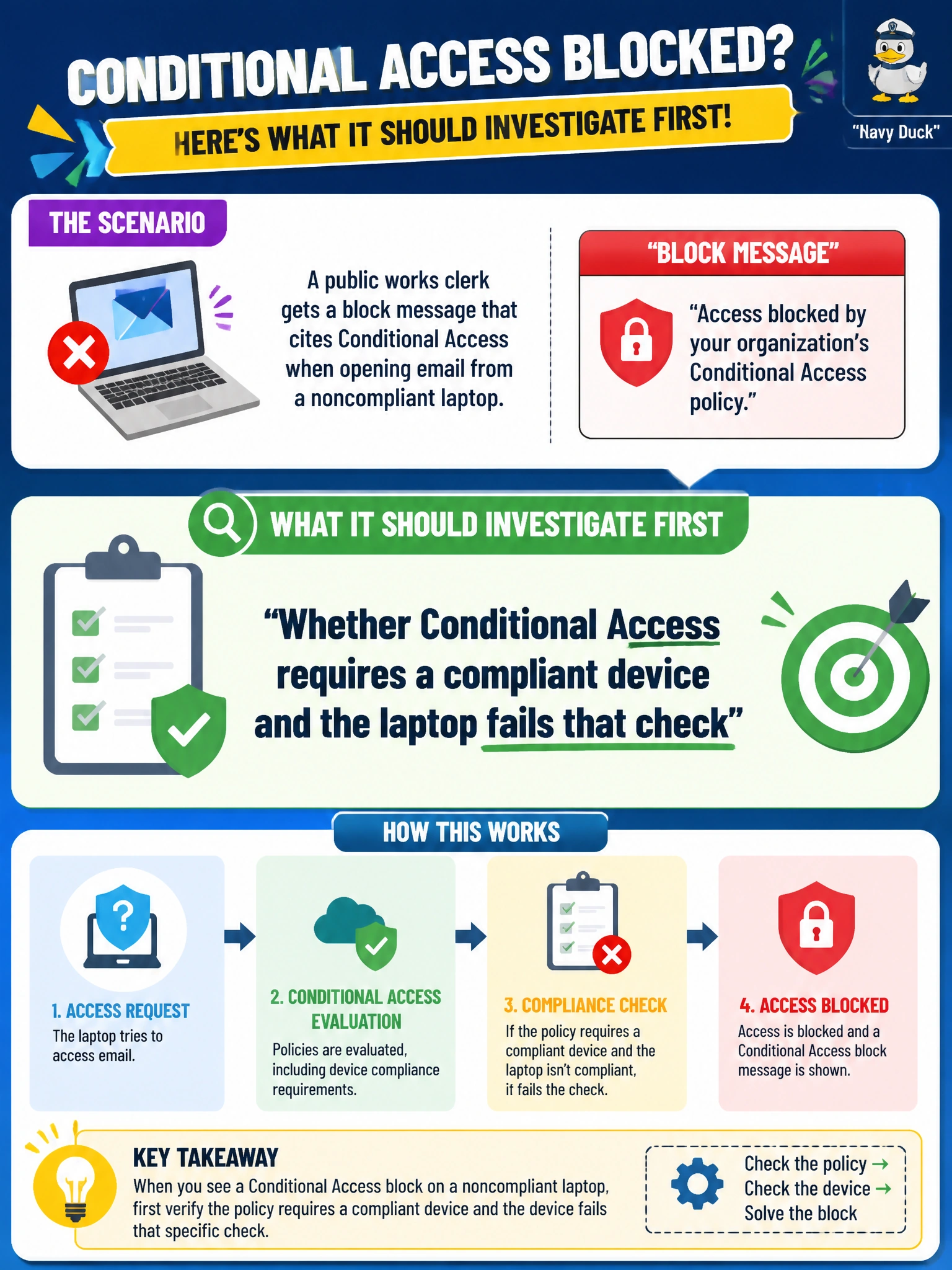
A public works clerk gets a block message that cites Conditional Access when opening email from a noncompliant laptop. What should IT investigate first?
Select an answer to reveal the explanation.
Short Explanation
The message already named Conditional Access — believe it. A noncompliant laptop failing a device-compliance gate is the usual story. An MFA requirement or a risky-sign-in flag would look different in the logs, so don't chase those instead.
Full Explanation
When a public works clerk receives a block message that explicitly cites Conditional Access while opening email from a noncompliant laptop, the first investigation target is whether a Conditional Access policy requires a compliant device and that laptop fails the compliance check. The block text is diagnostic: match the cited control to device compliance state in Intune/Entra, not to unrelated collaboration settings. Fixing compliance or adjusting a justified exclusion restores email access under city policy.
Checking whether Conditional Access requires multifactor authentication for email on the laptop misreads the message: an MFA requirement would trigger an authentication challenge, not a block that explicitly names device compliance through Conditional Access. Checking for risky sign-in detection chases a different condition family; the message cites device compliance, and risk-based policies evaluate sign-in behavior, not the laptop's compliance state. Checking whether Conditional Access requires a hybrid joined device state for the laptop looks at an unrelated join-type requirement; the cited block is a device-compliance grant failure, not a hybrid-join prerequisite.
Exam caveat: AB-900 Conditional Access questions often include the policy name or condition in the symptom. Trust that signal and map it to users, apps, and conditions (device state, location, risk, MFA) before changing unrelated services. Noncompliance is a device posture problem, not a reason to dismantle the tenant.
Operational check: Open the clerk’s sign-in log entry that shows the Conditional Access failure, identify the policy requiring compliant devices, confirm the laptop’s Intune compliance status and missing settings (encryption, OS version, antivirus), remediate compliance or use a compliant managed device for email, then retest access without deleting policies citywide.
Prefer to study offline? Printable PDF study book + test engine ($7.50, unofficial). These questions stay free here.