
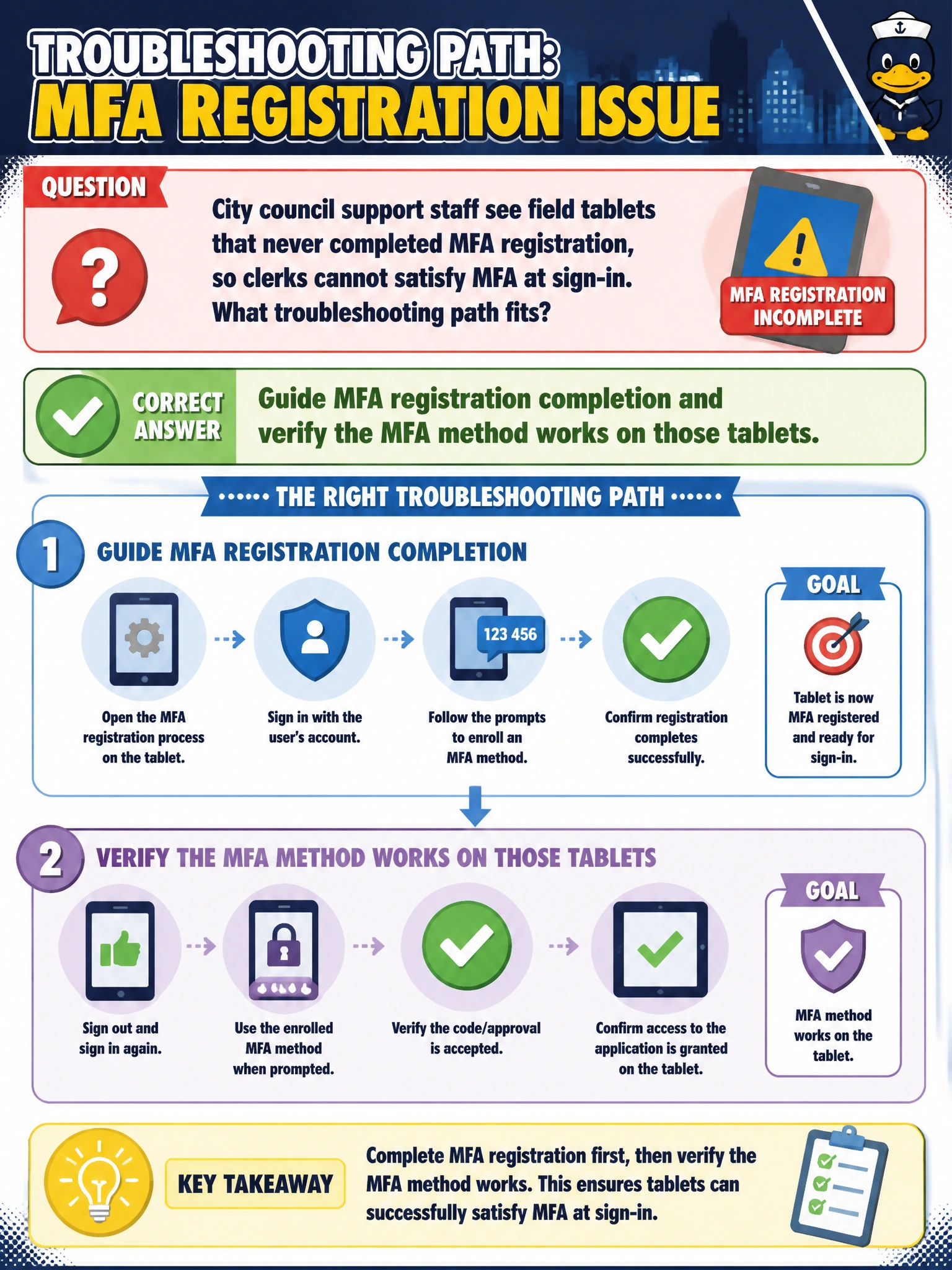
City council support staff see field tablets that never completed MFA registration, so clerks cannot satisfy MFA at sign-in. What troubleshooting path fits?
Select an answer to reveal the explanation.
Short Explanation
Tablets that skipped MFA setup leave clerks stuck at the second door. Walk registration through and prove the method works on those devices. You'll still be stuck if you only update Conditional Access grant controls, trigger password writeback, or push an Intune profile, since none of those complete the missing MFA enrollment.
Full Explanation
City council field tablets that never completed MFA registration leave clerks unable to satisfy MFA at sign-in even when passwords are correct. The fitting path is to guide MFA registration to completion on those tablets and verify that the enrolled method (authenticator app, hardware key, or other approved method) actually works on the devices clerks carry into council support work. Closing the registration gap restores compliant sign-in without weakening citywide identity controls.
Applying a Conditional Access grant control update and verifying sign-in logs on those tablets only adjusts policy enforcement and reviews log data, which surfaces the MFA failure but does not complete MFA registration or enroll a working second factor, so clerks remain unable to satisfy MFA at sign-in. Triggering an Entra password writeback cycle and confirming password sync on those tablets addresses the password factor only; syncing passwords does not enroll or verify an MFA method, so registration remains incomplete. Deploying an Intune device configuration profile and checking compliance status on those tablets establishes device configuration and health but does not itself register or validate an MFA method, so clerks can still fail the MFA step at sign-in.
Exam caveat: MFA troubleshooting includes both challenge failures and registration incompleteness; AB-900 treats completing enrollment on the working device as a legitimate remediation, not as optional busywork. Conditional Access grant control tweaks, password writeback cycles, and Intune configuration profiles are distractors that sound convenient but leave the MFA registration gap open and violate identity hygiene.
Operational check: From a council support admin session, open the clerk’s Entra authentication methods, confirm no usable MFA method is registered for the field tablet scenario, walk the user through registration on the tablet, approve any Temporary Access Pass or registration campaign step your city uses, then force a fresh sign-in and confirm the MFA prompt succeeds before restoring normal Conditional Access enforcement.
Prefer to study offline? Printable PDF study book + test engine ($7.50, unofficial). These questions stay free here.