
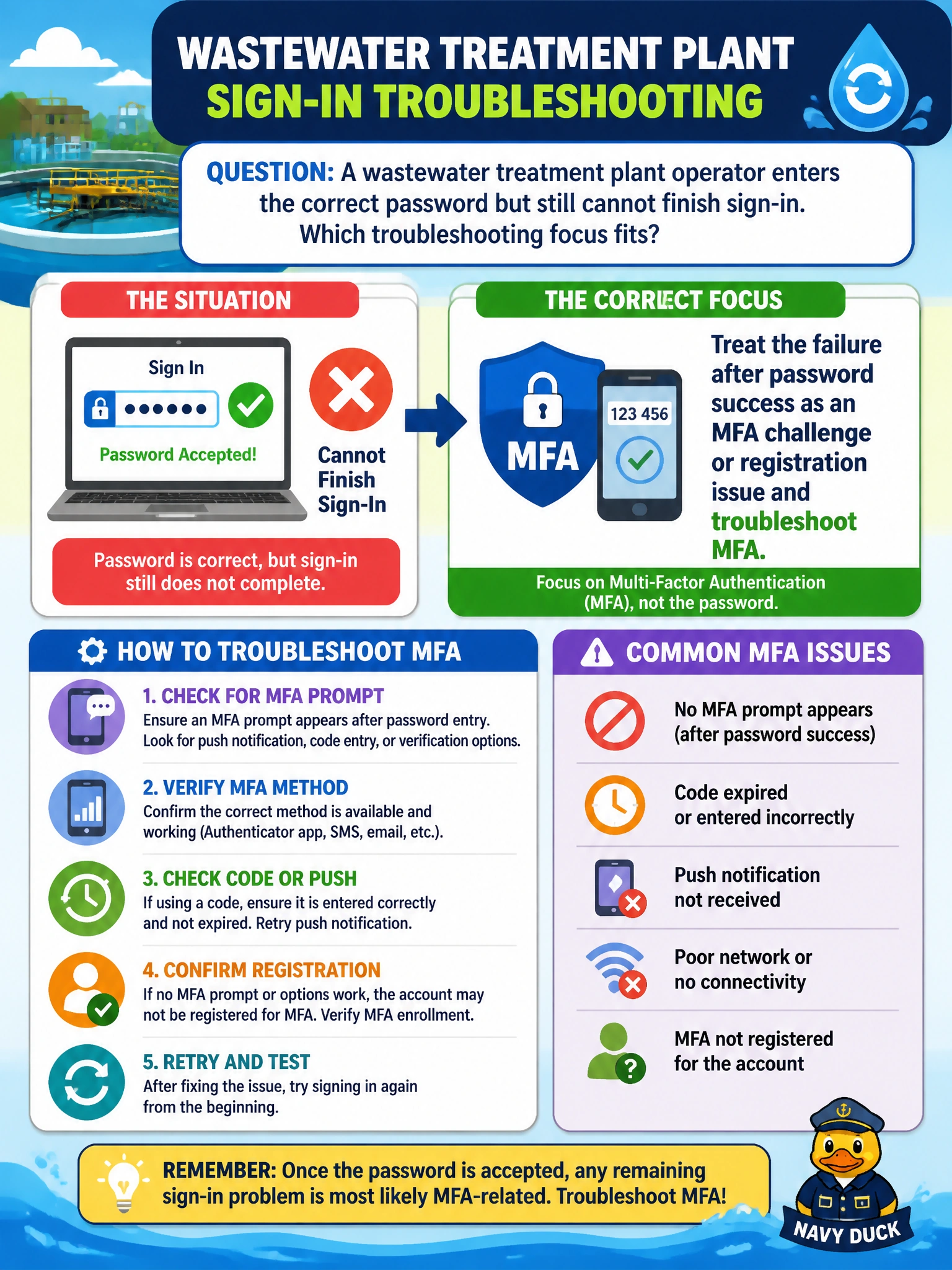
A wastewater treatment plant operator enters the correct password but still cannot finish sign-in. Which troubleshooting focus fits?
Select an answer to reveal the explanation.
Short Explanation
Password worked, then the door slammed shut — that is classic MFA territory, not a device-compliance or license-assignment problem. Check MFA challenges and registration so the operator can finish signing in the secure way. Checking whether the account is enabled won’t help either, because the password already worked and the real gap is the second factor.
Full Explanation
When a wastewater treatment plant operator enters a correct password but still cannot finish sign-in, the next control in the Microsoft identity path is usually multifactor authentication (MFA). Password success only proves knowledge of the first factor; Entra ID can still challenge for a second factor, block incomplete MFA registration, or fail a Conditional Access grant that requires MFA. Treating the post-password failure as an MFA challenge or registration issue is therefore the correct troubleshooting focus for municipal plant operations that rely on protected Microsoft 365 workloads.
Treating the failure as a Conditional Access device compliance block misreads the symptom: a compliance block fails in a different way than a password that succeeds and then stalls on a second factor, so chasing device compliance here does not match sign-in logs that show an MFA prompt or registration gap. Checking the operator’s account enablement status is the wrong focus: the password was already accepted, so the account is enabled, and the stall happens at the MFA challenge or registration step after password validation rather than at account enablement. Verifying service license assignment for the operator addresses service provisioning, not the authentication step after a correct password, and will not resolve an MFA registration or challenge failure.
Exam caveat: AB-900 expects you to separate primary credential success from second-factor and Conditional Access outcomes; a green password prompt is not proof that the full authentication requirements were met. Do not confuse MFA registration gaps with mailbox corruption or Graph outages.
Operational check: In Entra sign-in logs for that operator, confirm the authentication step that failed after password validation (MFA challenge, registration required, or Conditional Access MFA control). Verify the user’s registered MFA methods, complete registration on an approved device if missing, and retest sign-in from the plant workstation without disabling security products or altering the city’s domain configuration.
Prefer to study offline? Printable PDF study book + test engine ($7.50, unofficial). These questions stay free here.