
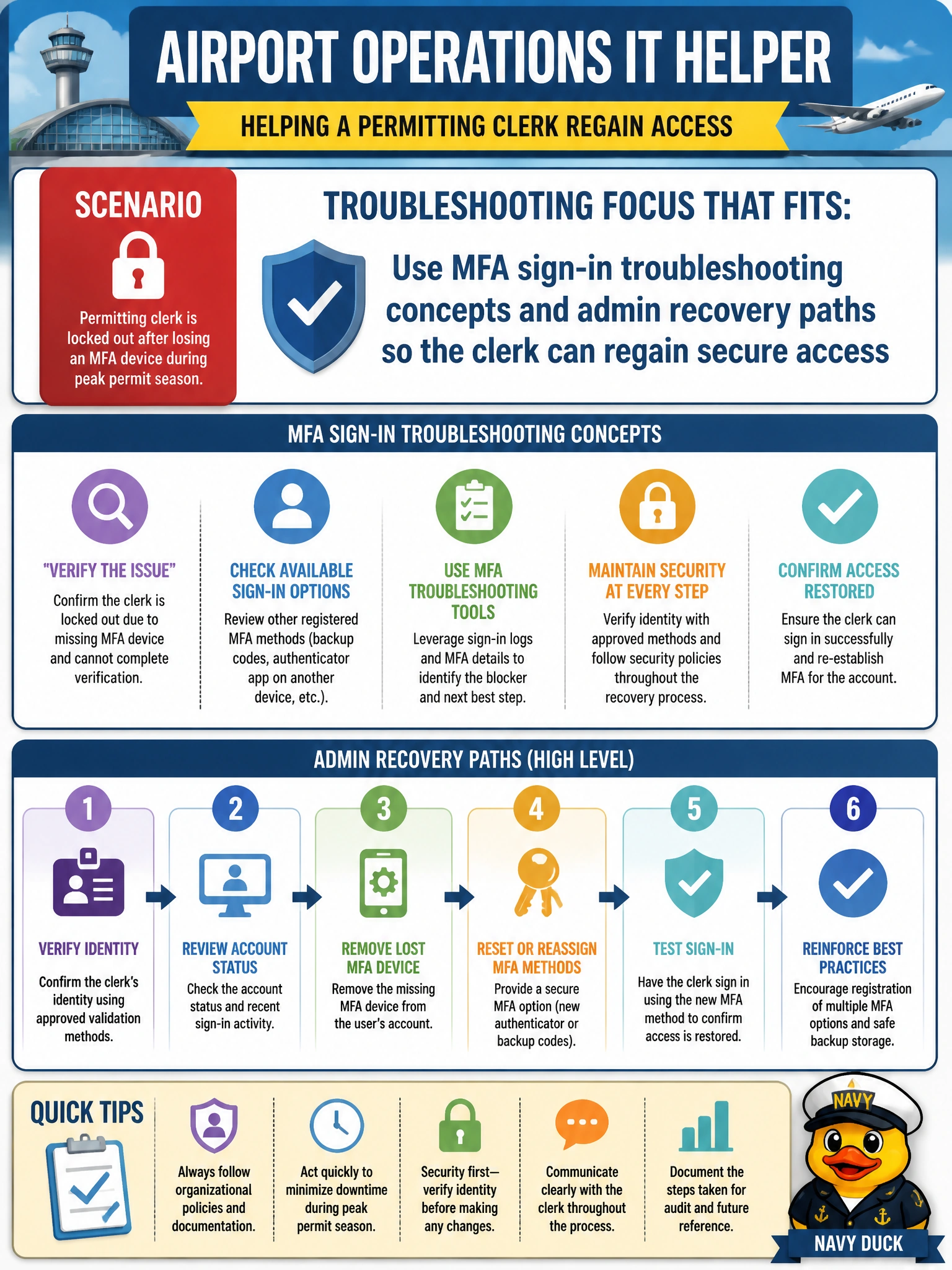
An airport operations IT helper assists a permitting clerk who is locked out after losing an MFA device during peak permit season. What troubleshooting focus fits?
Select an answer to reveal the explanation.
Short Explanation
Lost MFA gear mid-permit-rush is a classic lockout, not a reason to torch the tenant. Help the clerk through MFA recovery the right way so access comes back secure. You'll still be stuck if you count on password resets and Conditional Access tweaks, device compliance or app protection fixes, or guest invites and sharing settings since none of them re-registers the clerk's lost second factor.
Full Explanation
MFA troubleshooting for an airport permitting clerk who lost an MFA device focuses on sign-in blocker recognition and admin recovery paths that restore secure access—re-register methods, temporary access passes or equivalent recovery per organizational policy, and verified identity before reset. Peak permit season urgency does not justify destroying the tenant or borrowing another clerk's approvals; it justifies correct municipal help-desk recovery so the clerk returns with MFA intact.
Using self-service password reset flows and Conditional Access policies fails because a lost device means there is no working second factor; resetting the password still leaves the MFA challenge unsatisfied, and Conditional Access policies enforce access requirements rather than re-register a new method. Using device compliance troubleshooting concepts and app protection policies fails because compliance checks and app-level protections manage device health and app data, not MFA registration; they cannot clear the sign-in blocker from a lost authenticator. Using guest access invitation flows and external sharing settings fails because those onboard external collaborators and do not recover the clerk's internal account; a guest invite leaves the original account still locked without a working second factor.
Exam caveat: AB-900 covers conceptual MFA troubleshooting for municipal support scenarios, not every portal click-path for Temporary Access Pass. Know that device loss is a common blocker and that recovery must remain secure and attributable. Do not treat collaboration anonymity as lockout remediation.
Operational check: Verify the clerk's identity through approved help-desk procedures, use supported MFA recovery or re-registration methods, confirm the clerk can sign in with a newly registered factor, and ensure no shared authenticator approvals or anonymous mailbox conversions were used. Document the incident without any tenant-deletion steps.
Prefer to study offline? Printable PDF study book + test engine ($7.50, unofficial). These questions stay free here.