
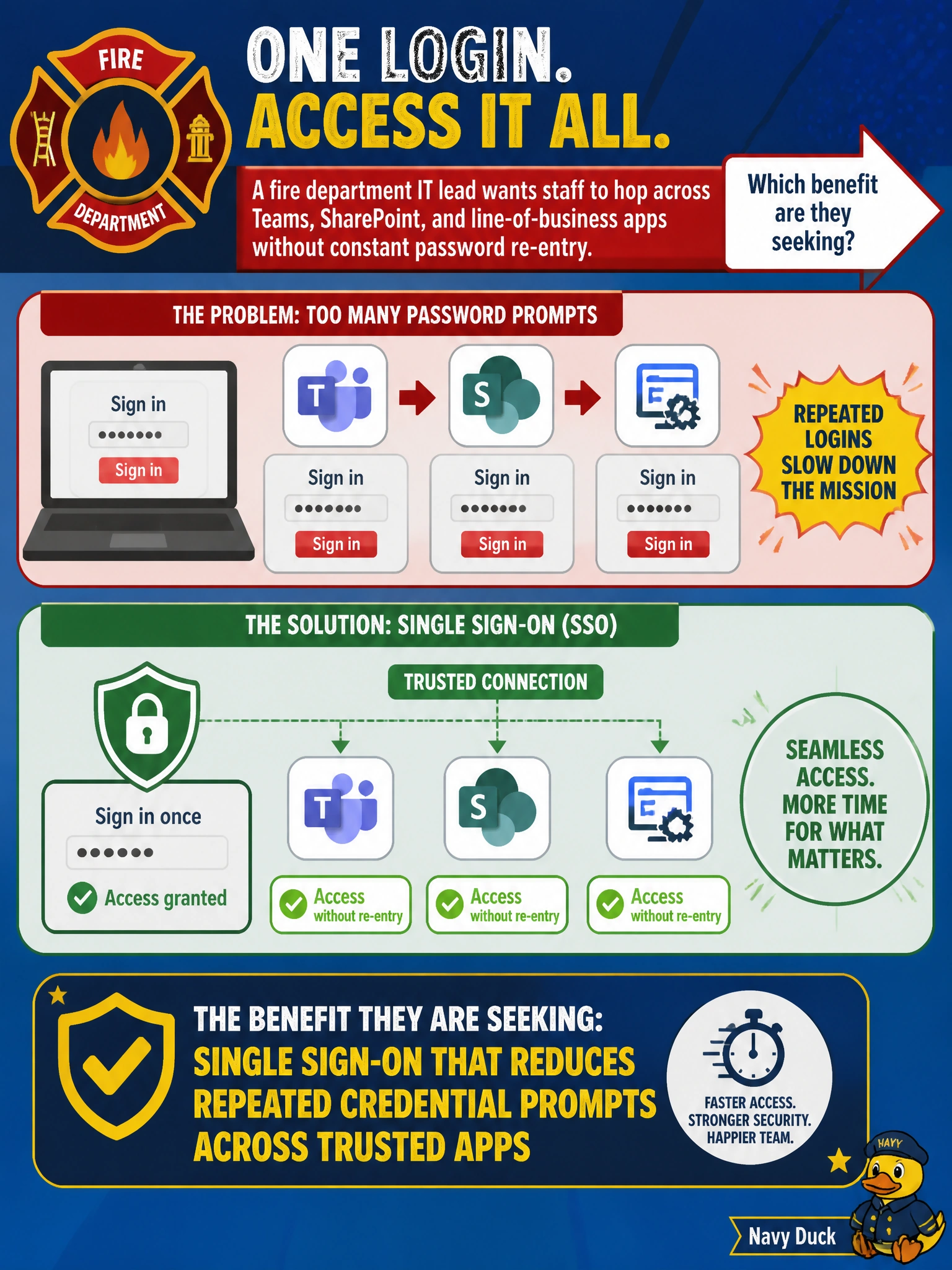
A fire department IT lead wants staff to hop across Teams, SharePoint, and line-of-business apps without constant password re-entry. Which benefit are they seeking?
Select an answer to reveal the explanation.
Short Explanation
Fire crews already juggle enough gear—retyping passwords for every app is dead weight. Single sign-on lets one solid sign-in carry them across Teams, SharePoint, and other trusted apps. You'll find multi-factor authentication that cuts repeated logon prompts, Conditional Access that cuts repeated logon prompts, or password hash synchronization that cuts repeated logon prompts don't deliver that cross-app carry—you'll still hit extra checks or separate sign-ins without SSO.
Full Explanation
Single sign-on (SSO) lets fire-department staff authenticate once and reach Teams, SharePoint, and integrated line-of-business apps without repeatedly entering credentials. That usability and productivity benefit is what the IT lead is seeking: one trusted municipal sign-in carrying access across trusted applications while Entra ID remains the identity plane. SSO reduces friction without removing identity controls.
Multi-factor authentication that cuts repeated logon prompts across trusted apps fails because it strengthens sign-in with extra verification rather than carrying one sign-in across apps, and it can add prompts instead of removing repeated credential prompts across Teams, SharePoint, and line-of-business apps. Conditional Access that cuts repeated logon prompts across trusted apps fails because it evaluates conditions to allow, require MFA, or block access rather than carrying a single sign-in across apps, and it does not itself reduce repeated credential prompts across Teams, SharePoint, and line-of-business apps. Password hash synchronization that cuts repeated logon prompts across trusted apps fails because it syncs on-premises password hashes to Entra ID so the same password works in the cloud rather than carrying one authenticated session across Teams, SharePoint, and line-of-business apps without re-entry, which is the SSO benefit described.
Exam caveat: AB-900 covers SSO purpose and benefits at fundamentals depth, not designing every federation or app-registration detail. SSO assumes integrated, trusted apps under centralized identity—not multi-factor authentication, Conditional Access, or password hash synchronization alone removing repeated prompts. Do not confuse "fewer prompts" with "no identity".
Operational check: Have a firefighter or staff account sign into Microsoft 365, then open Teams, SharePoint, and a configured LOB app without additional password prompts where SSO is configured. Confirm Entra ID remains enabled, multi-factor authentication and Conditional Access alone are not the SSO strategy, and password hash synchronization is not used as a shortcut to eliminate repeated credential prompts across apps.
Prefer to study offline? Printable PDF study book + test engine ($7.50, unofficial). These questions stay free here.