
A planning and zoning office teaches clerks that signing in successfully is not the same as being allowed to change a permit site. Which statement is correct?
Select an answer to reveal the explanation.
Short Explanation
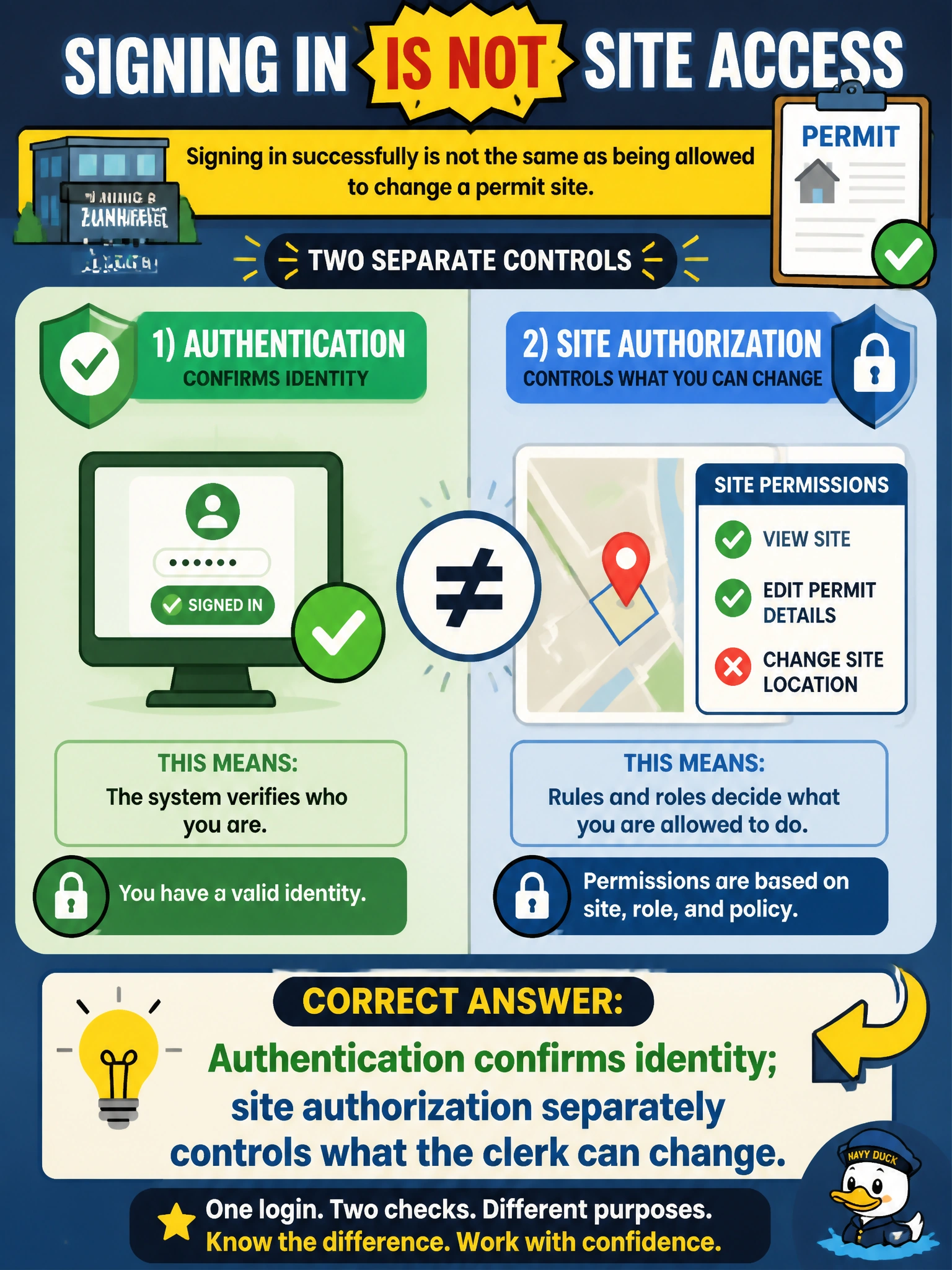
Logging into city email is like getting through the lobby turnstile—you are you. Editing the permit site is a different door with its own lock. Authentication gets clerks in the door; SharePoint authorization decides whether they can rearrange the furniture.
Full Explanation
Authentication confirms the planning and zoning clerk's identity at Microsoft 365 sign-in. Site authorization—SharePoint Owners, Members, Visitors, or finer library permissions—separately controls whether that clerk can change a permit site, upload plan sets, or only read published materials. Teaching that successful sign-in is not automatic edit rights keeps municipal permitting least-privilege intact: identity proof opens the door; site roles decide whether plan sets can be modified.
Claiming authorization confirms identity while site authentication controls what the clerk can change fails by concept because it swaps the two: authentication proves who the clerk is at sign-in, and site authorization decides whether that identity can edit the permit site. Claiming that completing multifactor sign-in confirms identity while site permission levels separately record sign-in activity fails because, although multifactor sign-in does confirm identity, SharePoint permission levels do not record sign-in activity; they determine whether the clerk can edit plan sets. Claiming that single sign-on confirms identity while site membership separately verifies the clerk sign-in identity fails because, although single sign-on does confirm identity, site membership does not verify sign-in identity; membership and permission roles authorize create or edit actions on the permit site.
Exam caveat: Fundamentals items emphasize purpose and distinction, not designing complex permission inheritance or configuring every single sign-on condition. Do not confuse "allowed to sign in under single sign-on" with "Member with edit rights on the permit site." Municipal planning offices still need both identity conditions and correct SharePoint authorization.
Operational check: Authenticate as a clerk with no permit-site membership and confirm the site is inaccessible or read-only as designed. Add the clerk to Members (or a group with edit rights), retest plan-set upload, then remove membership and confirm edit ability disappears while sign-in still works. Validate single sign-on if used for sign-in convenience without using it as a substitute for site roles.
Prefer to study offline? Printable PDF study book + test engine ($7.50, unofficial). These questions stay free here.