
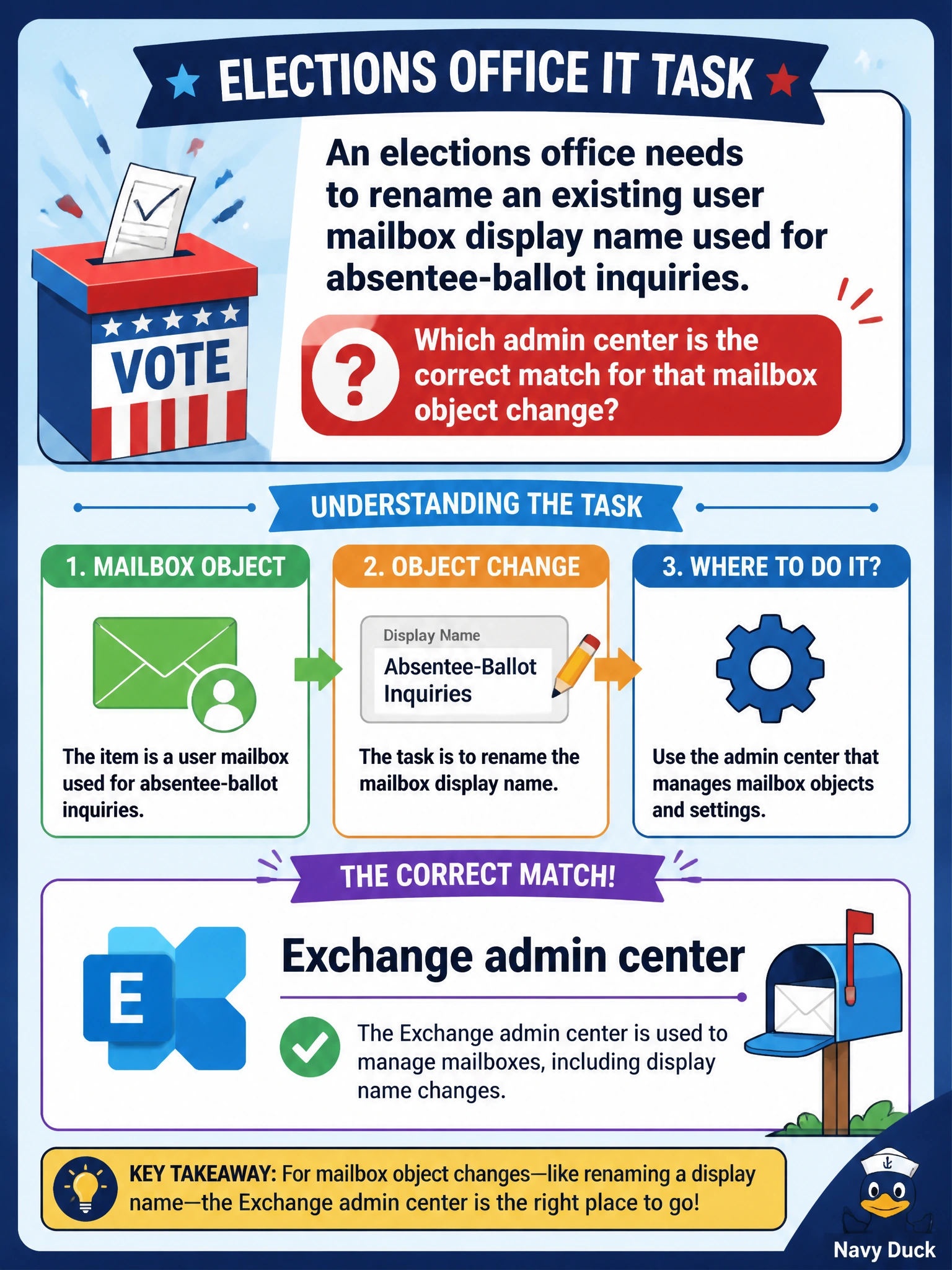
An elections office needs to rename an existing user mailbox display name used for absentee-ballot inquiries. Which admin center is the correct match for that mailbox object change?
Select an answer to reveal the explanation.
Short Explanation
Renaming a mailbox is an Exchange recipient edit — same neighborhood as shared and room mailboxes. SharePoint, Teams admin center, and Purview admin center each have their own jobs and won't be the primary desk for that rename.
Full Explanation
An elections office renaming an existing user mailbox display name for absentee-ballot inquiries is changing an Exchange Online recipient property. The correct admin center for that mailbox object change is the Exchange admin center, where user and other mailbox display names, aliases, and related recipient attributes are managed for municipal mail identities that citizens see in the address book and in From fields.
SharePoint admin center fails by concept: it governs sites and content, not mailbox display names. Teams admin center fails because it manages Teams service-wide settings and policies, not Exchange mailbox recipient properties. Purview admin center fails because it configures compliance boundaries and workloads rather than mailbox recipient properties; it does not perform mailbox rename operations for elections inquiry addresses.
Exam caveat: Mailbox property edits map to Exchange even when the mailbox supports a business process like elections. Purview admin center and Teams admin center are frequent ‘security/compliance sounding’ distractors.
Operational check: in Exchange admin center, update the display name on the absentee-ballot inquiry mailbox, confirm the primary SMTP address remains correct on the verified domain, allow directory replication/address book updates to propagate, and verify Outlook/clients show the new display name before announcing the change to elections call-center staff.
Prefer to study offline? Printable PDF study book + test engine ($7.50, unofficial). These questions stay free here.