
A public works department reviews Microsoft 365 admin center organization settings that affect how themes and apps behave on shared kiosk PCs. What should administrators understand about these org settings?
Select an answer to reveal the explanation.
Short Explanation
Org settings are the building-wide thermostat for the tenant—flip them in Microsoft 365 admin center and you'll feel it across plenty of apps, including quirky kiosk setups. They won't apply Windows lock backgrounds for your kiosks, they don't deploy Win32 line-of-business apps to kiosk PCs, and they can't manage Teams meeting lobbies for dispatch calls.
Full Explanation
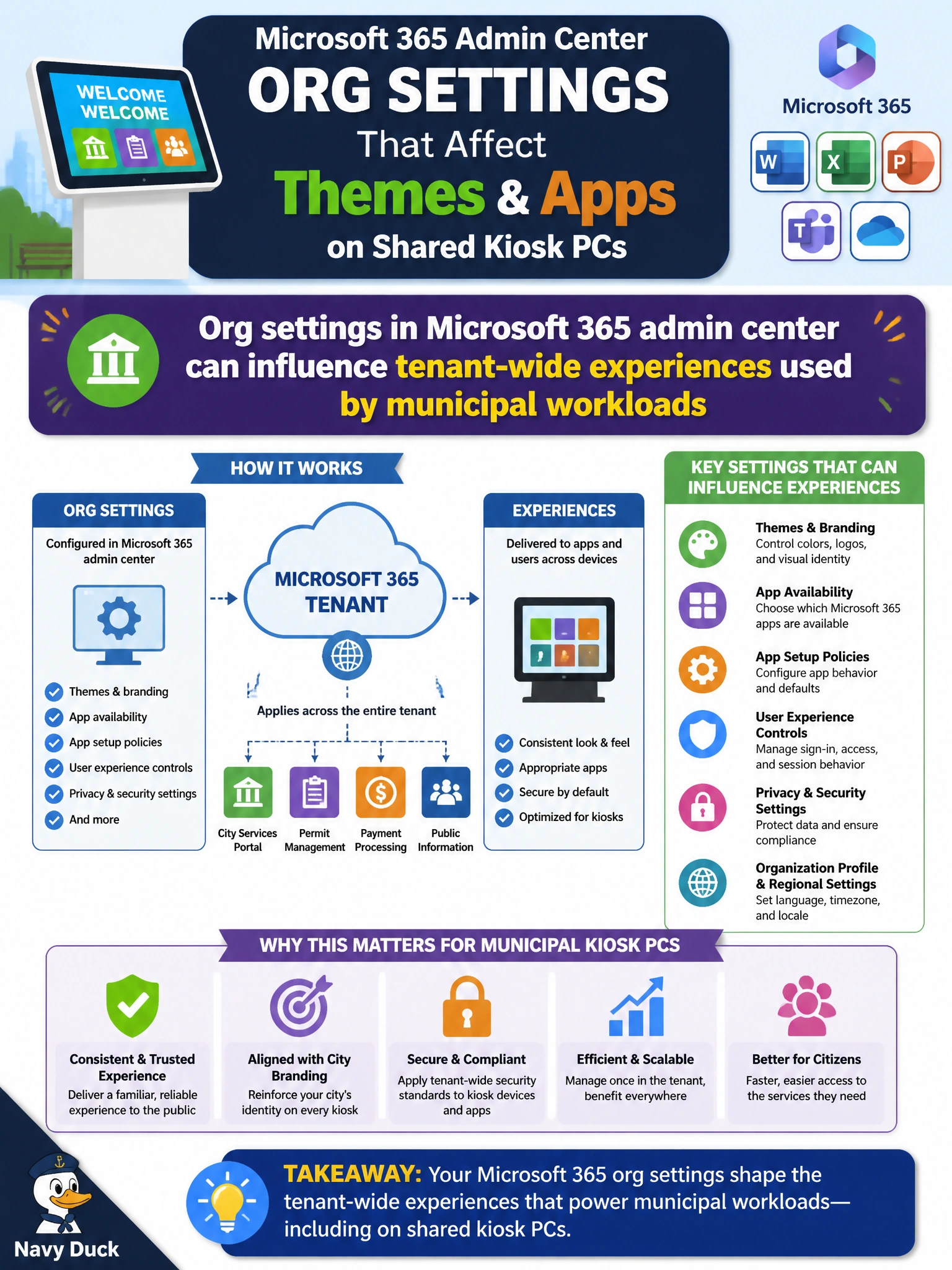
Public works administrators reviewing Microsoft 365 admin center organization settings that affect themes and apps on shared kiosk PCs should understand that those org settings can influence tenant-wide experiences used by municipal workloads. Organization settings are cloud tenant controls—not a single Team policy—and changes can shape how clients present themes, apps, and related experiences across devices that clerks and residents use in city facilities.
‘Org theme settings in Microsoft 365 admin center can apply Windows lock backgrounds for municipal kiosks’ fails by concept: organization settings influence tenant-wide experiences and cloud services, not device-specific lock screen backgrounds. ‘Org app settings in Microsoft 365 admin center can deploy Win32 line-of-business apps to kiosk PCs’ fails because org settings shape tenant-wide experiences and app availability; they do not directly deploy Win32 apps to individual kiosk PCs. ‘Org settings in Microsoft 365 admin center can manage Teams meeting lobbies for municipal dispatch calls’ fails because Teams meeting lobby behavior is managed by Teams meeting policies in the Teams admin center, not by organization settings in the Microsoft 365 admin center.
Exam caveat: Know which settings are tenant-wide (Microsoft 365 admin center) versus workload-specific (Teams, Exchange, SharePoint admin centers). Kiosk experience questions still map to org settings when the stem says so.
Operational check: document current org settings before change, adjust theme/app related organization settings in a controlled window, validate behavior on a representative kiosk PC used by public works, confirm SharePoint sites and line-of-business apps still function, and communicate changes to service desk staff who support lobby and counter devices.
Prefer to study offline? Printable PDF study book + test engine ($7.50, unofficial). These questions stay free here.