
City council support staff want a Microsoft 365 group to back a cross-department green-team collaboration workspace. What is the main advantage of choosing a group object for access scoping?
Select an answer to reveal the explanation.
Short Explanation
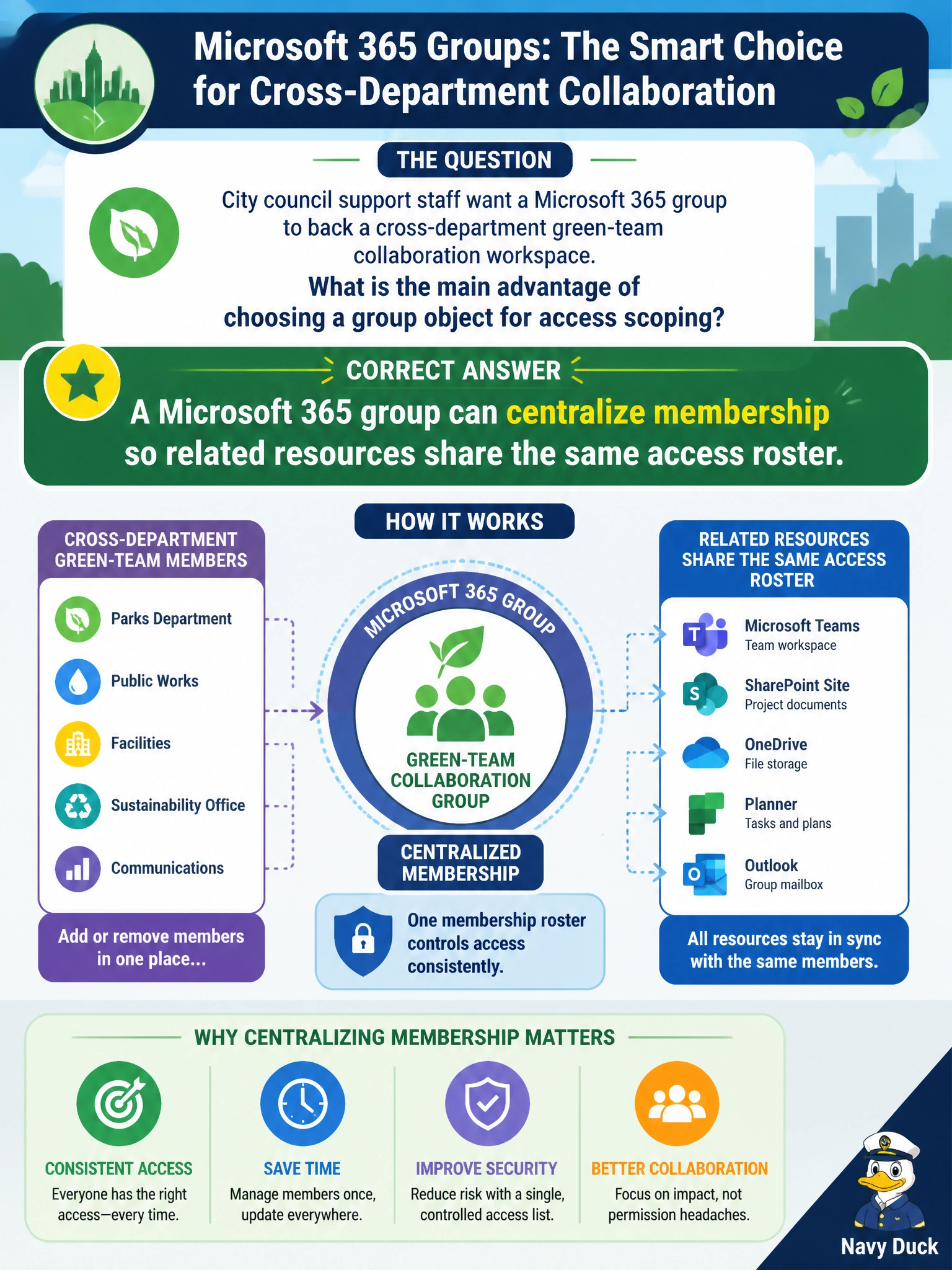
A Microsoft 365 group gives you one membership clipboard for the green team — mail, site, and related resources can lean on the same roster. It doesn't isolate you with a separate roster per resource, it doesn't authenticate you at sign-in, and it won't elevate you to temporary admin rights.
Full Explanation
City council support staff backing a cross-department green-team workspace with a Microsoft 365 group gain a centralized membership object so related resources—commonly a group mailbox, SharePoint site, and connected collaboration surfaces—can share the same access roster. That single membership clipboard simplifies onboarding departments to the green team without maintaining disconnected permission lists for every associated resource. Isolating permissions so each connected resource keeps a separate access roster fails as the access-scoping answer: that describes the opposite of the group advantage, which is the centralized membership roster that lets related resources share the same access list. Authenticating users so related resources verify identity during shared access fails because authentication is handled by Microsoft Entra ID and authentication policies, not by the group object itself. Elevating privileges so members gain temporary admin rights across resources fails because just-in-time admin elevation is handled by Privileged Identity Management and admin roles, not by a Microsoft 365 group access-scoping capability. Exam caveat: Microsoft 365 groups centralize membership across connected workloads; they do not isolate permissions into separate rosters, they do not authenticate user identity, and they do not elevate members to temporary admin rights. Watch for answers that describe side features instead of the access-scoping advantage. Operational check: create the green-team Microsoft 365 group, confirm the associated SharePoint site and mailbox, add members from each department, verify those members reach group resources without separate one-off site ACLs for every person, and assign owners who can approve membership changes as departments join or leave the initiative.
Prefer to study offline? Printable PDF study book + test engine ($7.50, unofficial). These questions stay free here.