
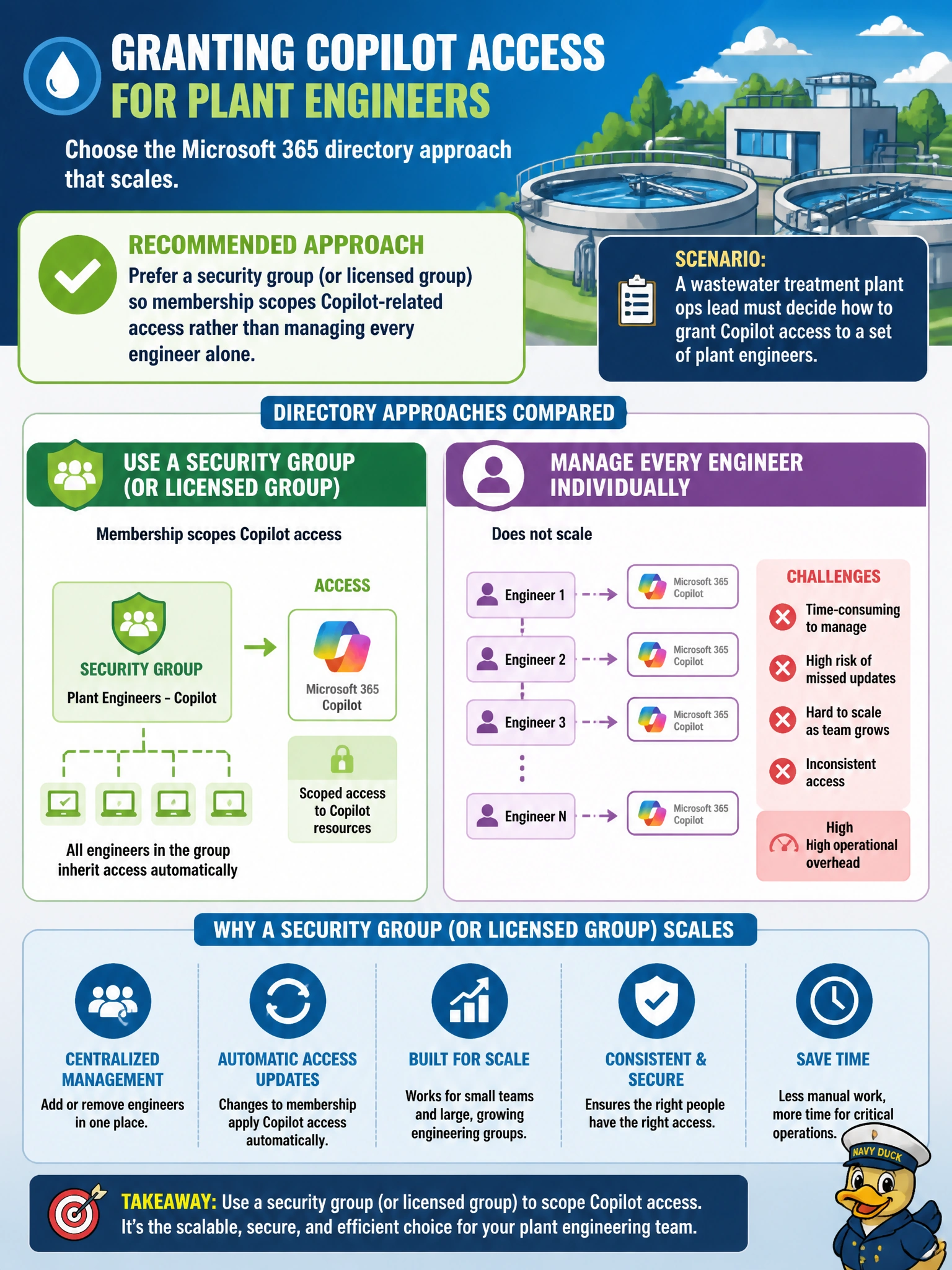
A wastewater treatment plant ops lead must decide how to grant Copilot access to a set of plant engineers. Which Microsoft 365 directory approach best scales for scoping access?
Select an answer to reveal the explanation.
Short Explanation
Groups are the crew roster: put engineers in the group, and Copilot-related access can follow the roster instead of twenty one-off tweaks. Administrative units scope admin delegation, device groups scope devices, and mail-enabled distribution groups handle email, so you won't get Copilot access for your team from them.
Full Explanation
A wastewater treatment plant that must grant Copilot-related access to plant engineers should prefer a security group (or a group used for licensing) so membership scopes access rather than managing every engineer alone. Microsoft Entra ID users and groups are the directory primitives for scalable assignment of licenses and permissions. Engineers join or leave the group as staffing changes; Copilot entitlement and related access follow membership instead of dozens of one-off edits.
Preferring an administrative unit (or restricted unit) so delegated administration scopes Copilot-related access fails because administrative units scope delegated administrative roles, not user license assignment or Copilot entitlement. Preferring a dynamic device group (or filter) so device membership scopes Copilot-related access fails because device groups scope devices, not user-based Copilot licensing. Preferring a mail-enabled security group (or distribution group) so membership scopes Copilot-related access fails because those groups govern email distribution, not license or directory-based Copilot entitlement.
Exam caveat: Access scoping questions point to groups and licenses, not administrative units, dynamic device groups, or mail-enabled distribution groups. If an option substitutes delegated administration, device membership, or email distribution for a scoped directory group, discard it.
Operational check: create a plant-engineers security group (or licensed Microsoft 365 group), assign the Copilot-capable license or related access to that group, add a pilot engineer, confirm Copilot availability, add remaining engineers through membership, and remove departing staff from the group as part of the offboarding checklist so licenses return to the pool.
Prefer to study offline? Printable PDF study book + test engine ($7.50, unofficial). These questions stay free here.