
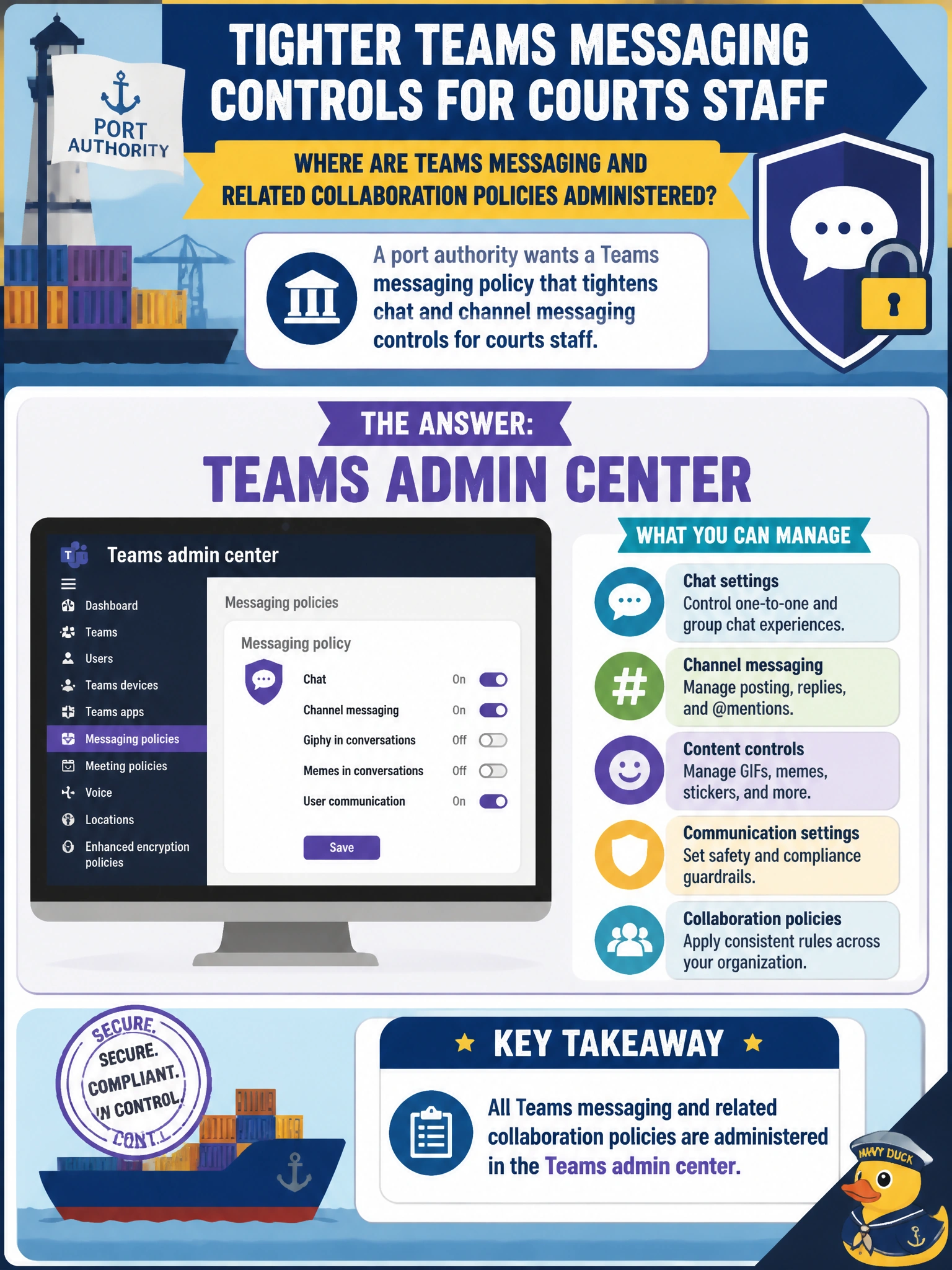
A port authority wants a Teams messaging policy that tightens chat and channel messaging controls for courts staff. Where are Teams messaging and related collaboration policies administered?
Select an answer to reveal the explanation.
Short Explanation
Messaging policies are the house rules for chats and channel messages — set them in Teams admin center. Intune, Exchange, and Entra admin centers aren't where you tighten courts-staff messaging.
Full Explanation
A port authority tightening chat and channel messaging for courts staff does so with a Teams messaging policy, and those messaging and related collaboration policies are administered in the Teams admin center. Messaging policies can restrict features such as chat types, owner controls, and other messaging behaviors, then be assigned to users who handle sensitive court-related collaboration in a municipal tenant.
Intune admin center fails by concept: Intune manages device enrollment, compliance, and endpoint configuration; it does not set Teams messaging policy. Exchange admin center fails because it governs mailbox and messaging infrastructure for Exchange, not Teams chat and channel messaging policy. Entra admin center fails because it manages identities, users, and groups rather than Teams messaging policy controls.
Exam caveat: Policy type must match admin center. Messaging policy → Teams admin center. Do not relocate Teams policies into Intune, Exchange, or Entra admin centers just because those portals also exist in Microsoft 365.
Operational check: create or edit a messaging policy in Teams admin center with the tightened settings required for courts staff, assign it to a pilot security group, sign in as a pilot user, confirm restricted messaging behaviors, then expand assignment to the full courts cohort and monitor support tickets for unexpected blocks on legitimate operational chat.
Prefer to study offline? Printable PDF study book + test engine ($7.50, unofficial). These questions stay free here.