
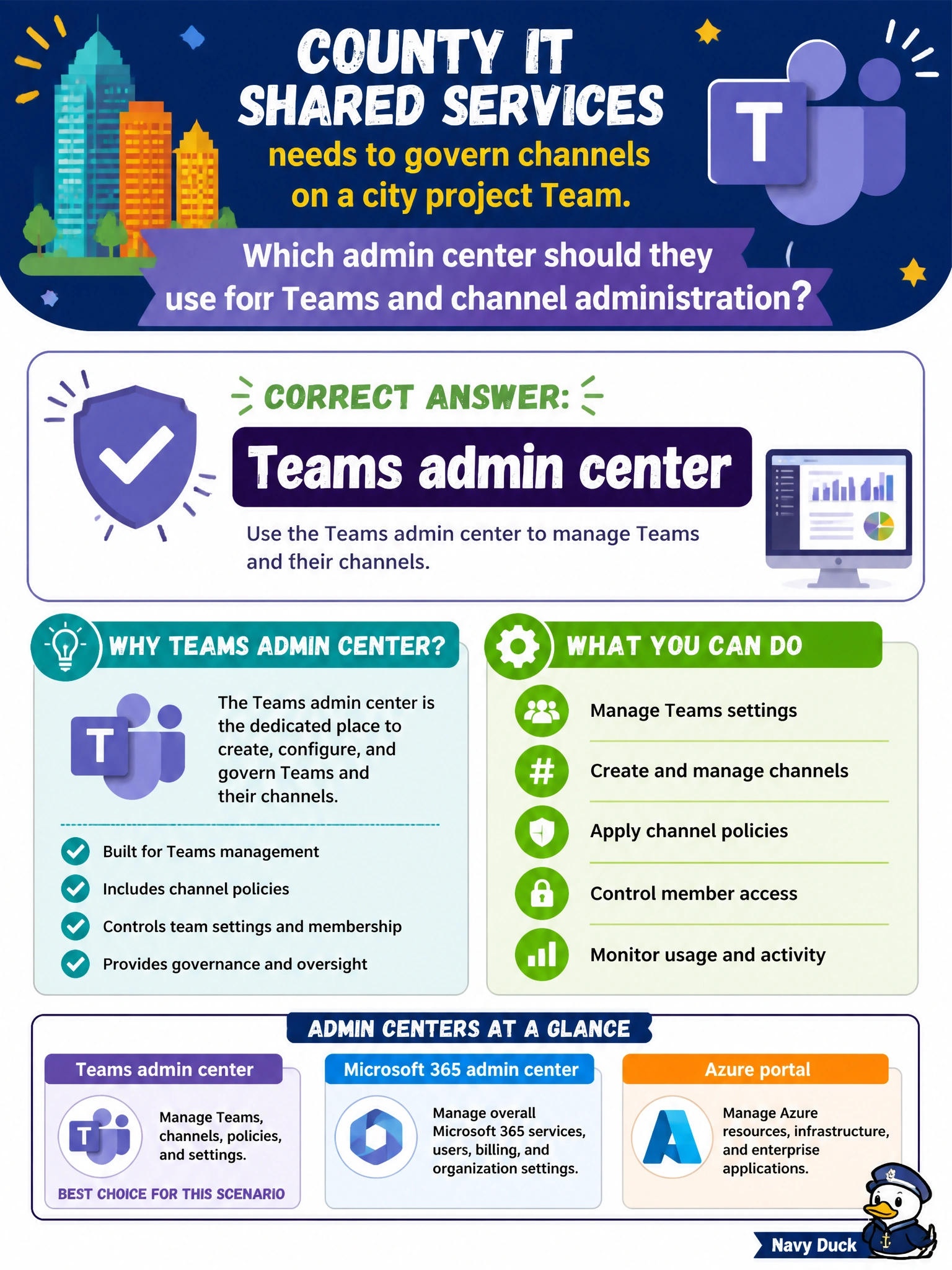
County IT shared services needs to govern channels on a city project Team. Which admin center should they use for Teams and channel administration?
Select an answer to reveal the explanation.
Short Explanation
Channel governance rides with the Teams service, so Teams admin center is the desk to visit. You won't use Exchange, Purview, or Entra admin centers for Teams channel settings.
Full Explanation
County IT shared services governing channels on a city project Team should use the Teams admin center for Teams and channel administration. Channel structure, team settings, and Teams service policies are managed there so shared-services admins can apply consistent controls across municipal project collaboration spaces without confusing Teams governance with Exchange mail flow, Purview compliance, or Entra identity configuration.
Exchange admin center fails by concept: Exchange admin center manages mail flow and message transport; it does not administer Teams channels. Purview admin center fails because Purview manages compliance, data governance, and insider risk; it is not the Teams channel governance tool. Entra admin center fails because Entra manages identities and directory objects; it is not the primary control plane for Teams channel administration.
Exam caveat: When the stem says Teams and channels, pick Teams admin center even if SharePoint stores files for the Team. File storage location does not move channel administration into Entra identity tools or Exchange transport.
Operational check: open Teams admin center, locate the city project Team, review channel list and team settings, apply or confirm messaging/meeting policies for project members, validate that unauthorized users cannot create unrestricted private channels if policy forbids it, and document channel owners responsible for project communication hygiene.
Prefer to study offline? Printable PDF study book + test engine ($7.50, unofficial). These questions stay free here.