
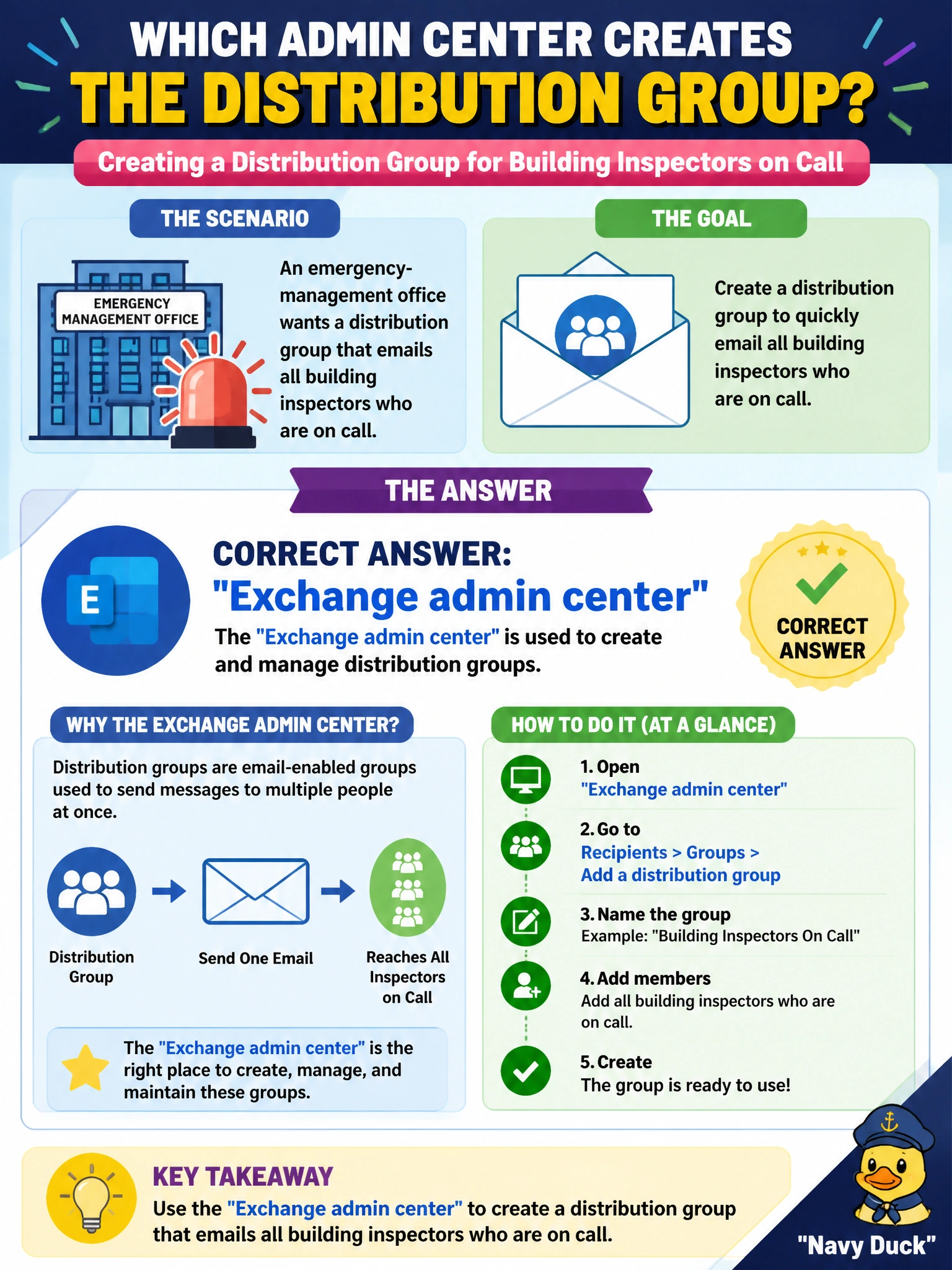
An emergency-management office wants a distribution group that emails all building inspectors who are on call. Which admin center is used to create that distribution group object?
Select an answer to reveal the explanation.
Short Explanation
A distribution group is basically a radio net for email — one address fans out to every on-call inspector. You create that object in Exchange admin center. SharePoint admin center handles sites and sharing, OneDrive admin center handles storage and sync, and Intune admin center handles devices and compliance, so you won't find the distribution group object there.
Full Explanation
An emergency-management distribution group that emails all on-call building inspectors is a classic Exchange mail-enabled distribution group: one address expands to many recipients for announcements and callouts. That distribution group object is created and managed in the Exchange admin center (or equivalent Exchange PowerShell), which is the control plane for distribution lists used primarily for email fan-out in municipal operations.
SharePoint admin center fails by concept because it manages SharePoint sites, sharing and storage settings, not the mail-enabled distribution group object used for one-address email fan-out. OneDrive admin center fails because it focuses on user storage, sync and file sharing settings rather than the creation of Exchange distribution groups for inspector callouts. Intune admin center fails because device enrollment, compliance policies and app management govern endpoints; they are not the home for classic Exchange distribution groups used for email blasts to on-call staff.
Exam caveat: Distinguish Microsoft 365 groups (which bring collaboration workloads) from classic distribution groups when the stem emphasizes emailing a list. For AB-900 ‘where do you create this object’ items, distribution group → Exchange admin center is the expected mapping.
Operational check: create the on-call inspectors distribution group in Exchange admin center, add the correct inspector mailboxes or nested groups, send a test message from emergency management, confirm all intended members receive it, and document owners who can update membership when the on-call roster rotates so the radio-net equivalent stays accurate.
Prefer to study offline? Printable PDF study book + test engine ($7.50, unofficial). These questions stay free here.