
A water utility needs bookable room mailboxes for city hearing rooms so staff can reserve space from Outlook. Where should those room mailbox objects be created?
Select an answer to reveal the explanation.
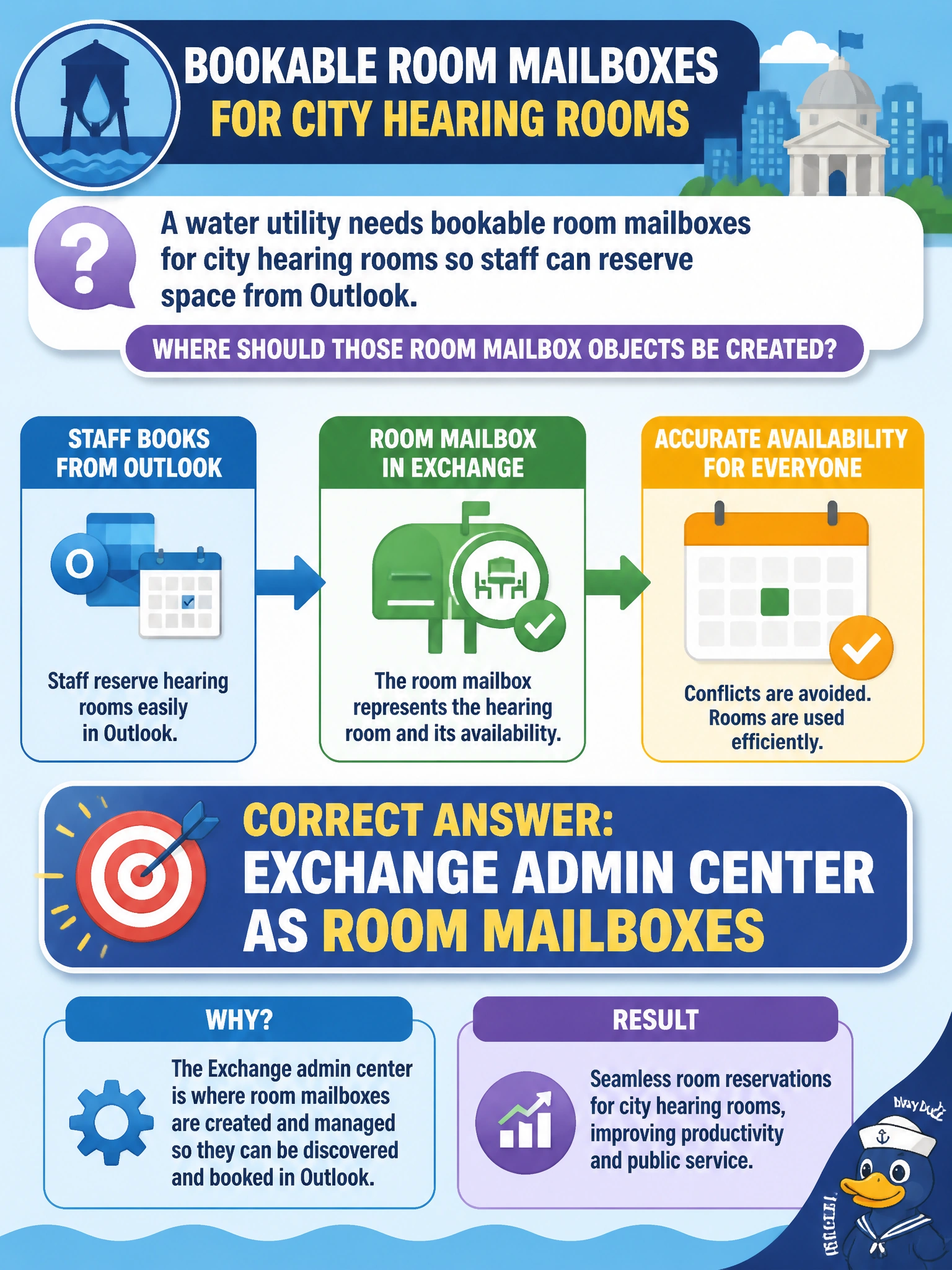
Short Explanation
Hearing rooms that show up on the calendar are room mailboxes — Exchange's way of treating a conference room like a resource you can book. You'll create them in Exchange admin center as room mailboxes, since user mailboxes are for people and can't handle the room booking policies you'll need. You've got to skip M365 shared mailboxes for group email and Teams resource accounts for calling because you can't reserve them like rooms from Outlook.
Full Explanation
City hearing rooms that staff reserve from Outlook are modeled as Exchange room mailboxes—resource mailboxes that represent physical spaces and expose free/busy for booking. Those room mailbox objects are created in the Exchange admin center so calendar clients can treat the hearing room like a bookable resource with scheduling policies (auto-accept, capacity, and related settings) appropriate to municipal meetings.
M365 admin center as shared mailboxes fails because shared mailboxes are meant for email collaboration by a group, not for reserving physical spaces with booking policies and free/busy availability. Exchange admin center as user mailboxes fails because user mailboxes represent individual people with personal email and calendars, not physical spaces with room booking policies and free/busy availability for Outlook reservation. Teams admin center as resource accounts fails because resource accounts support Teams calling workflows like auto attendants and call queues, not Exchange room mailboxes that staff reserve directly from Outlook.
Exam caveat: AB-900 expects clear mapping among resource mailbox types (rooms/equipment), shared mailboxes, and non-mail objects. When the stem mentions Outlook reservation of physical space, choose Exchange room mailboxes—not user mailboxes, shared mailboxes, or Teams resource accounts.
Operational check: create each hearing room mailbox in Exchange admin center with accurate display name and capacity, place rooms in the appropriate room list if used, set booking options (who can book, auto-accept), and validate from Outlook that a water-utility scheduler can find the room, see free/busy, and complete a test reservation that appears on the room calendar.
Prefer to study offline? Printable PDF study book + test engine ($7.50, unofficial). These questions stay free here.