
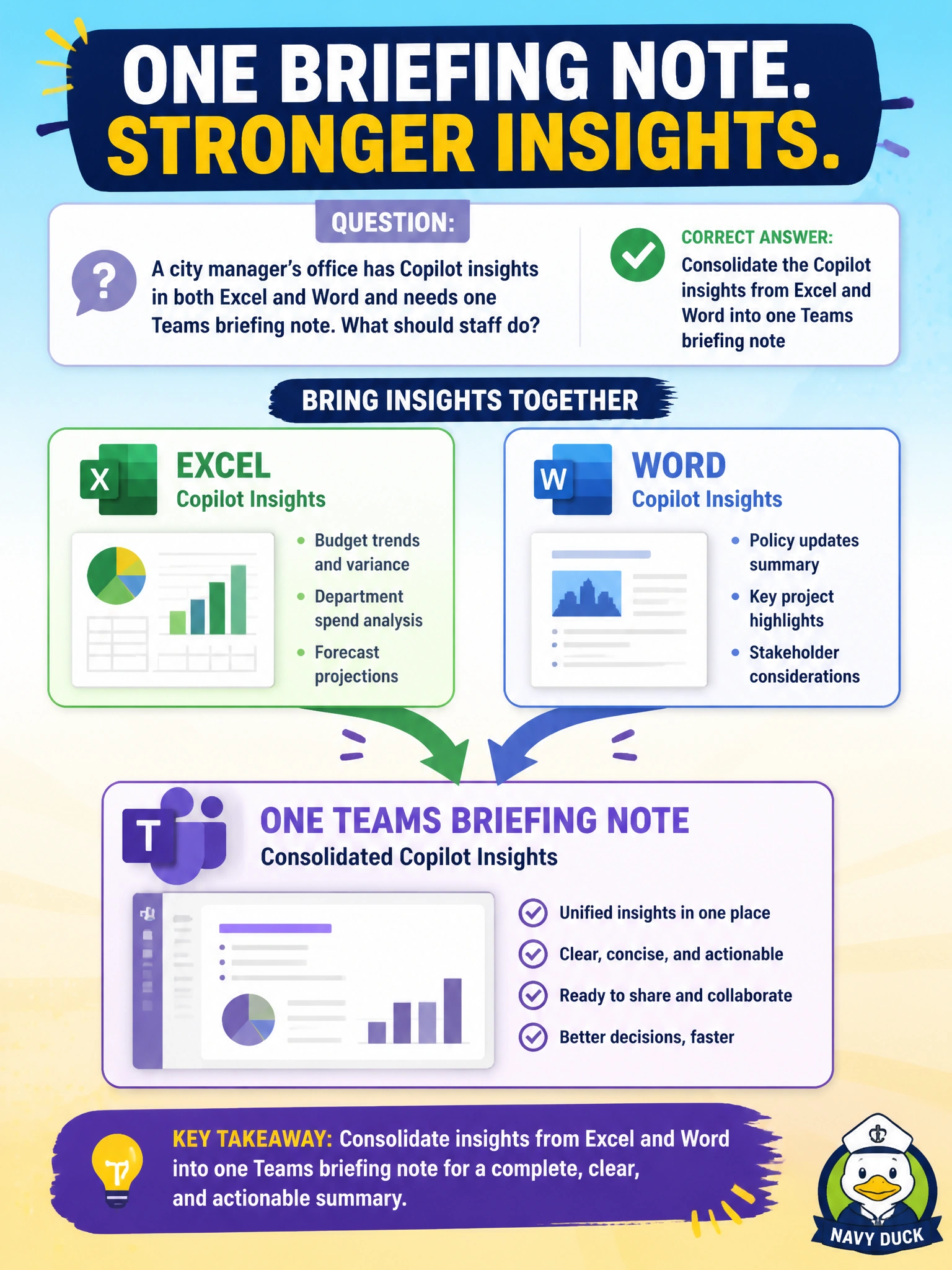
A city manager’s office has Copilot insights in both Excel and Word and needs one Teams briefing note. What should staff do?
Select an answer to reveal the explanation.
Short Explanation
Bits in Excel, bits in Word—fold those Copilot insights together into one Teams briefing note. One place for leadership to read.
Full Explanation
Leadership briefings work best as one place to read. When Copilot insights exist in both Excel and Word, staff should consolidate them into one Teams briefing note so the city manager sees quantitative and narrative points together without hunting across files. Consolidation across apps is the skill under test in this municipal scenario and prevents partial briefings that omit either numbers or context from department updates before a decision meeting.
Posting sealed attorney-client drafts from Word into a citywide public Teams team fails privilege and confidentiality. Asking Copilot to discard Excel insights and brief only on unverified rumors abandons evidence. Keeping Excel and Word insights siloed and never combining them for leadership fails the consolidation the stem requires.
Exam caveat: consolidate Excel and Word Copilot insights into one Teams briefing note. Reject privilege leaks, rumor-only briefs, and permanent silos that force leaders to reassemble the story themselves.
Operational check: merge validated Excel metrics and Word narrative into a single Teams note, exclude attorney-client sections, label sources clearly, have the manager’s aide verify figures, and restrict the Teams channel to the leadership audience.