
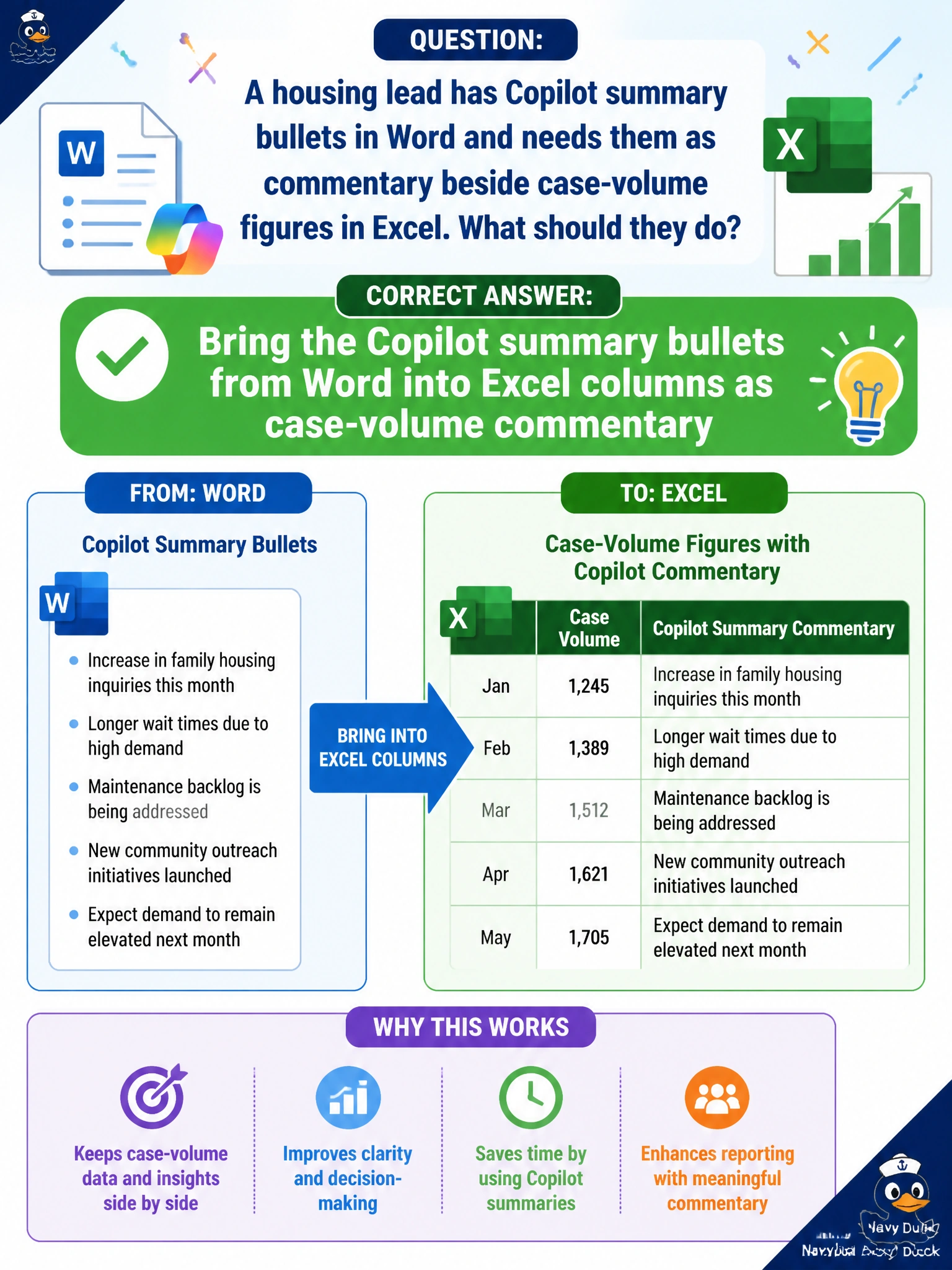
A housing lead has Copilot summary bullets in Word and needs them as commentary beside case-volume figures in Excel. What should they do?
Select an answer to reveal the explanation.
Short Explanation
Bullets in Word, volumes in Excel—bring those Copilot summary lines over as commentary next to the counts. Annotate the sheet; don’t overwrite the numbers.
Full Explanation
Housing analytics often pair case-volume figures in Excel with narrative commentary drafted as Copilot summary bullets in Word. Bringing those bullets into Excel columns as case-volume commentary annotates the sheet without overwriting counts or pasting full resident narratives with Social Security numbers. Directors then see volume and meaning in one workbook view when they prioritize staffing or wait-list actions for municipal housing programs.
Refusing to place any Word commentary near the Excel figures blocks the required combined view for leadership. Overwriting case-volume figures with fabricated counts from the Word bullets corrupts the quantitative record. Pasting full resident case narratives with Social Security numbers into Excel cells fails privacy and creates an unsafe spreadsheet.
Exam caveat: bring Word Copilot summary bullets into Excel as commentary beside volumes. Do not refuse the transfer, overwrite figures, or paste SSN-laden narratives.
Operational check: add a commentary column populated from the Word bullets, lock or protect the volume columns, scrub identifiers, have the housing lead reconcile commentary to the counts, and store the workbook under role-based access.