
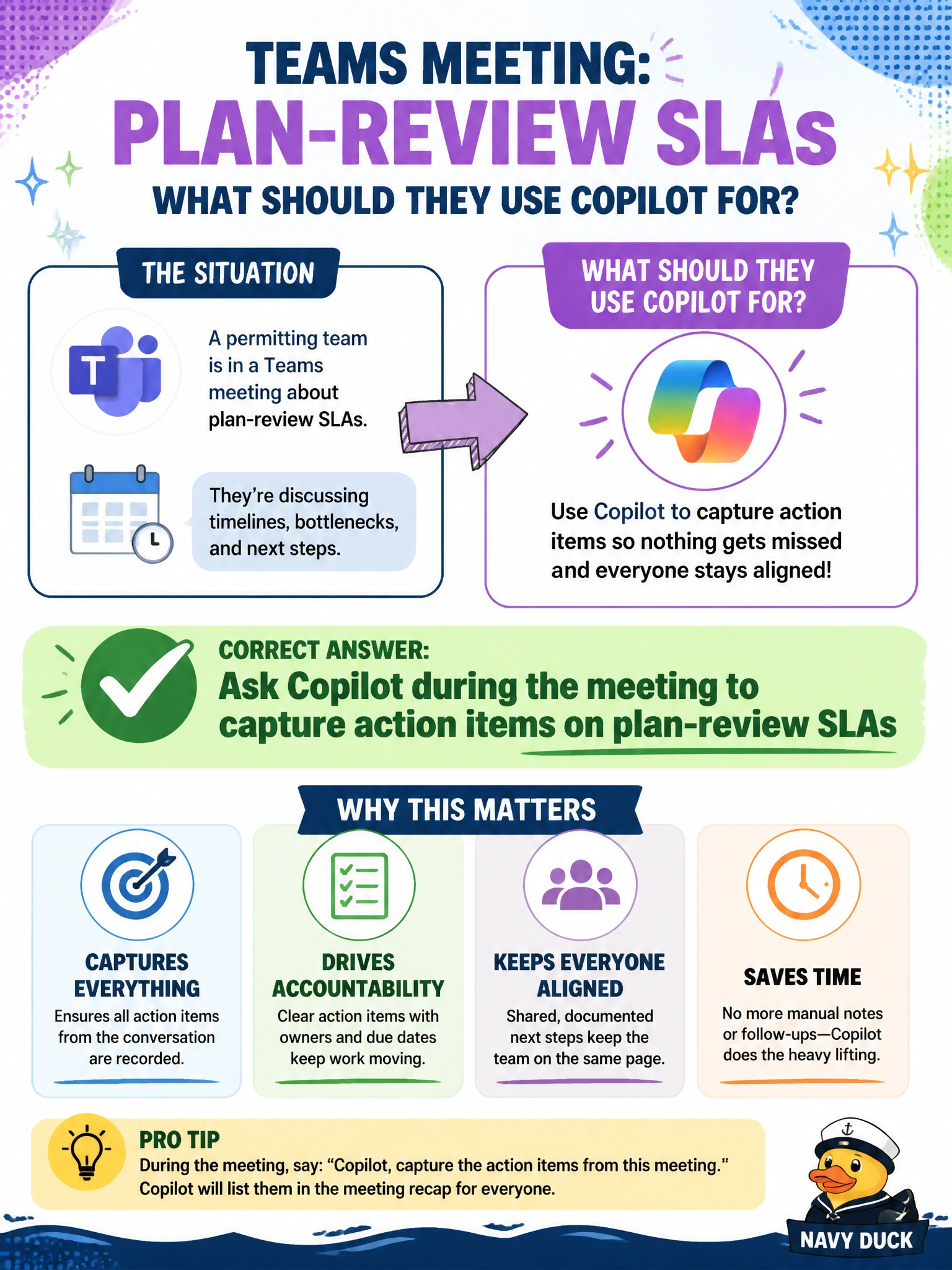
A permitting team is in a Teams meeting about plan-review SLAs and wants Copilot to catch action items. What should they use Copilot for?
Select an answer to reveal the explanation.
Short Explanation
When SLA discussion moves quickly in Teams, you can ask Copilot during the meeting to capture action items on plan-review SLAs. That gives you a useful to-do list without pretending breaches are closed.
Full Explanation
During a Teams meeting about plan-review SLAs, asking Copilot to capture action items while the discussion is live helps turn decisions and follow-ups into a backlog the team can act on after the meeting. This directly addresses the permitting team’s need to catch action items. Muting transcription and refusing any Copilot capture of meeting action items prevents the team from using Copilot for that stated purpose. Asking Copilot to mark every SLA breach as already closed without discussion would falsify performance status rather than document a decision. Publishing applicants’ full financial statements from the meeting chat to the public web would expose confidential permitting information. Exam caveat: use Copilot to capture SLA action items, not to create unsupported closure records or disclose applicant financial information. Practical check: enable meeting capture for action items, review the captured list before adjournment, assign owners and due dates, keep financial attachments out of public channels, and move the confirmed action list into the permitting tracker.