
A parks marketer has Copilot talking points in Word and needs a PowerPoint deck for the board. Which workflow fits?
Select an answer to reveal the explanation.
Short Explanation
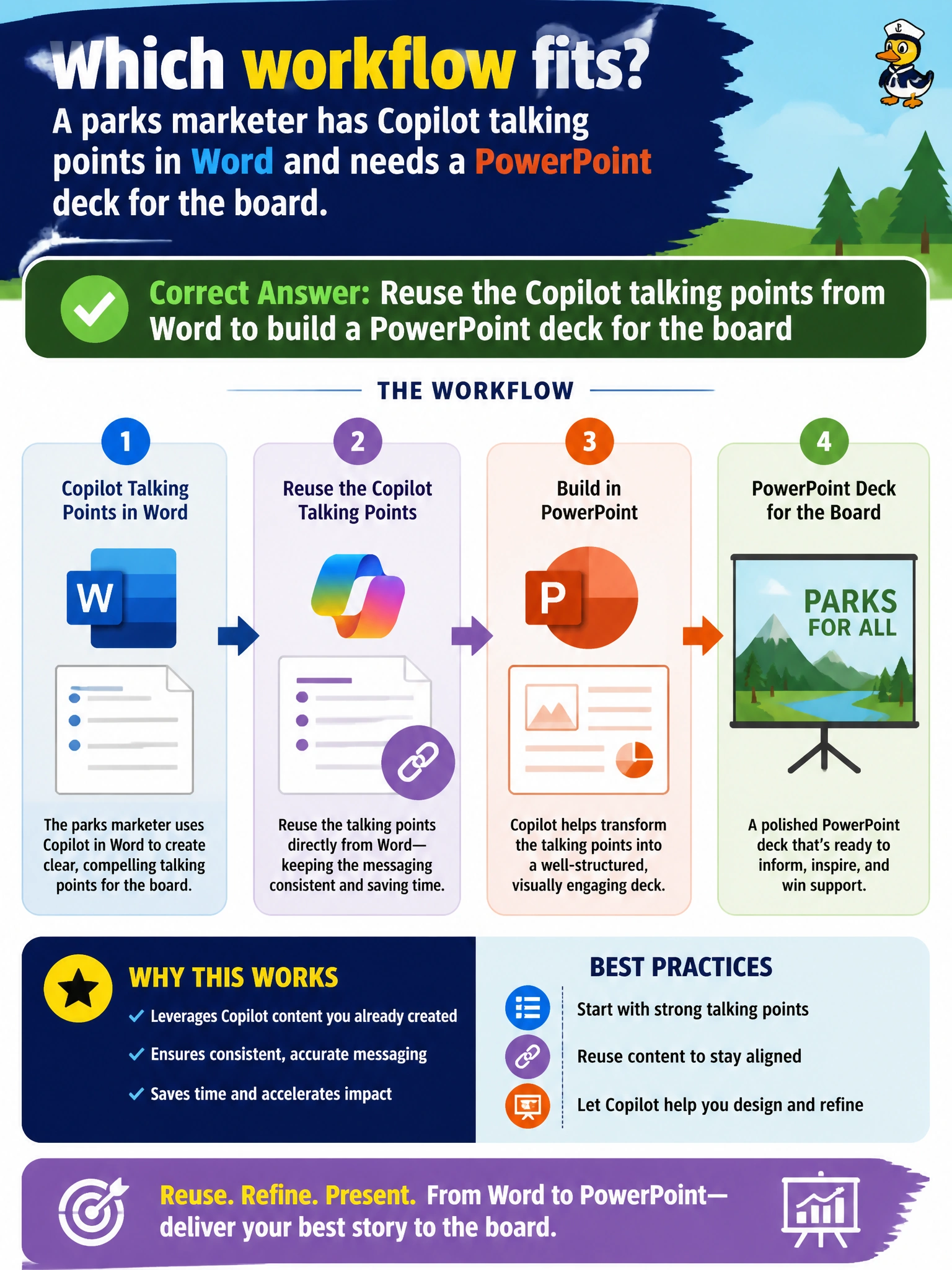
Talking points in Word, board deck in PowerPoint—reuse those Copilot points across apps into slides. Same message, better stage.
Full Explanation
Parks board presentations usually start as Word talking points and must become a PowerPoint deck for the meeting room. Reusing Copilot talking points from Word to build that PowerPoint keeps messaging consistent across Microsoft 365 apps and stages. The municipal marketer’s job is a format shift for the board—not printing-only bans, not injecting donor SSNs into footers, and not swapping in unrelated sewer-rate content that would confuse the agenda.
Printing the Word file only and banning reuse in slides rejects the cross-app workflow the scenario requires. Pasting confidential donor Social Security numbers into every slide footer fails privacy and has no presentation purpose. Asking Copilot to replace the talking points with unrelated sewer-rate slides breaks topical continuity for the parks board.
Exam caveat: reuse Word Copilot talking points into PowerPoint for the board. Reject print-only bans, donor SSN footers, and off-topic slide replacement.
Operational check: generate slides from the approved Word talking points, strip any donor identifiers, align slide titles to board agenda items, have the parks liaison review, then present from the official deck stored in the board Teams or SharePoint space.