
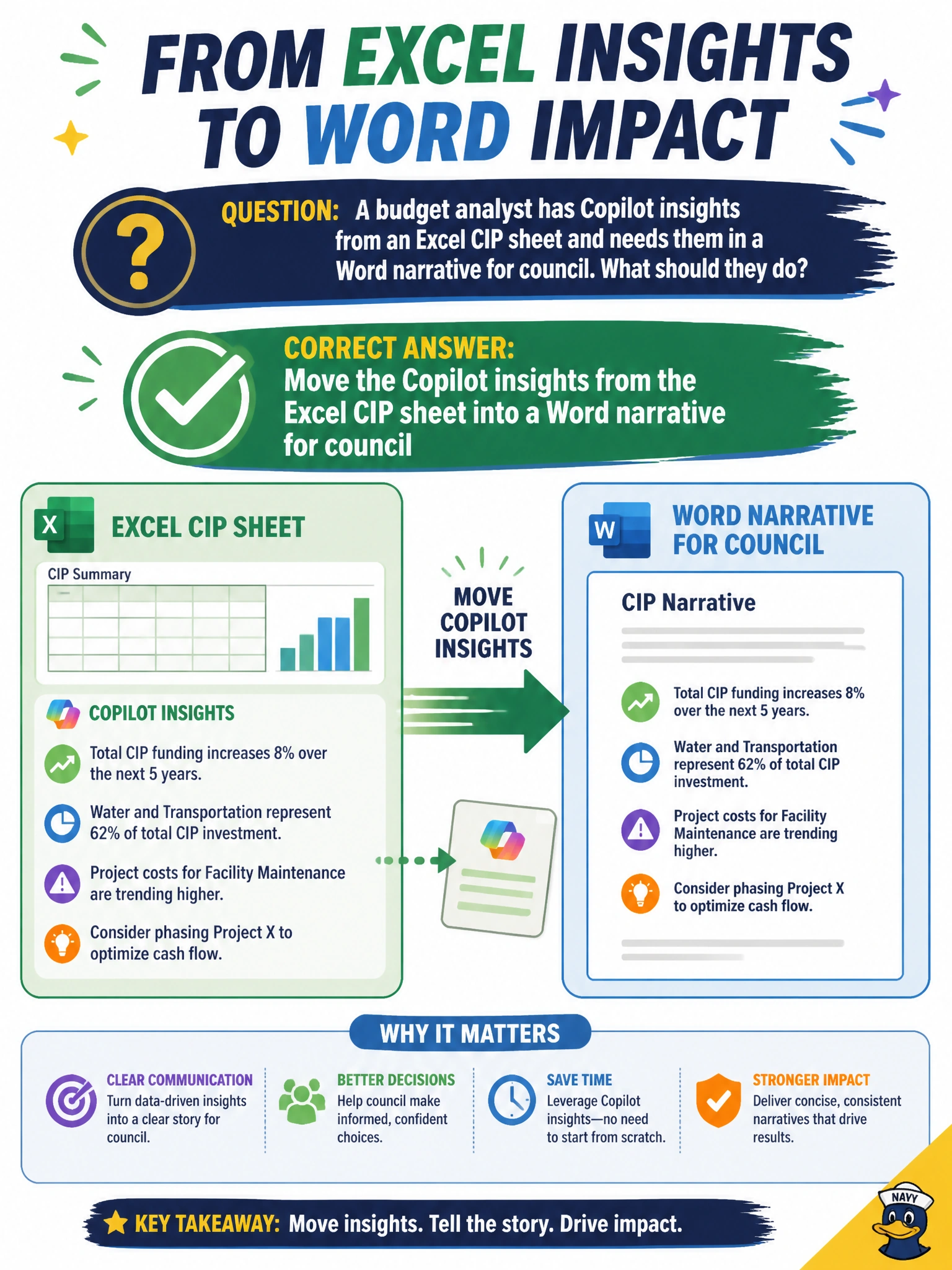
A budget analyst has Copilot insights from an Excel CIP sheet and needs them in a Word narrative for council. What should they do?
Select an answer to reveal the explanation.
Short Explanation
Numbers live in Excel; the story needs Word—move those Copilot CIP insights across into the council narrative. Carry the insight; don’t invent new totals.
Full Explanation
Cross-app reuse is a core Copilot productivity pattern in municipal budget work: insights discovered in an Excel CIP sheet often need to become a Word narrative for council. The analyst should move those Copilot insights from Excel into the Word narrative so the story matches the sheet, without inventing contradictory CIP totals or emailing unprotected payroll workbooks in the public agenda packet. Transferring grounded insights across Microsoft 365 apps is the skill being tested.
Screenshot-only refusal to move any insight into Word blocks the required council narrative workflow. Emailing the entire unprotected payroll workbook to the public council agenda packet fails privacy and payroll confidentiality. Asking Copilot to invent CIP totals that contradict the Excel sheet fails data integrity and can mislead council appropriations debate.
Exam caveat: move Excel Copilot insights into the Word council narrative. Avoid refusing cross-app transfer, leaking payroll workbooks, or inventing totals.
Operational check: copy or export the validated CIP insights into the Word narrative, reconcile every stated total to the Excel sheet, exclude payroll tabs from any agenda upload, and have the budget office sign off before packet publication.