
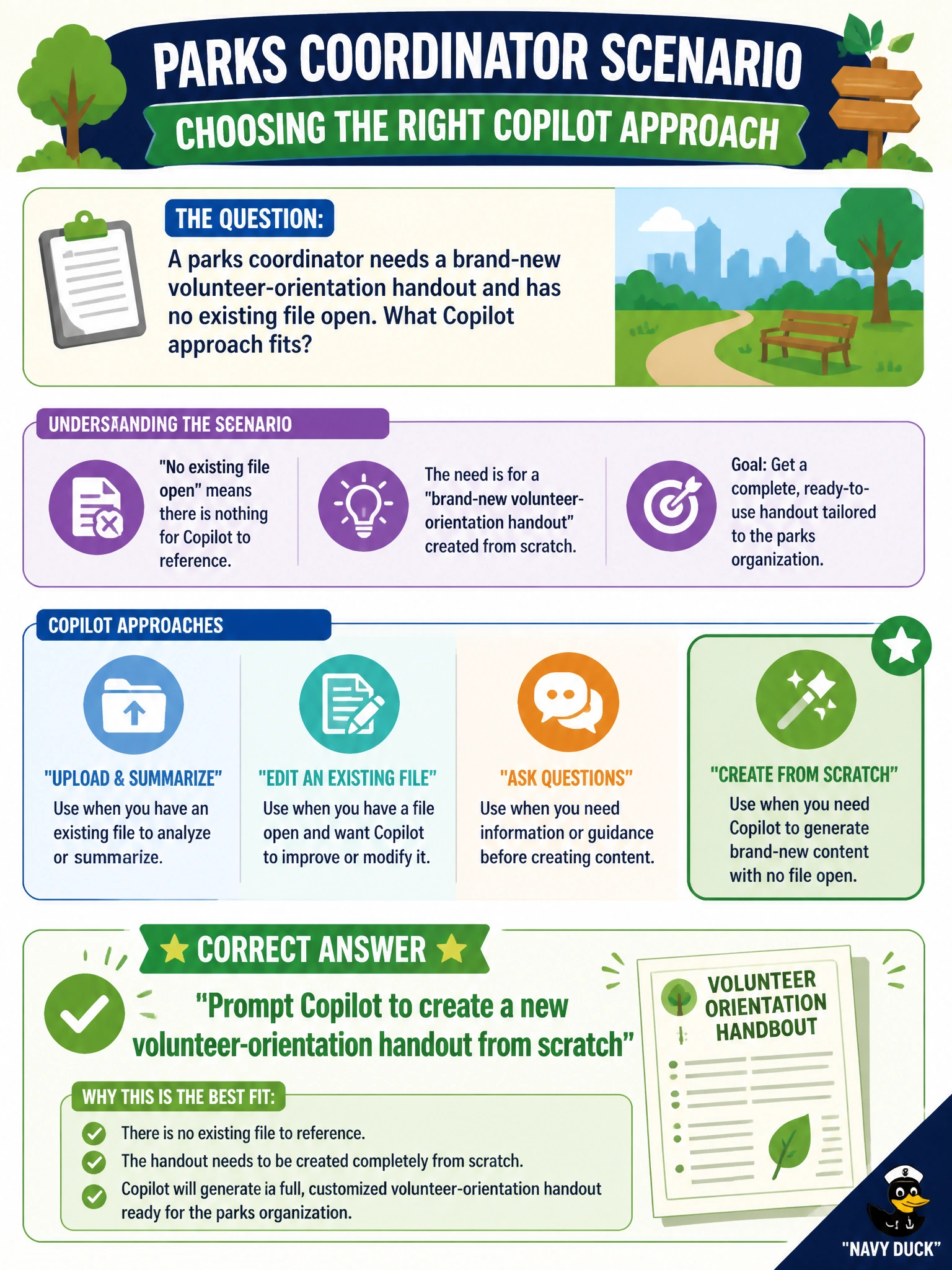
A parks coordinator needs a brand-new volunteer-orientation handout and has no existing file open. What Copilot approach fits?
Select an answer to reveal the explanation.
Short Explanation
Blank page, clear ask—prompt Copilot to create that volunteer-orientation handout from scratch. New document from a prompt is exactly this move.
Full Explanation
Prompting Copilot to create a new volunteer-orientation handout from scratch fits when a parks coordinator needs a brand-new document and has no existing file open. Microsoft 365 Copilot supports creating a new business document from a clear prompt: the user describes audience, sections, and outcomes, and Copilot drafts a starting handout inside the city’s tenant. That is the right pattern when there is no prior file to ground against and the deliverable is new.
Refusing to draft anything until a decade-old unrelated road map is the only source fails because an irrelevant old file is not a required prerequisite for new-document creation. Forcing an unrelated roadmap as the sole source can pollute the handout with wrong content.
Asking Copilot only to delete all parks SharePoint libraries before writing begins fails conceptually: destructive library deletion is not a drafting step and endangers departmental records unrelated to the handout.
Requiring the coordinator to paste the handout from a public chatbot outside the city’s tenant fails on data-handling and continuity grounds. Content leaves the municipal tenant, may be retained by a third party, and bypasses Copilot’s grounded Microsoft 365 workflow.
Exam caveat: AB-730 distinguishes creating a new document from a prompt versus generating from an existing file; with no file open, prompt-to-new-document is the expected skill.
Operational check: In Word (or the Copilot surface your city uses), enter a prompt that specifies volunteer-orientation sections, generate the new handout, and have a supervisor review facts and tone before publishing to seasonal staff.