
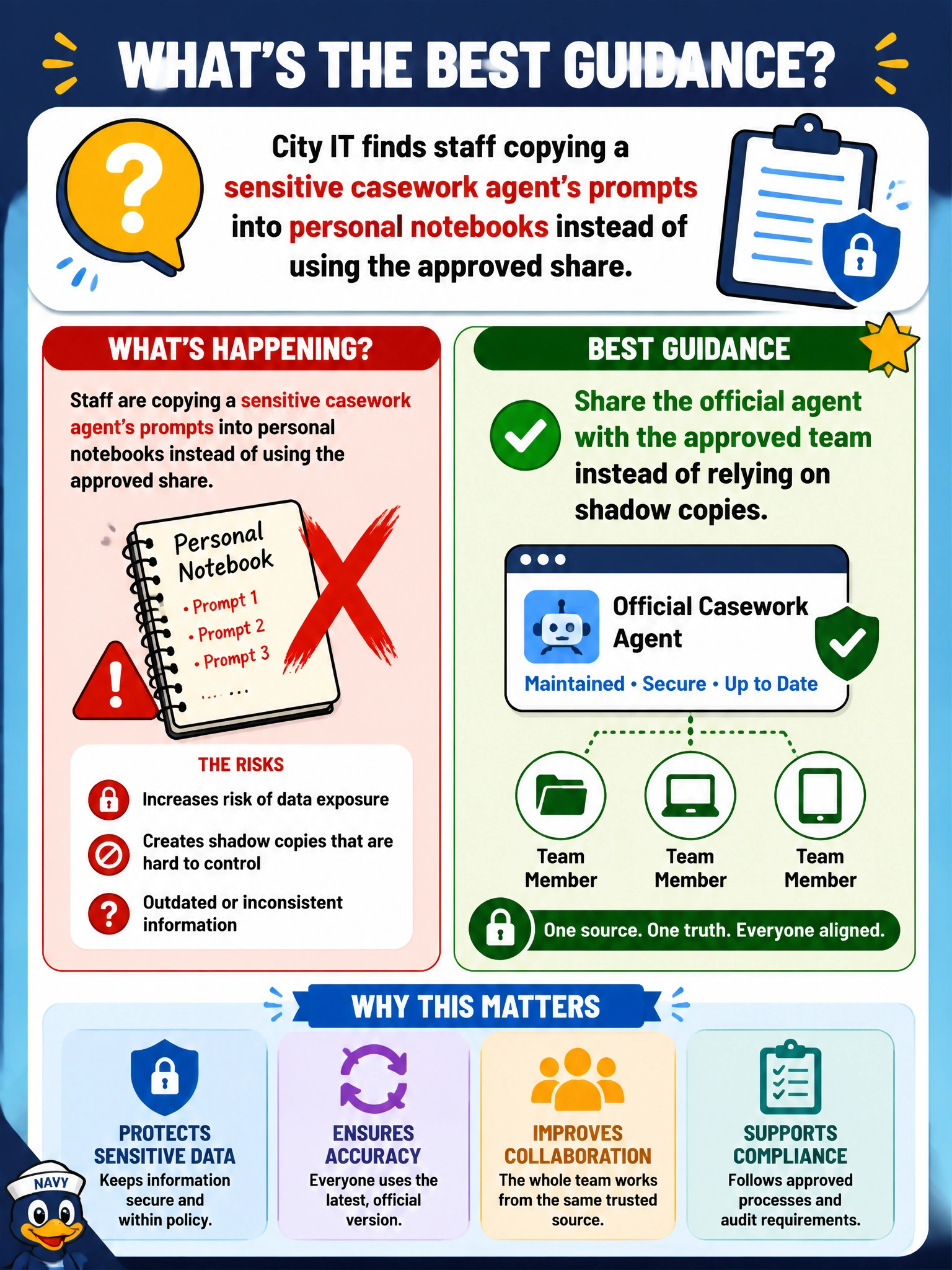
City IT finds staff copying a sensitive casework agent’s prompts into personal notebooks instead of using the approved share. What guidance is best?
Select an answer to reveal the explanation.
Short Explanation
Shadow copies of a sensitive casework helper are a messy maze—share the official agent with the approved team. One controlled helper beats ten sneaky clones.
Full Explanation
Sharing the official agent with the approved team instead of relying on shadow copies is the best guidance when City IT finds staff pasting sensitive casework agent prompts into personal notebooks. Shadow copies bypass centralized knowledge updates, instructions changes, and access control. An official shared agent keeps sensitive casework configuration inside the governed Microsoft 365 pattern and reduces sprawl of sensitive prompt text on personal devices.
Encouraging everyone to duplicate sensitive agent setups on personal devices only fails by endorsing the anti-pattern IT discovered. Personal duplication multiplies exposure of casework prompts and diverges from approved settings.
Forbidding sharing and requiring each worker to rebuild the agent from memory weekly fails on both security and quality: rebuild-from-memory invites error and still produces uncontrolled copies, while forbidding sharing pushes people back to notebooks and private chats.
Posting the sensitive agent configuration to a public social channel for easy cloning fails as a severe confidentiality breach. Casework agent setup may reveal process details, internal tips, or sensitive framing that must not be public.
Exam caveat: For sensitive municipal agents, the remedy to shadow IT is approved sharing to the right team—not public cloning or enforced weekly memory rebuilds.
Operational check: Publish the official casework agent to the approved team, communicate that personal notebook copies are retired, and spot-check that staff open the shared agent rather than pasted personal replicas for a week after the change.