
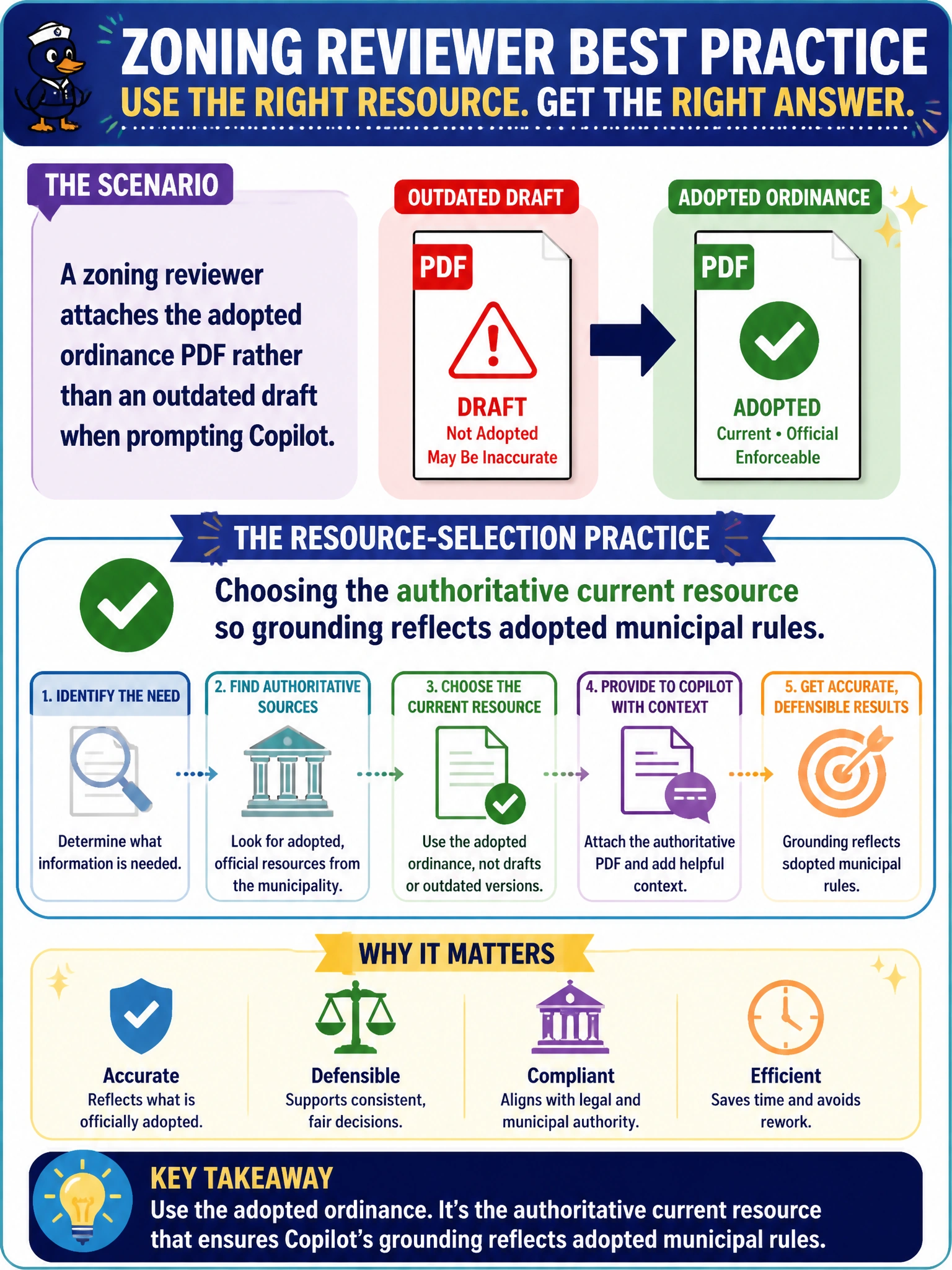
A zoning reviewer attaches the adopted ordinance PDF rather than an outdated draft when prompting Copilot. What resource-selection practice is this?
Select an answer to reveal the explanation.
Short Explanation
Attach the adopted ordinance, not last month’s sticky-note draft. Authoritative resources keep Copilot on the real rules. Wrong PDF in means wrong guidance out.
Full Explanation
Choosing the authoritative current resource so grounding reflects adopted municipal rules is the resource-selection practice when a zoning reviewer attaches the adopted ordinance PDF rather than an outdated draft. Copilot will eagerly ground on whichever file is provided; an old draft can produce polished guidance that cites repealed section numbers. The correct practice works because municipal legal and zoning answers inherit the authority of the referenced document, so currency and adoption status are part of prompt quality.
Preferring any draft file because Copilot corrects ordinance section numbers automatically fails because Copilot does not reliably detect or heal outdated legal numbering without the adopted text. Referencing sealed personnel files whenever zoning questions arise fails conceptually: personnel files are the wrong resource class and introduce sensitive HR content unrelated to zoning rules. Using random web blogs instead of city ordinance PDFs for speed fails because informal external commentary is weaker grounding than the municipality’s own adopted ordinance.
Exam caveat: “adopted” still requires confirming the file is the latest amended version—an old adopted PDF can be as wrong as a draft if amendments followed. Operational check: open the city clerk or code repository, attach the current adopted ordinance (or code section export), note the adoption or amendment date in the prompt, and spot-check two section numbers in the Copilot draft against the PDF before advising applicants.