
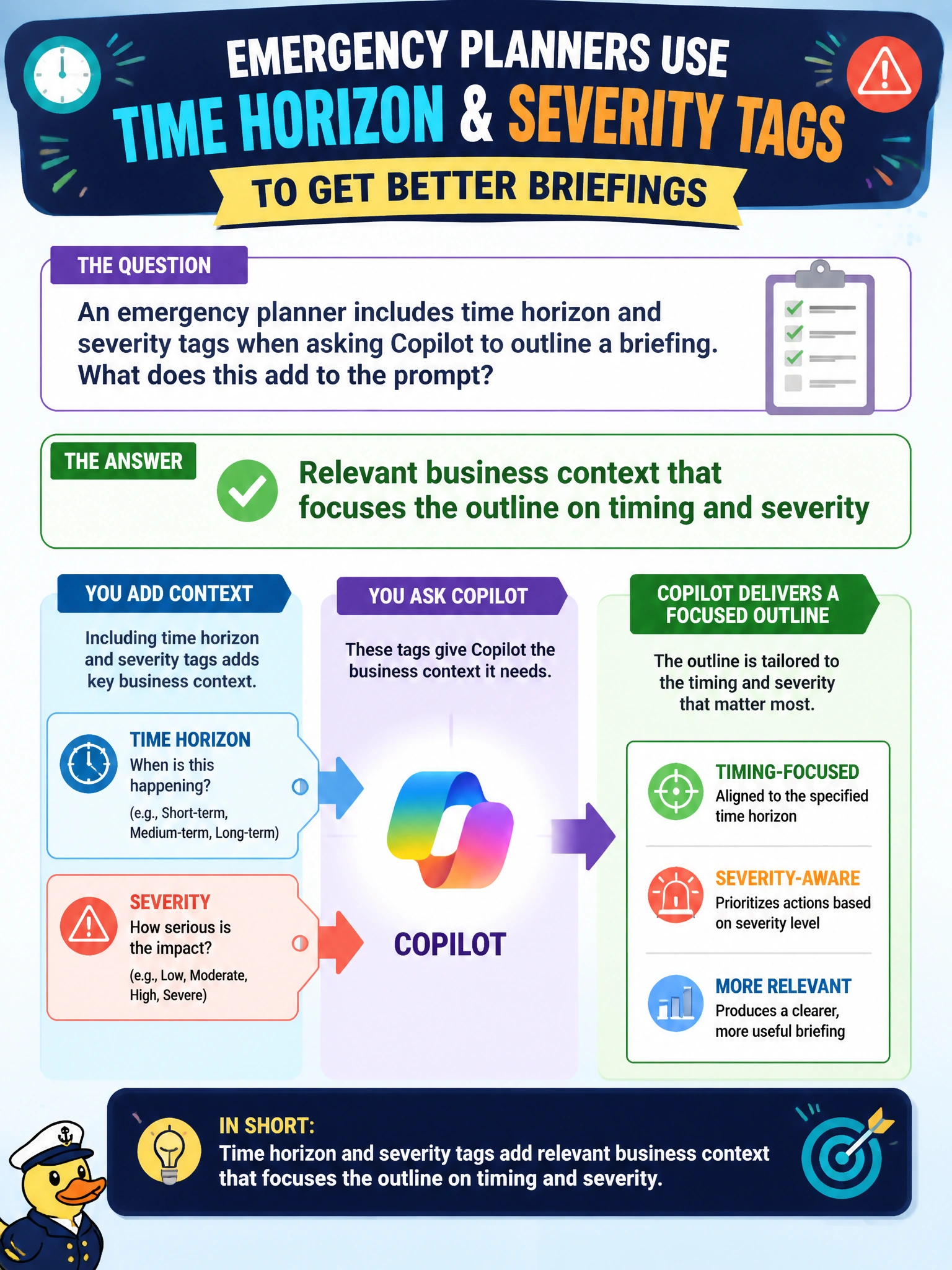
An emergency planner includes time horizon and severity tags when asking Copilot to outline a briefing. What does this add to the prompt?
Select an answer to reveal the explanation.
Short Explanation
Time horizon and severity tags are the “when and how bad” stickers on the briefing folder. That business context keeps Copilot from drafting a vague essay when you need an ops outline.
Full Explanation
Including time horizon and severity tags adds relevant business context that focuses the outline on timing and seriousness when an emergency planner asks Copilot to outline a briefing. Operational briefings differ sharply for a short watch versus a multi-day incident and for low versus high severity; without those tags, outlines drift into generic essays. The correct addition works by anchoring generative structure to incident command needs rather than open-ended prose.
Treating untrusted public comments as overrides of the city’s incident command structure fails because public comments are not authoritative ops context and can inject bad instructions or rumors. Requiring invented shelter capacities not present in any workbook fails conceptually: that is fabrication, the opposite of useful business context. Automatic publishing of the briefing to every resident mailbox fails because drafting context is not a release workflow and mass-publishing unverified briefings is inappropriate.
Exam caveat: tags improve focus but still require grounding on the current incident workbook or IAP—context tags without sources can yield a well-structured wrong briefing. Operational check: put time horizon and severity in the prompt, attach the approved status workbook, generate the outline, and verify every capacity or closure claim against the workbook before the briefing is used in operations.