
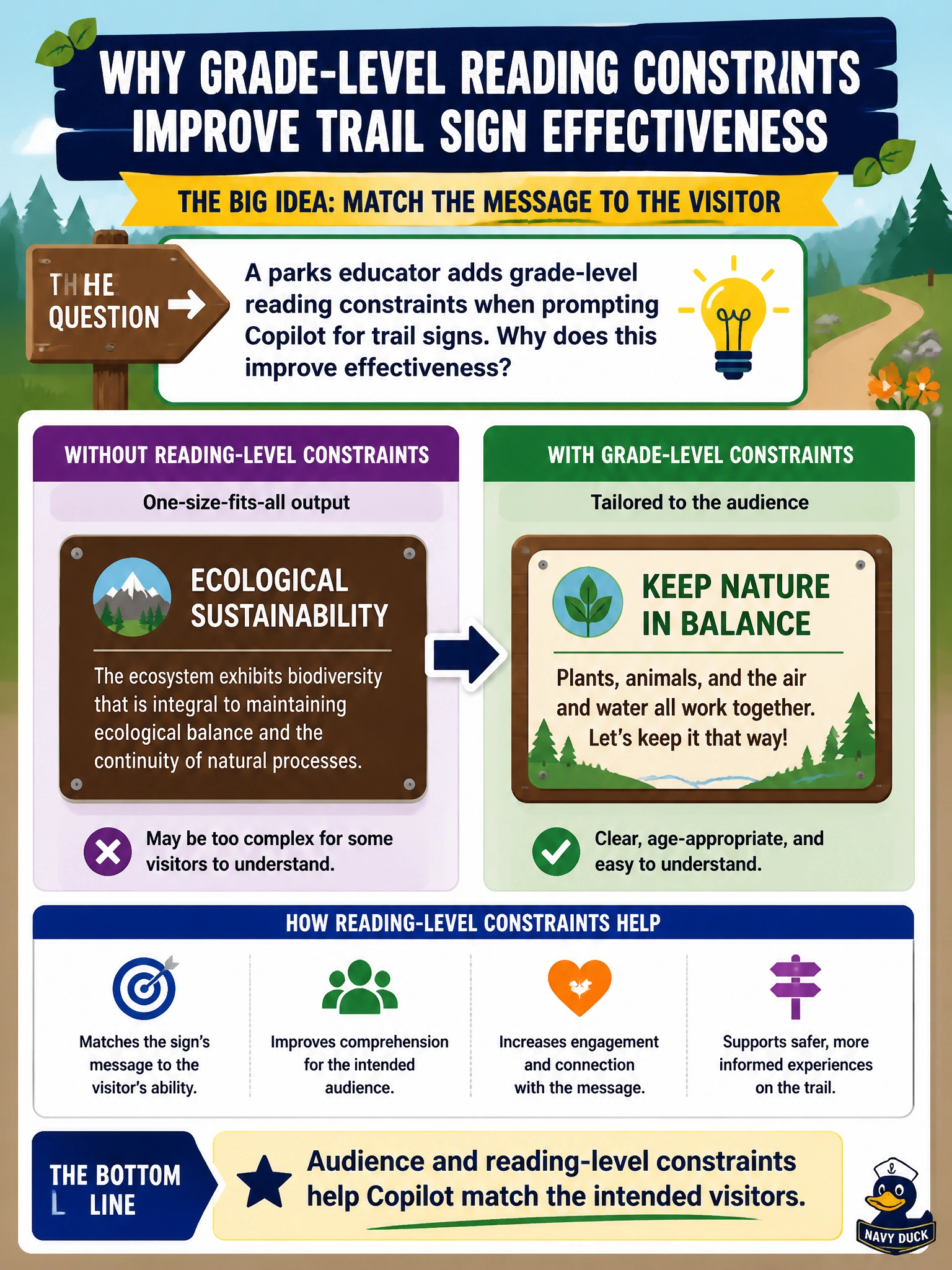
A parks educator adds grade-level reading constraints when prompting Copilot for trail signs. Why does this improve effectiveness?
Select an answer to reveal the explanation.
Short Explanation
Kids on the trail don’t need a legal brief on their boots. Add a grade-level constraint and Copilot aims at the right visitors. Audience constraints make prompts work harder for you.
Full Explanation
Audience and reading-level constraints help Copilot match the intended visitors, which is why a parks educator improves effectiveness by adding grade-level reading limits for trail signs. Trail signage must be scannable outdoors, often by families and mixed-age visitors; unconstrained generative prose tends toward dense or overly technical language. The correct improvement works by encoding visitor literacy and clarity requirements directly into the prompt so word choice and sentence length stay appropriate.
Omitting all constraints so Copilot can invent reading levels fails because invented or inconsistent levels produce uneven signs and can confuse visitors. Claiming grade-level limits only apply in Excel Copilot fails conceptually: audience constraints are prompt-design skills across document and content drafting, not spreadsheet-only features. Asserting audience constraints remove the need for any human review of public signs fails because public-facing municipal content still needs factual and safety review even when reading level is specified.
Exam caveat: reading-level targets guide style; they do not authorize simplifying away required safety warnings or regulatory notices that must remain on the sign. Operational check: prompt with an explicit grade band and length limit, read the draft aloud as if on-trail, confirm required safety content remains, and have a second parks staffer confirm the sign is understandable before fabrication or posting.