
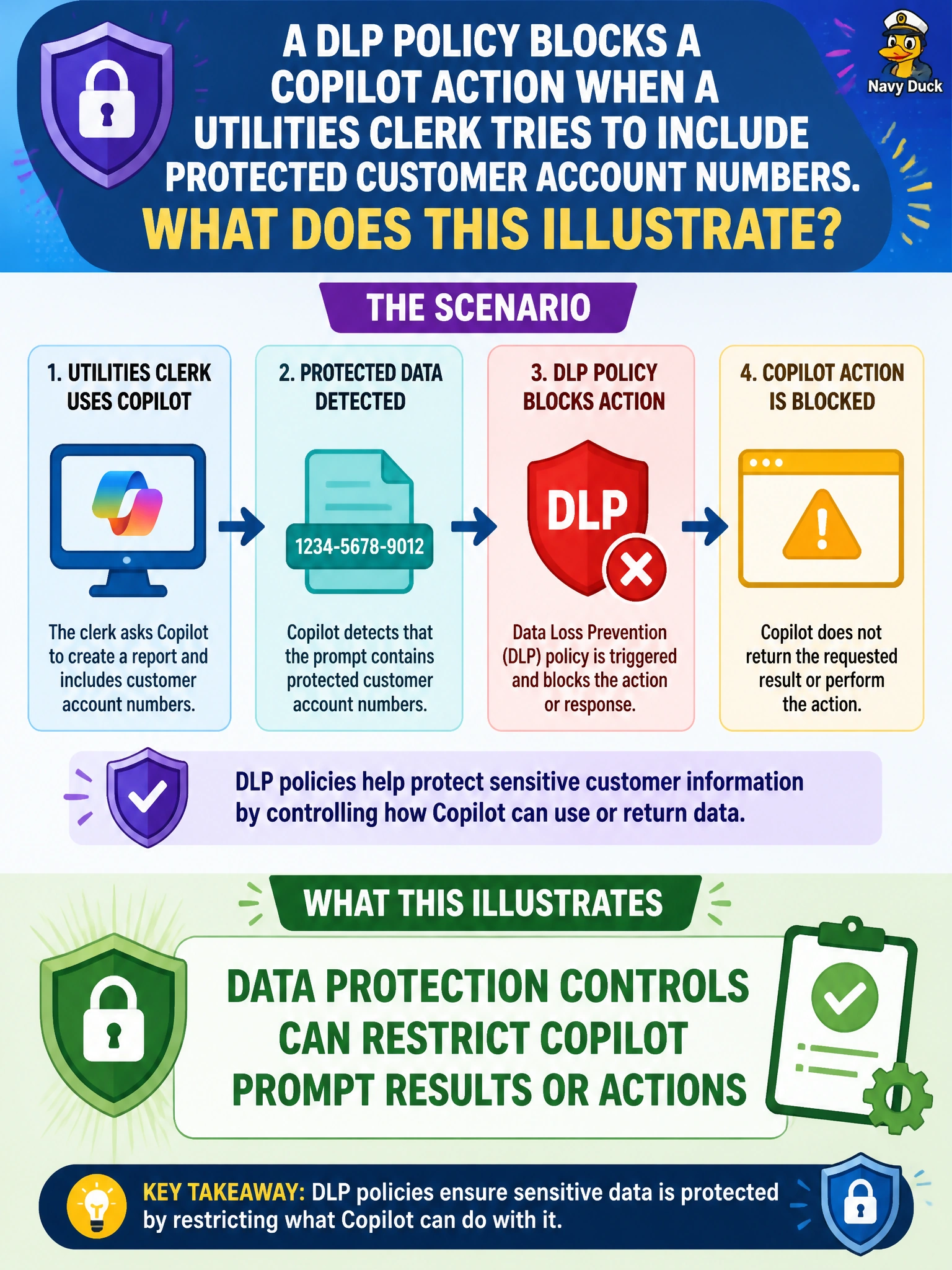
A DLP policy blocks a Copilot action when a utilities clerk tries to include protected customer account numbers. What does this illustrate?
Select an answer to reveal the explanation.
Short Explanation
DLP is the seatbelt that clicks when protected account numbers try to ride along. The block isn’t Copilot being rude—it’s data protection restricting the action. Swap in minimized fields and try an approved path.
Full Explanation
A DLP policy blocking a Copilot action when a utilities clerk tries to include protected customer account numbers illustrates that data protection controls can restrict Copilot prompt results or actions. DLP and related controls are meant to interrupt risky movement or processing of regulated customer identifiers, including inside generative workflows. The correct illustration works because AB-730 expects business users to recognize blocks as intentional municipal protection, then adjust the prompt to use minimized or approved fields.
Claiming Copilot requires customer account numbers in every utilities prompt fails because outage notices, tone rewrites, and many billing communications can proceed with account aliases, premise IDs, or status categories instead of full account numbers. Saying DLP policies only apply after content is posted to social media fails conceptually: DLP is preventive and can fire inside productivity tools before public posting. Asserting Agent Store templates override DLP for municipal billing teams fails because reusable agents and templates do not cancel enterprise data-protection policy.
Exam caveat: a DLP block does not always mean the entire task is forbidden—often only the protected identifier must be removed or replaced before the generative action can proceed. Operational check: reproduce the block, remove or tokenize the account number, retry with premise ID and approved comms language only, and confirm with IT which utilities fields are DLP-tagged so clerks stop reintroducing them into Copilot prompts.