
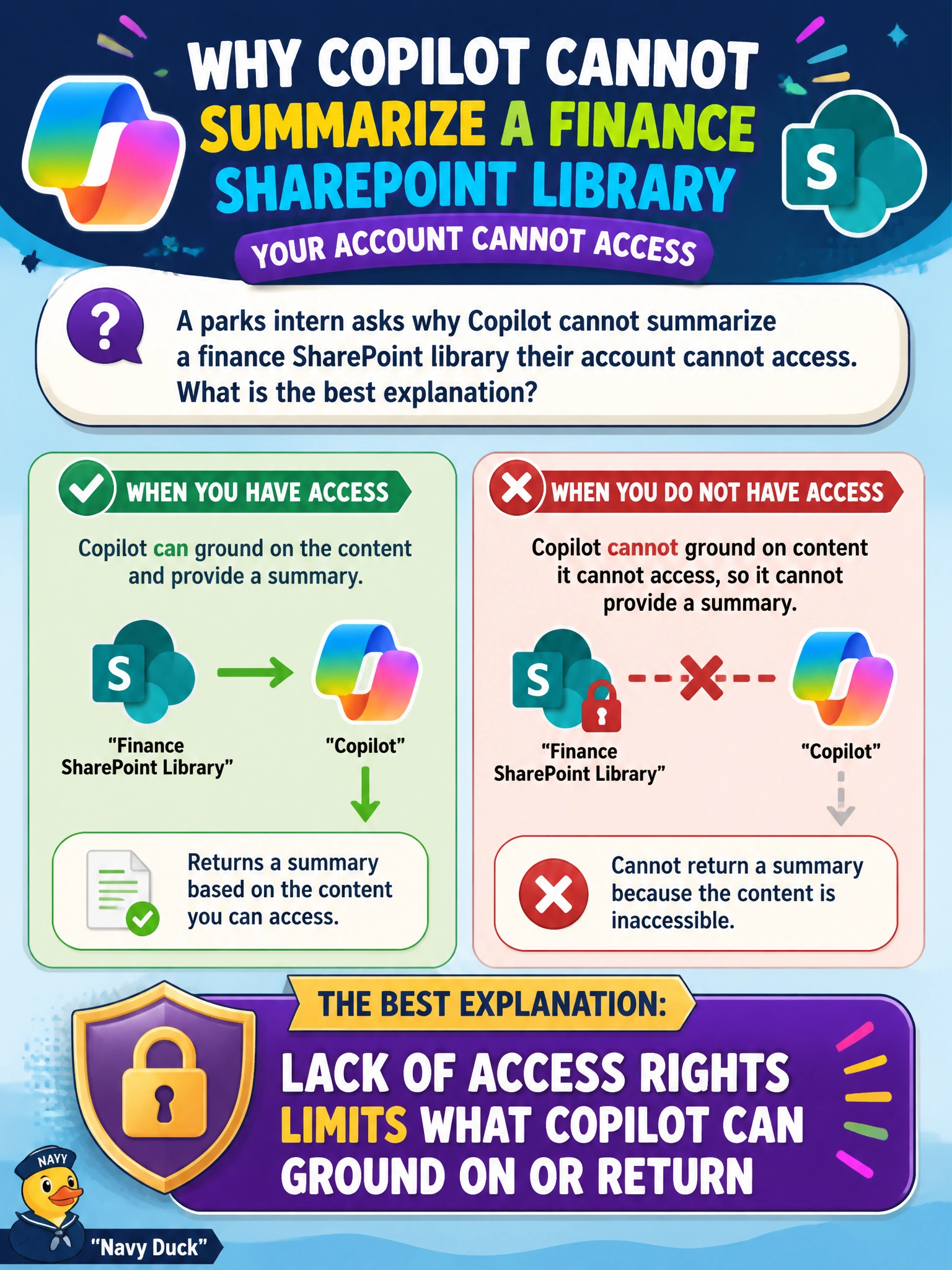
A parks intern asks why Copilot cannot summarize a finance SharePoint library their account cannot access. What is the best explanation?
Select an answer to reveal the explanation.
Short Explanation
No library access, no Copilot summary of that library. It’s like asking for the contents of a locked filing cabinet you don’t have the key for. Rights limit grounding and results.
Full Explanation
Lack of access rights limits what Copilot can ground on or return—that is the best explanation when a parks intern cannot summarize a finance SharePoint library their account cannot access. Copilot’s organizational grounding rides on the same permissions that gate direct file open; without rights, there is no legitimate content for Copilot to summarize for that user. The correct explanation works because generative assistance is not a privilege escalator for municipal interns exploring beyond their role.
Claiming Copilot bypasses SharePoint permissions for interns to speed onboarding fails because speed of onboarding never justifies breaking least privilege, and Copilot is designed to honor org permissions. Saying finance libraries are always summarized from public web search instead fails by concept: web search is a different context source and is not a substitute that dumps private finance libraries into parks chats. Asserting saved prompts automatically grant finance-library access fails because saved prompt text does not rewrite SharePoint ACLs.
Exam caveat: if the intern’s job truly requires finance summaries, the fix is a controlled permission grant or a redacted export—not hoping Copilot will invent numbers or scrape the open web for city budget internals. Operational check: have the intern attempt to open the library directly; if access fails, expect Copilot summarization to fail the same way, then request a time-bounded finance read permission or an approved summary packet rather than a permissions bypass.