
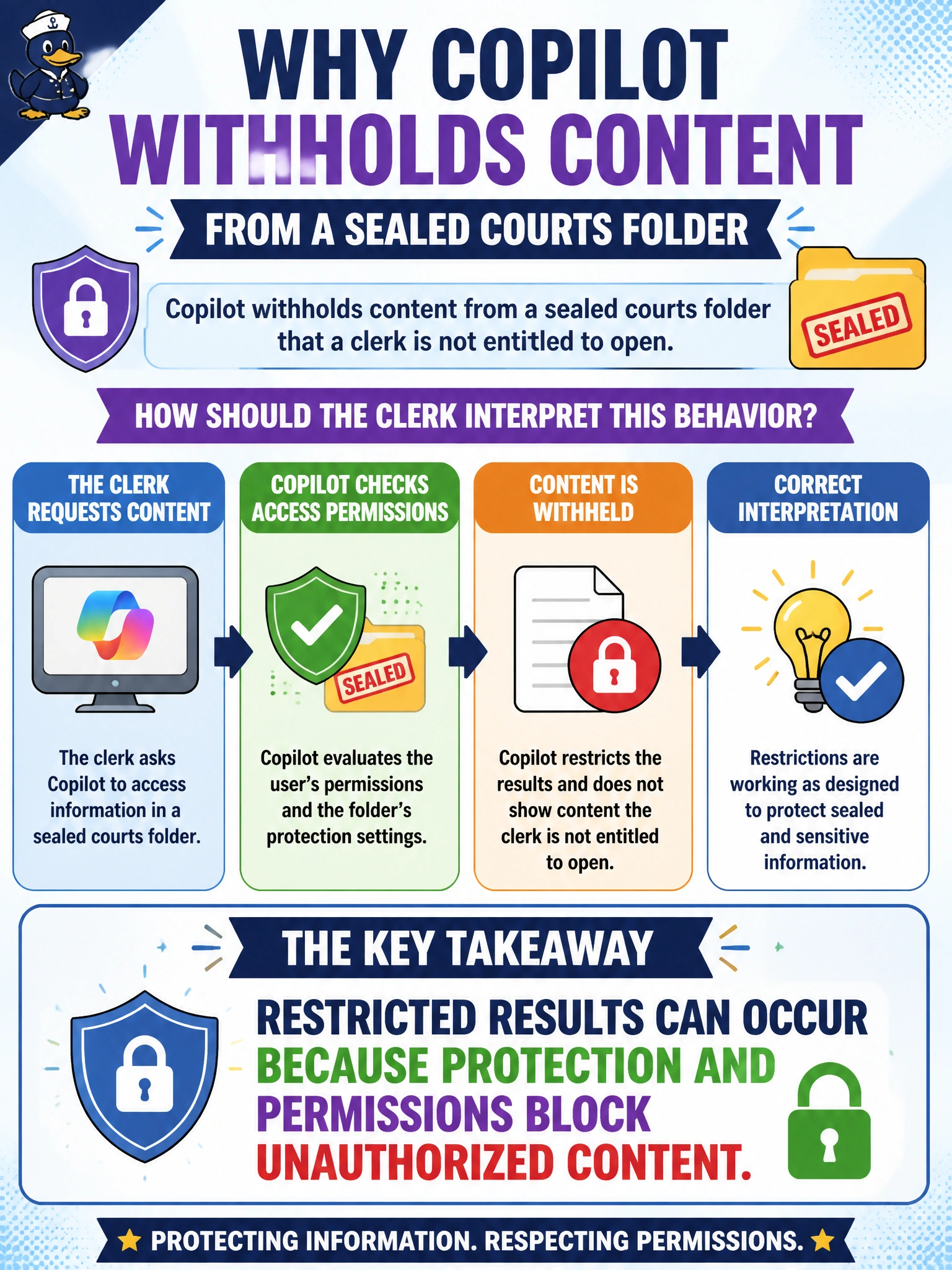
Copilot withholds content from a sealed courts folder that a clerk is not entitled to open. How should the clerk interpret this behavior?
Select an answer to reveal the explanation.
Short Explanation
When Copilot withholds content from a sealed courts folder, permissions may be doing their job—not indicating a broken search. If you cannot open the folder in SharePoint, don’t expect Copilot to narrate its contents.
Full Explanation
Restricted results can occur because protection and permissions block unauthorized content; that is how you should interpret Copilot withholding material from a sealed courts folder. Sealed case materials are intentionally inaccessible, so Copilot respecting that boundary is a data-protection success, not a search failure. You should distinguish “no grounded content returned” from “the folder is empty or Copilot is broken.” A lack of access does not prove the sealed folder is empty, nor does it mean Copilot invented a privacy story. AB-730 teaches responsible use and protection awareness; it does not require courts to publish sealed files in Copilot Chat. Scheduling a prompt also does not elevate your entitlement or override sealed-folder protections. Exam caveat: protection blocks are not a substitute for records-retention or public-records workflows; clerks must follow court policy when sealed content needs to be handled through authorized channels outside casual Copilot use. Practical check: verify that you cannot open the sealed folder in SharePoint, confirm Copilot returns no grounded excerpts from it, and document that restricted generative results are expected until a supervisor grants the proper court access path.