
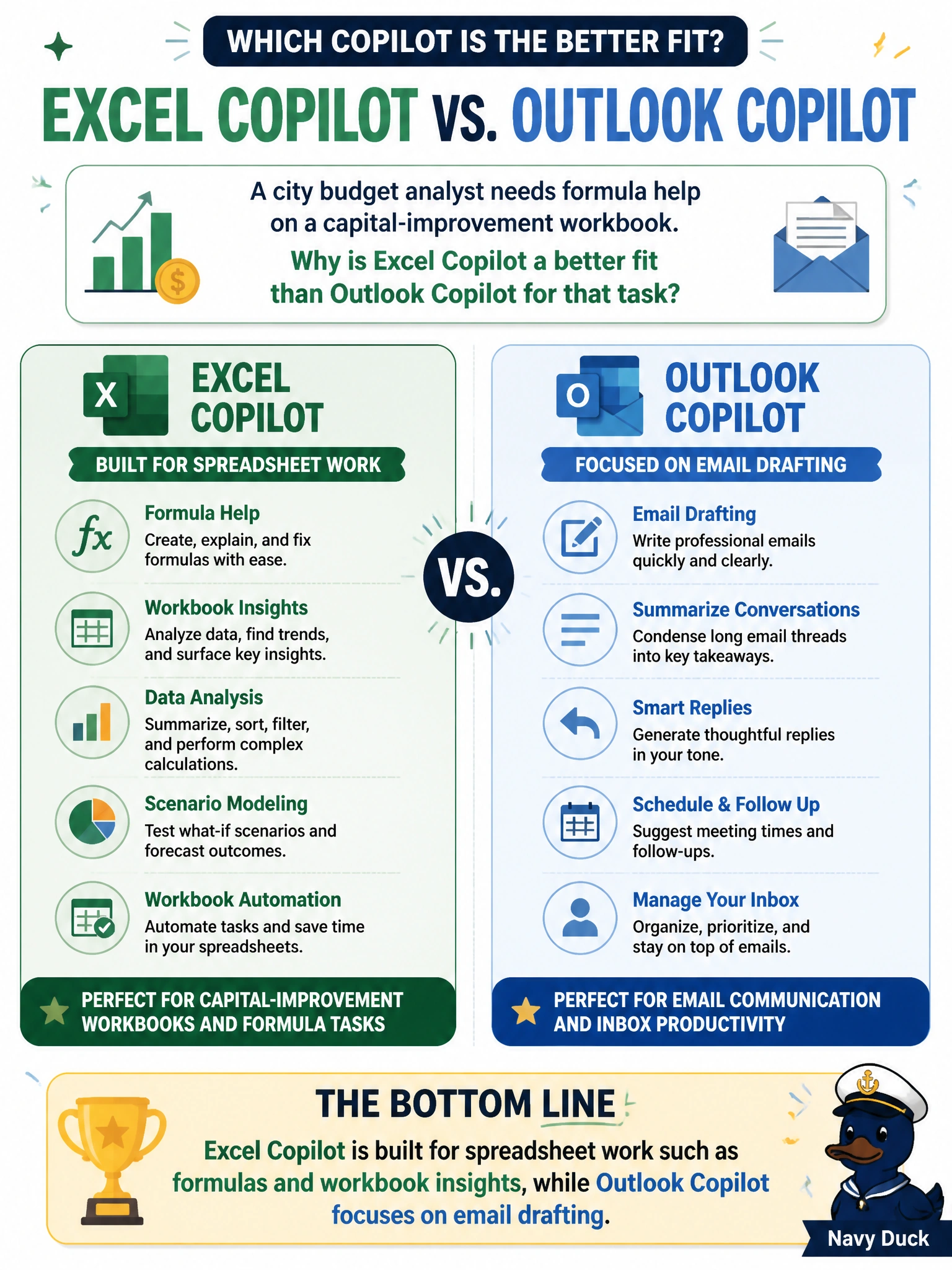
A city budget analyst needs formula help on a capital-improvement workbook. Why is Excel Copilot a better fit than Outlook Copilot for that task?
Select an answer to reveal the explanation.
Short Explanation
Think of Copilot like tools on a city workbench — the wrench and the paintbrush are both useful, but not for the same job. Excel Copilot lives where the numbers live, so formula help belongs there. Outlook Copilot is for mail, not CIP workbook math.
Full Explanation
Excel Copilot is the right municipal fit because capital-improvement formula help is spreadsheet work: the assistant is grounded in workbook cells, ranges, and chart-ready insights inside Excel. A city budget analyst asking for CIP formula guidance needs that host context. Outlook Copilot, by design, optimizes email drafting and refinement, not formula construction against municipal workbooks. Matching the Copilot surface to the deliverable is a core AB-730 generative-AI fundamentals skill.
The claim that Outlook Copilot can rewrite CIP formulas because all Microsoft 365 Copilot features are identical fails the app-specific capability concept: Copilot experiences are not interchangeable clones across Word, Excel, Outlook, Teams, and PowerPoint. Treating them as identical leads staff to open the wrong app and expect spreadsheet reasoning from an email composer.
The claim that only Outlook Copilot can read municipal Excel files in SharePoint confuses file access with feature fit. SharePoint-stored workbooks can be opened in Excel; the point is which Copilot surface is built for formulas and workbook insights, not which mail client uniquely unlocks SharePoint.
The claim that Excel and Outlook Copilot share the same formula engine so either works the same way invents parity that does not exist. Email Copilot is not a formula engine substitute for Excel Copilot.
Exam caveat: AB-730 tests recognizing that Copilot capabilities differ by Microsoft 365 host app—do not assume one Copilot button equals every other.
Operational check: for CIP formula help, open the workbook in Excel, use Excel Copilot against the relevant sheets, and keep Outlook Copilot for resident or council email drafts about the same project.