
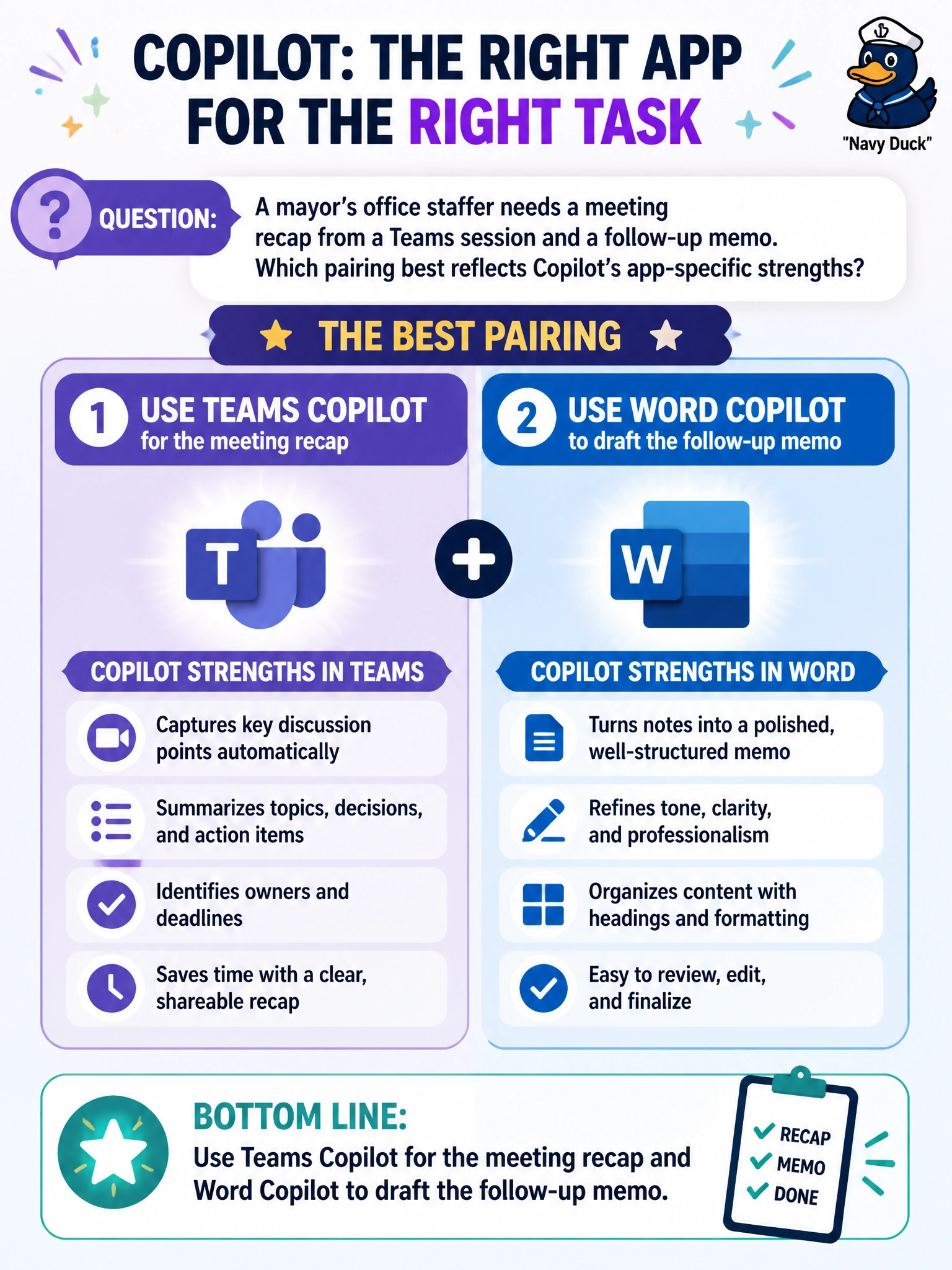
A mayor’s office staffer needs a meeting recap from a Teams session and a follow-up memo. Which pairing best reflects Copilot’s app-specific strengths?
Select an answer to reveal the explanation.
Short Explanation
Picture Teams as the meeting room and Word as the memo pad. Teams Copilot is built to pull what happened in the call; Word Copilot is built to shape that into a clean follow-up memo. Same Copilot family, different jobs by app.
Full Explanation
The correct pairing uses Teams Copilot for the meeting recap and Word Copilot for the follow-up memo because each surface is built for that class of work. Teams Copilot operates on meeting context—discussion points, action items, and session outcomes—while Word Copilot shapes document prose suitable for a mayoral follow-up memo. A mayor’s office staffer who splits the work this way matches Copilot’s app-specific strengths instead of forcing one app to do both jobs poorly.
Using only Outlook Copilot for both the recap and the memo fails because Outlook Copilot focuses on email composition; it is not the primary meeting-recap surface and is a weak substitute for document drafting when a formal memo is required.
Using Excel Copilot for the meeting recap fails the host-capability concept: spreadsheets do not store conversation transcripts as their primary work product, and Excel Copilot is oriented to workbook analysis, not Teams session summaries.
Using PowerPoint Copilot for both tasks fails because slides are not required for every mayoral follow-up, and PowerPoint Copilot’s strength is presentation structuring—not meeting transcription or memo prose.
Exam caveat: questions often tempt you to pick a single “universal” Copilot app; the scored answer usually maps each civic deliverable to the app whose Copilot features fit.
Operational check: after the Teams session, generate the recap in Teams Copilot, then draft and revise the follow-up memo in Word Copilot, and have a human review before sending to the mayor’s distribution list.