
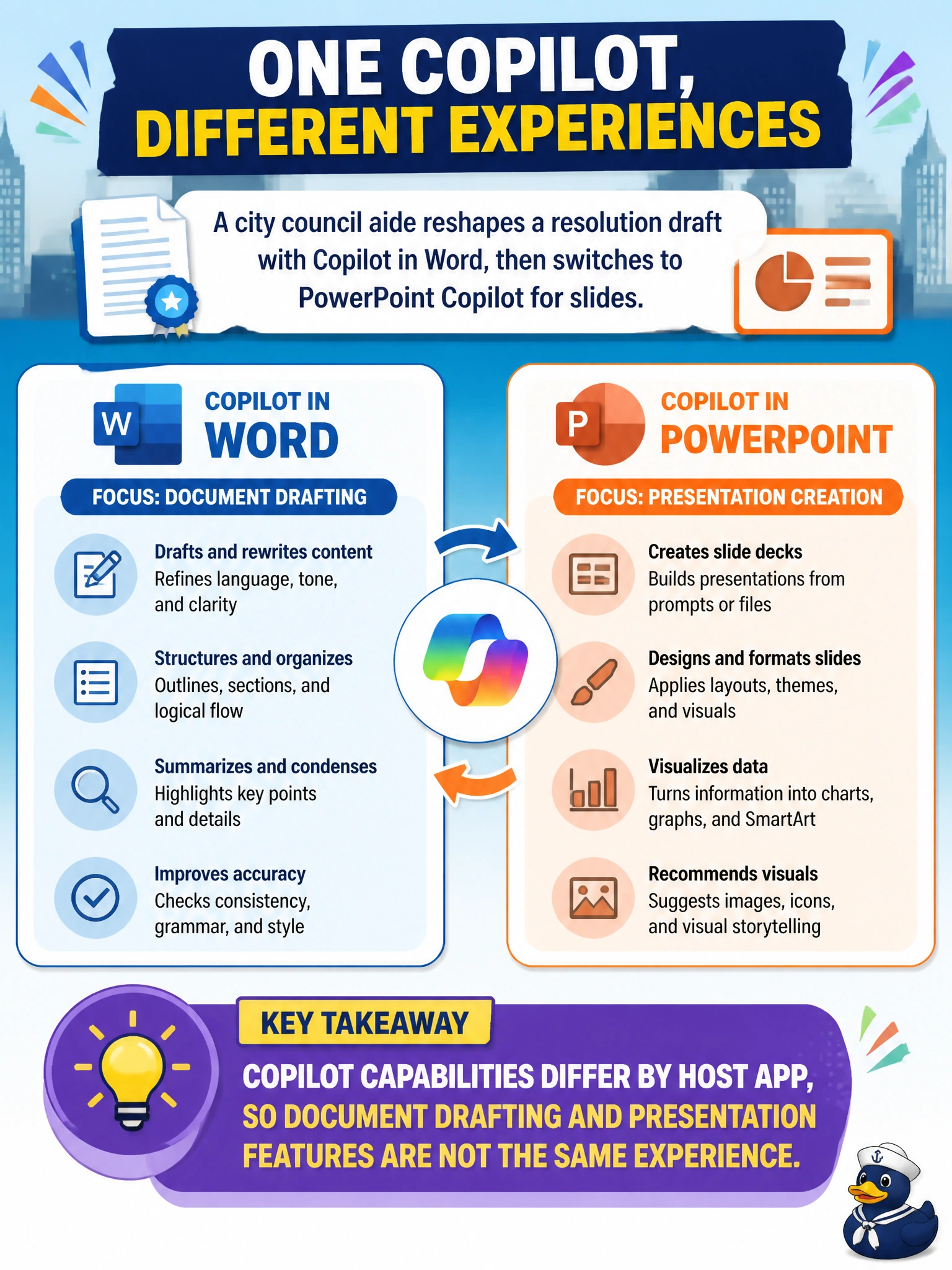
A city council aide reshapes a resolution draft with Copilot in Word, then switches to PowerPoint Copilot for slides. What should the aide understand?
Select an answer to reveal the explanation.
Short Explanation
Word Copilot is built for the resolution document; PowerPoint Copilot is built for the slide deck. Same aide, same topic—different tool belts depending on the app.
Full Explanation
Microsoft 365 Copilot capabilities vary by host application. A city council aide who reshapes a resolution draft with Copilot in Word and then switches to PowerPoint Copilot for slides should understand that document drafting and presentation features are different experiences—even when the resolution topic is the same. Word Copilot is oriented to document editing and prose structure; PowerPoint Copilot is oriented to slides, layout, and presentation flow. The correct takeaway is app-specific capability, not one universal Copilot mode.
Identical capabilities with no document-versus-presentation differences fails because host apps expose different tools and output shapes. PowerPoint Copilot only editing Word resolutions and being unable to create slides fails by inverting PowerPoint's purpose; slide creation is central to that experience. Switching apps permanently erasing the resolution draft from Microsoft 365 fails as an unrelated data-loss myth; changing apps does not wipe the Word file from the tenant.
Exam caveat: Content themes can transfer, but formatting and claims still need aide review. A slide bullet may oversimplify a resolution clause; keep the Word draft as the authoritative legislative text.
Operational check: Finish substantive resolution language in Word Copilot, save the official draft to the council's document library, then use PowerPoint Copilot to build briefing slides from approved talking points—and verify that slide wording does not alter legal meaning.