
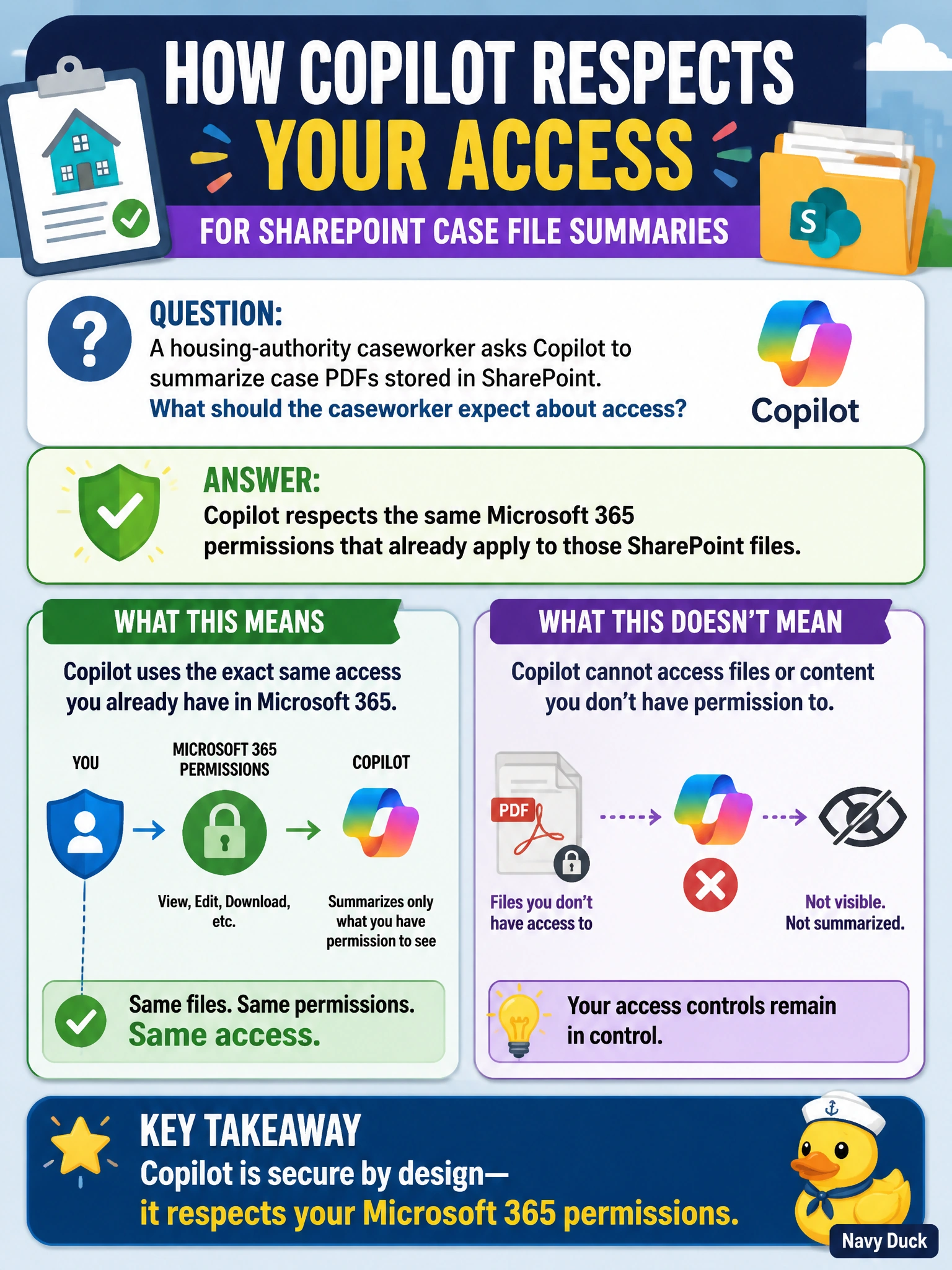
A housing-authority caseworker asks Copilot to summarize case PDFs stored in SharePoint. What should the caseworker expect about access?
Select an answer to reveal the explanation.
Short Explanation
If you can’t open a case PDF in SharePoint, Copilot shouldn’t reveal its contents to you either. It follows the same permissions already in place, with no special AI bypass.
Full Explanation
When you ask Copilot to summarize case PDFs stored in SharePoint, it respects the Microsoft 365 permissions that already apply to those files. Summarization is a productivity action for content you can access, not a way to gain new privileges: if you cannot open a PDF in SharePoint, Copilot should not disclose its contents. The claim that Copilot unlocks every housing file regardless of permissions is incorrect because it does not bypass SharePoint access controls. The claim that summarizing a PDF permanently removes its permission settings is incorrect because creating a summary does not change or erase the file’s SharePoint permissions. The claim that PDFs must first be converted into Word documents is also incorrect; conversion is not a general prerequisite for Copilot to summarize accessible, eligible PDFs stored in SharePoint. Exam caveat: permission parity depends on the permissions being configured correctly. If a site is overshared, Copilot may make content easier for authorized users to find and use, but it does not create access rights that were not granted. Practical check: review the case library’s permissions for least privilege, then test with an account that lacks access to confirm Copilot does not return details from protected PDFs.