
Britta is an ALM administrator promoting a Copilot Studio agent from the development environment to production. The team uses managed solutions for production deployments. After importing the managed solution, a developer in production reports they cannot edit the agent's system topic 'Greeting' directly in the production environment. Is this the expected behavior, and why?
Select an answer to reveal the explanation.
Short Explanation and Infographic
Managed solutions work like read-only packages in the target environment — they're sealed so your production can't drift from what dev approved. You fix it in dev and re-deploy. Answer: B.
Full explanation below image
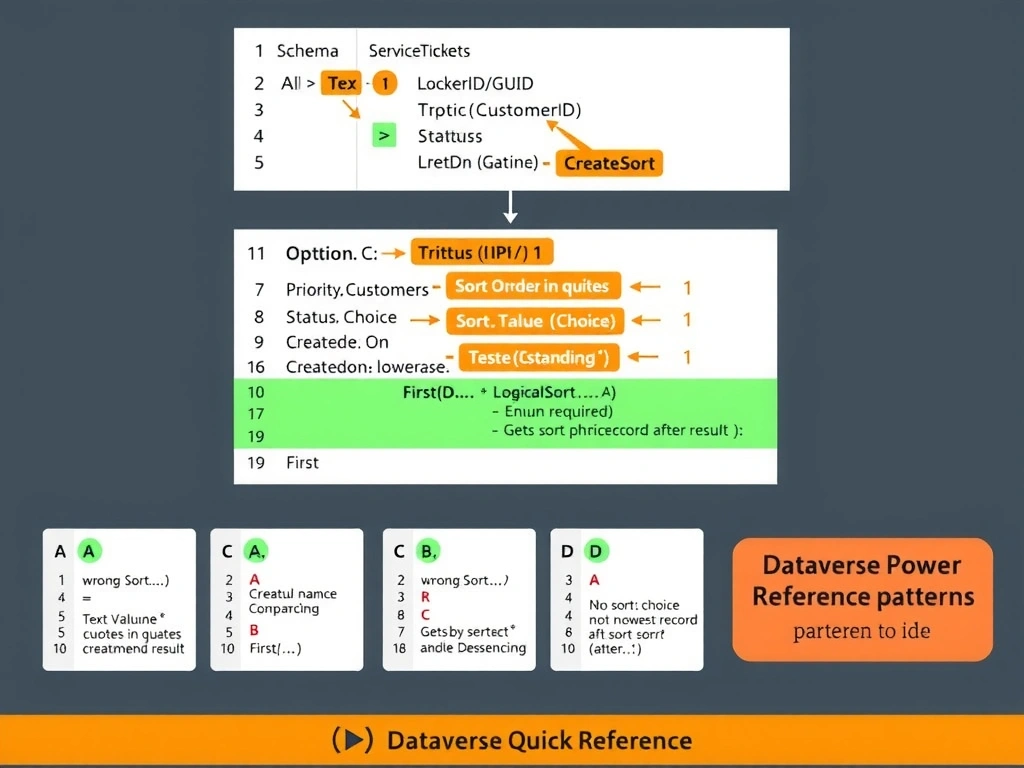
Full Explanation
Power Platform ALM distinguishes between managed and unmanaged solutions with a key design principle: managed solutions protect production environments from ad-hoc changes.
Option B is correct. When a managed solution is imported into a target environment (test or production), all components within it — including system topics, custom topics, entities, and variables — are locked for editing. This is by design. The intent is to enforce a promotion pipeline: developers make changes in the development environment, the solution is exported as managed, and then imported into downstream environments. This prevents configuration drift and ensures what's in production exactly matches what was reviewed and approved.
Option A is incorrect. The inability to edit managed solution components is not a bug — it is a core ALM governance feature. If direct production editing were allowed, it would undermine the entire controlled deployment process.
Option C is incorrect. Managed solutions lock ALL components, not just system topics. Custom topics are equally protected. The lock applies to anything packaged inside the managed solution.
Option D is incorrect and dangerous. Converting a managed solution to unmanaged in production is not a supported or recommended workflow. Doing so would break the ALM chain, make the solution impossible to update cleanly through the pipeline, and leave production in an unmanaged state that is difficult to govern and roll back.
Exam tip: Always remember managed = locked in target, unmanaged = editable. Production should always receive managed solutions. Development environments use unmanaged solutions so developers can iterate freely.