
A developer is building a Copilot Studio agent topic that retrieves a list of open support tickets for a user from a Dataverse table. The topic must store all returned records in memory, filter to show only tickets with Priority equal to 'High', and display the count of filtered tickets to the user in a message node. The agent must perform all of this without calling an external flow. Which Power Fx approach in the topic's variable assignment node correctly accomplishes all three operations?
Select an answer to reveal the explanation.
Short Explanation and Infographic
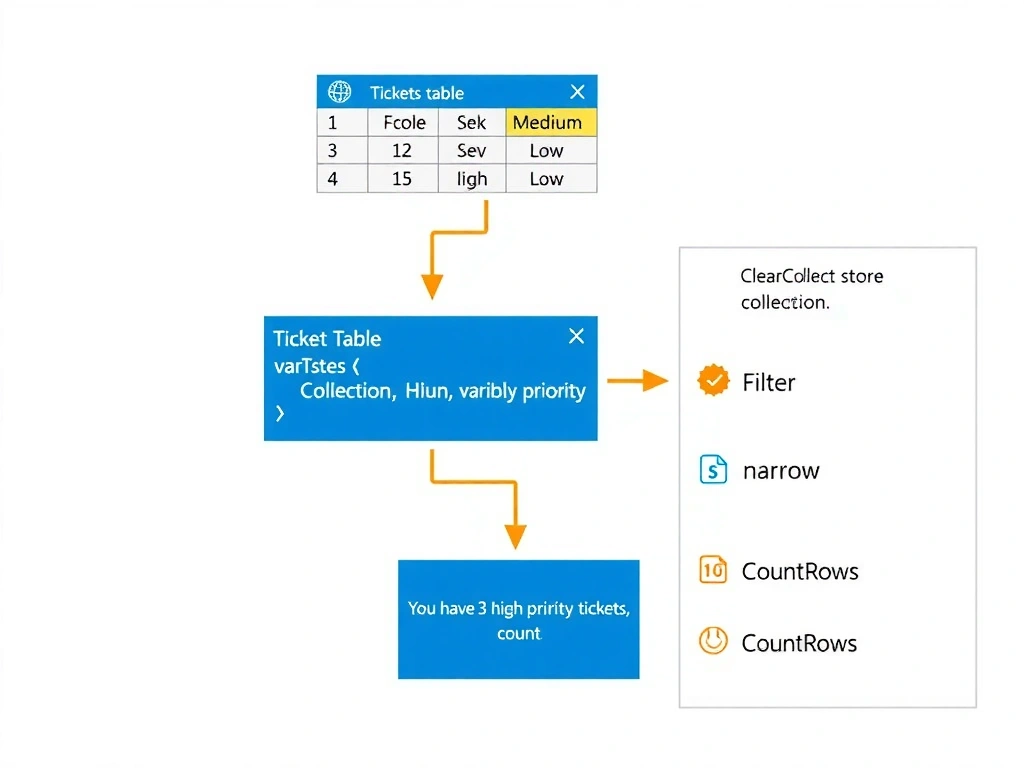
Think of ClearCollect like filling a bucket with all the fish you want, then counting them — you've got the fish stored AND you know how many there are. ClearCollect loads the filtered records into a named collection variable, and CountRows tells you how many rows are in it, all inside the agent topic with no external flow required. That's the full three-step combo the question demands. Options that only count or only retrieve one record miss parts of the requirement.
Full explanation below image
Full Explanation
Power Fx in Copilot Studio agent topics supports table variables and collection functions that allow developers to retrieve, store, and manipulate Dataverse records without leaving the topic or invoking external flows. This is a key capability for building responsive, low-latency agent interactions.
Option A is correct because ClearCollect(varTickets, Filter(Tickets, Priority = "High")) performs two of the three required operations in a single expression: it filters the Dataverse table to rows where Priority equals 'High' and stores the resulting table in the varTickets variable. Then, referencing CountRows(varTickets) in a message node provides the count. All three requirements — retrieve, filter, and count — are satisfied within the topic itself.
Option B is incorrect because CountIf(Tickets, Priority = "High") returns only the count of matching records as a numeric value. It does not store the records in memory, which means the developer loses the ability to iterate over or display ticket details later in the conversation. The question explicitly requires storing the filtered records, not just counting them.
Option C is incorrect because the question explicitly states that all operations must occur without calling an external flow. Using a Power Automate flow to apply the filter introduces a dependency on an external process, increases latency, and violates the stated design constraint.
Option D is incorrect for two reasons. First, the First() function returns a single record, not a table of all matching records — the agent cannot store the full filtered result set. Second, records returned by First() do not have a RecordCount property in Power Fx; that property does not exist. CountRows() must be called on a table variable, not on a single record.
Exam tip: In Power Fx, ClearCollect() stores records in a collection, Filter() narrows results, CountRows() counts table rows, and CountIf() counts matching rows without storing them. Know when to use each. Questions asking for 'store and count' always want ClearCollect + CountRows.