
After deploying a Copilot Studio agent to production, a product manager asks how to determine whether the agent is successfully resolving user inquiries or frequently escalating to human support. Which built-in feature provides this operational intelligence?
Select an answer to reveal the explanation.
Short Explanation and Infographic
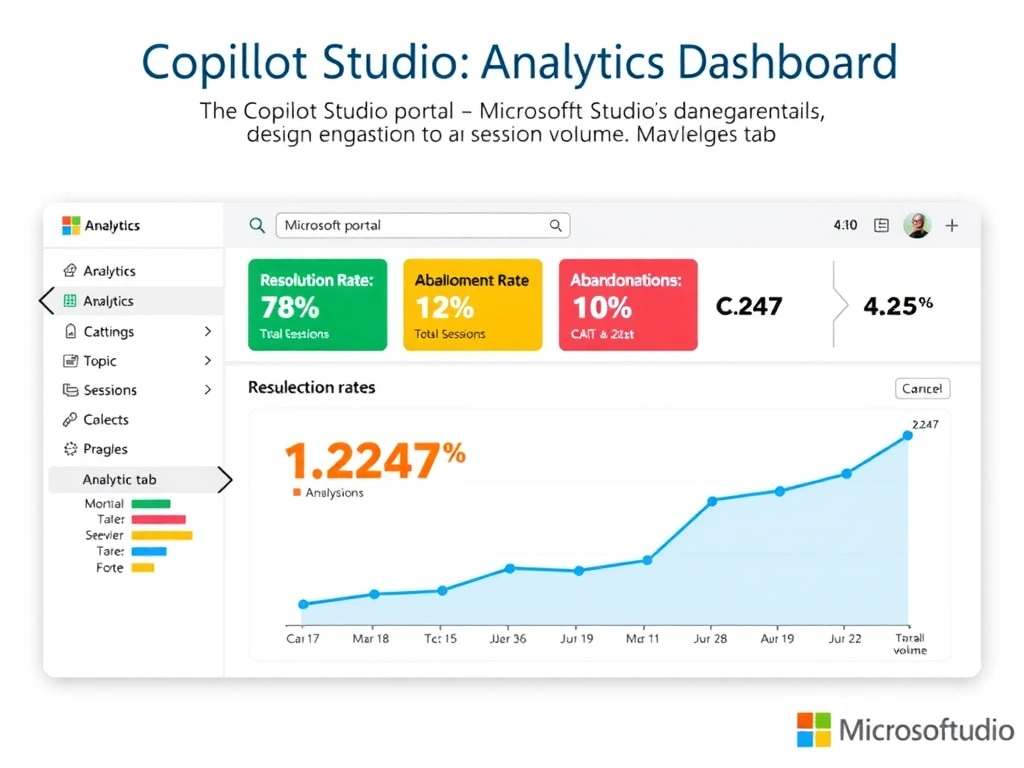
Copilot Studio's built-in Analytics dashboard is the agent's report card — it shows resolution rate, escalation rate, abandonment, session volume, and CSAT all in one place, no query writing required. It's the first place to look for operational health.
Full explanation below image
Full Explanation
Copilot Studio includes a built-in Analytics dashboard accessible from the maker portal. Key metrics include: total sessions, session outcomes (resolved, escalated, abandoned), resolution rate, engagement rate (sessions with more than one turn), customer satisfaction (CSAT) score (from optional post-conversation surveys), and topic engagement rates (which topics fired most frequently).
The session outcome metrics directly answer the product manager's question: the escalation rate shows what percentage of conversations were handed to human agents, and the resolution rate shows what percentage were handled successfully by the AI agent.
Option A (pipeline deployment history) shows when and what was deployed — operational ALM data, not agent performance metrics.
Option C (custom Dataverse query + Power BI) — while Copilot Studio does log conversation data to Dataverse and this can be exported to Power BI for custom analysis, it requires data engineering work. The built-in Analytics dashboard answers the stated question without custom development.
Option D (Application Insights + KQL) — Application Insights integration provides deeper technical telemetry for custom scenarios but is overkill for standard session outcome monitoring.
Exam principle: standard operational metrics (resolution, escalation, CSAT) → Copilot Studio built-in Analytics. Custom, deep-dive analysis → Application Insights or Power BI from Dataverse.