
During development, a maker wants to test a specific topic in isolation to verify that its logic branches and variable assignments work correctly, without going through the normal trigger phrase recognition. How can they test the topic directly in Copilot Studio?
Select an answer to reveal the explanation.
Short Explanation and Infographic
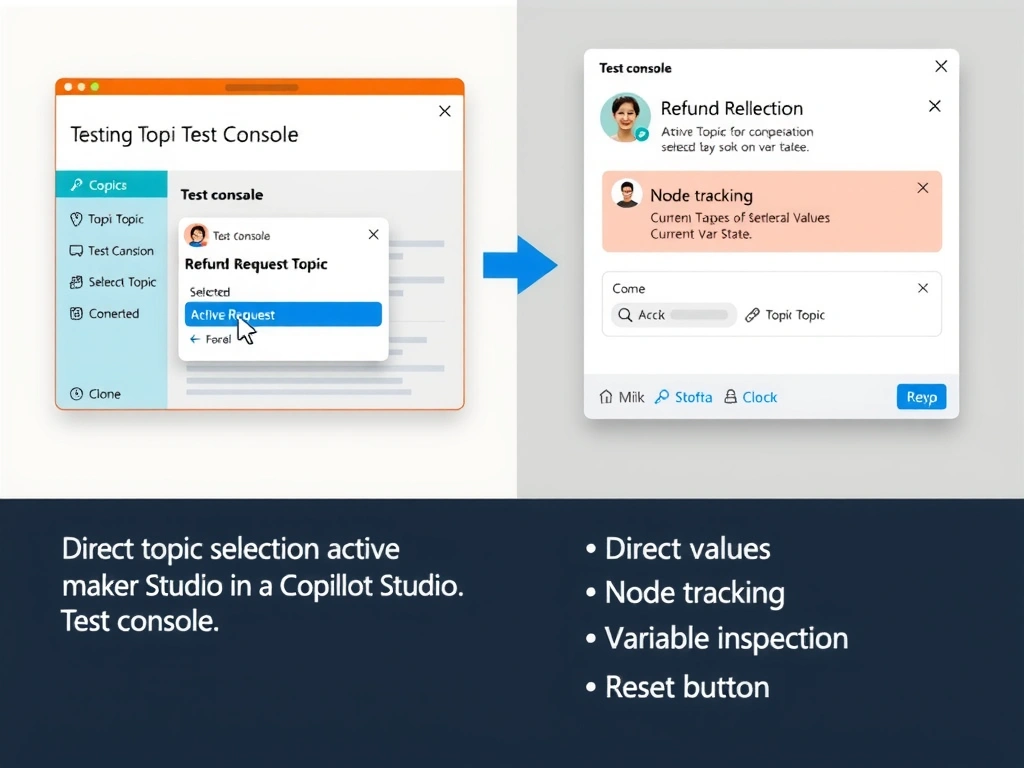
The Copilot Studio Test console has a 'Track between topics' and direct topic navigation feature — you can jump straight into any topic to test its behavior without having to match trigger phrases. It's the developer shortcut for surgical topic debugging.
Full explanation below image
Full Explanation
The Copilot Studio Test console (the chat panel in the maker portal) provides several developer-friendly features beyond simple conversation testing. One key feature is the ability to navigate directly to a specific topic: using the topic selection control or the 'Start over' + direct topic invocation, makers can begin a test session at any topic in the agent without going through the normal NLU trigger phrase recognition.
Additionally, the Test console shows real-time information: which topic is currently executing, which node is active, current variable values, and navigation history across topics. This makes it ideal for step-by-step debugging of topic logic.
Option A (deploy to Teams + manual trigger phrase) — requires a full publish cycle and doesn't allow direct topic selection. Also, typing trigger phrases doesn't guarantee the NLU selects the intended topic (other topics might match first).
Option C (separate test agent) — creates unnecessary overhead and doesn't represent how the topic behaves in the actual agent context.
Option D (YAML export + unit testing) — Copilot Studio topics are not designed to be unit tested with external testing frameworks. The Test console is the intended testing environment.
Exam tool: Test console = go-to testing environment during development. Key features: real-time node tracking, variable inspection, direct topic selection, conversation reset.