
After deploying a Copilot Studio agent solution via Power Platform Pipelines to the test environment, the pipeline run completes with a warning about connection references. What post-deployment action is required to make the agent fully functional in test?
Select an answer to reveal the explanation.
Short Explanation and Infographic
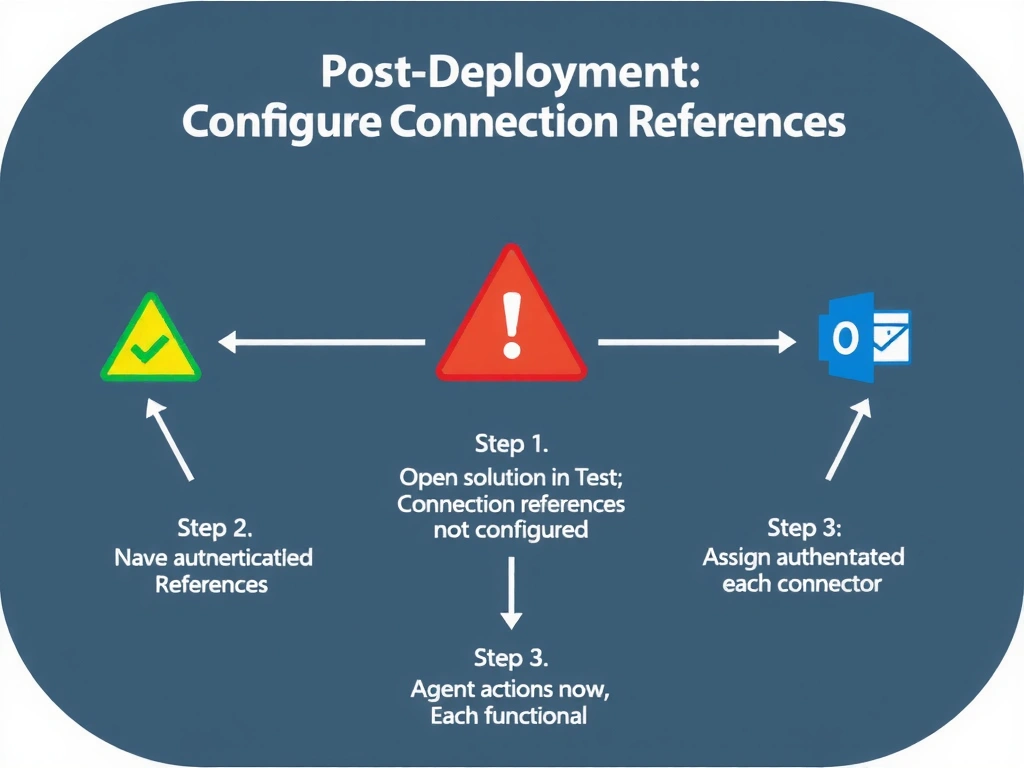
Connection references are like adapter plugs that need to be plugged into the right outlet in each country. The connection reference definition travels in the solution, but the actual authenticated connection (who's logged in where) must be configured separately in each target environment after deployment.
Full explanation below image
Full Explanation
Connection references are Power Platform components that abstract the authenticated connection from the solution component that uses it. This allows the same solution to be deployed to multiple environments where different accounts or credentials authenticate to the same connector type.
When a solution is deployed to a new environment via pipeline, connection references are included but they are not yet connected to a valid authentication. A post-deployment step requires an administrator or designated maker to open the solution in the target environment, navigate to the connection references, and either create new connections or assign existing connections for each reference.
Until this step is completed, any agent actions or flows that depend on those connectors will fail at runtime.
Option A (re-export with connections) — you cannot include actual authentication credentials in a solution export. Connection references carry the definition, not the credentials.
Option C (delete and recreate) — defeats the purpose of solution deployment and loses all the work.
Option D (Admin Center approval queue) — no such approval queue exists for connection references. Configuration is done through the maker portal.
Exam pattern: post-pipeline deployment tasks = 1) Configure connection references in target environment, 2) Set environment variable values for target environment. Both are standard post-deployment steps that must be completed for the agent to function.