
An administrator is about to import a Copilot Studio agent solution into the production environment. They have both a managed and an unmanaged version of the solution. Which version should be deployed to production and why?
Select an answer to reveal the explanation.
Short Explanation and Infographic
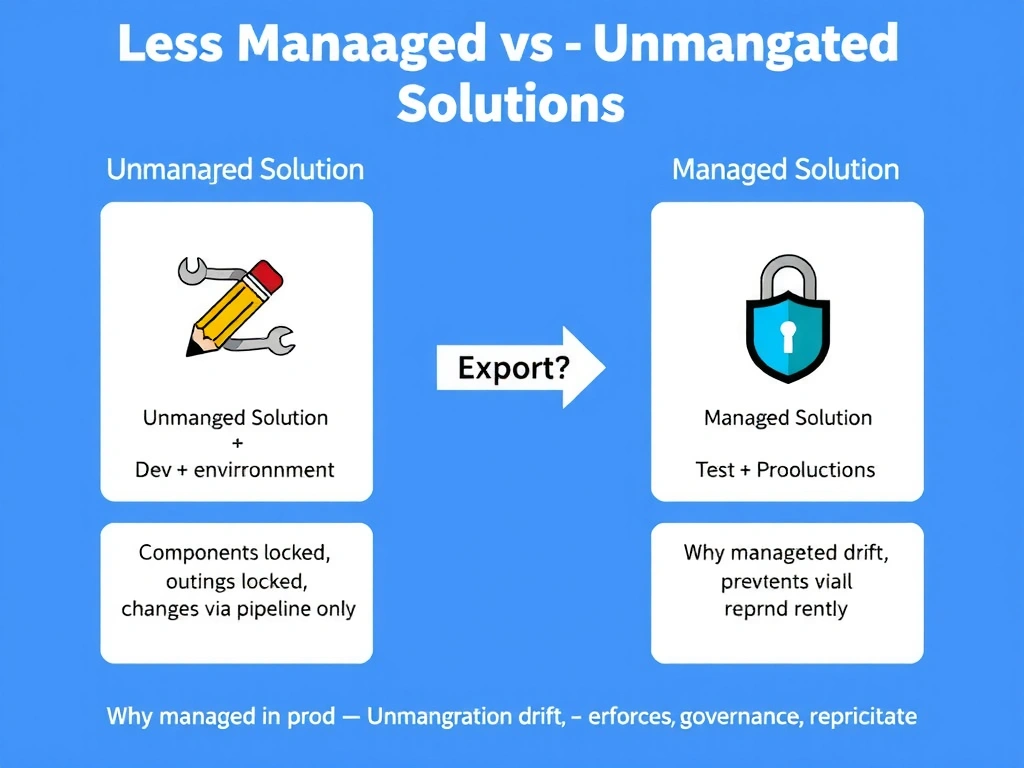
Managed solutions in production are like a laminated certificate — you can display it, but you can't scribble on it. They lock components from direct modification, so any change must go through the proper Dev → Test → Prod pipeline, protecting production stability.
Full explanation below image
Full Explanation
Managed and unmanaged solutions serve different purposes in the ALM lifecycle:
Unmanaged solutions are used in development environments. They allow full editing of all components — makers can modify, add, and delete anything within the solution. Unmanaged solutions support the active authoring workflow.
Managed solutions are used in test and production environments. When a managed solution is imported, its components are locked from direct modification. You cannot edit a managed agent's topics, knowledge sources, or actions directly in production — changes must be made in development, tested, and deployed via pipeline.
This discipline prevents 'production hotfixes' that aren't tracked, tested, or reproducible. It enforces the single-source-of-truth: development is always the authoritative version.
Option A (unmanaged in production) — allows direct editing which bypasses governance, creates configuration drift between environments, and breaks the ability to reproduce the production state from source.
Option C (equivalent, cosmetic difference) — completely incorrect. Managed vs. unmanaged is one of the most important ALM concepts in Power Platform.
Option D (flipped: unmanaged in test, managed in test) is backward. Unmanaged = dev. Managed = test/prod.
Exam rule: Unmanaged = dev (editable). Managed = test + production (locked, enforces pipeline discipline).