
A Copilot Studio maker is starting a new agent project that will eventually be deployed to production through formal pipelines. What is the recommended first step from an ALM perspective before building any agent topics or knowledge sources?
Select an answer to reveal the explanation.
Short Explanation and Infographic
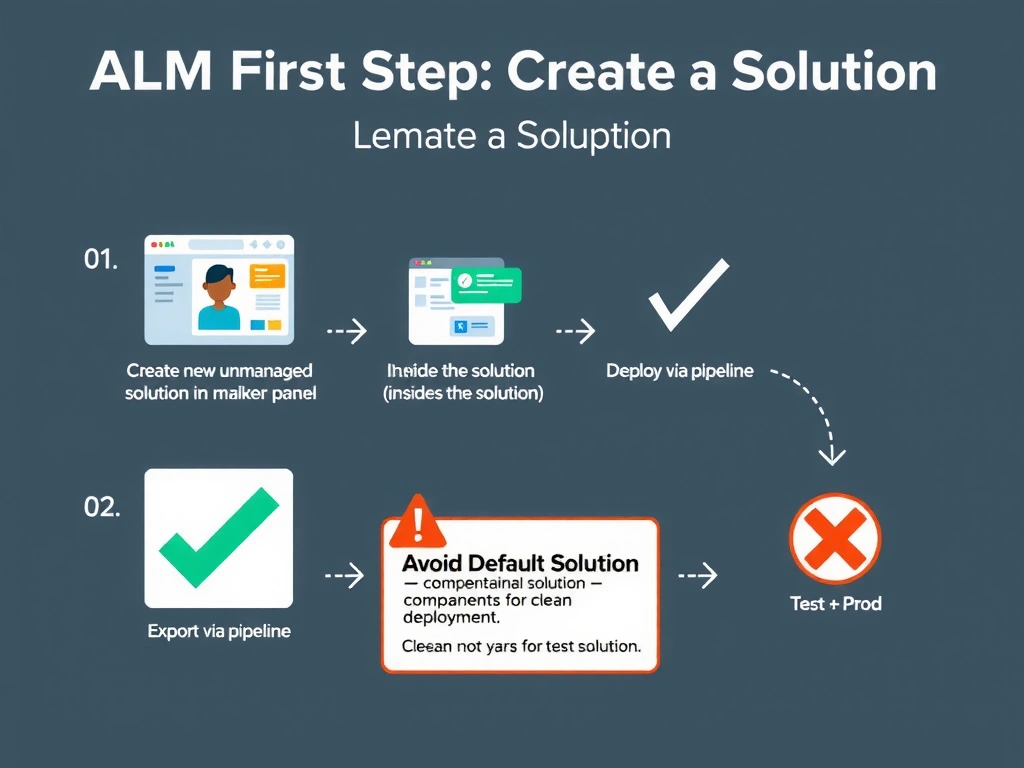
Starting inside a solution is like building a house on its foundation instead of a parking lot — everything you create from the start becomes a tracked, deployable component. The default solution is a catch-all bucket that doesn't support clean deployment; a dedicated solution does.
Full explanation below image
Full Explanation
The ALM best practice in Power Platform is to create a dedicated unmanaged solution in your development environment before building any components. When you create agents, flows, tables, or connectors within a solution context, those components are automatically associated with the solution and tracked for deployment.
Building in the default solution creates 'unmanaged' components that are not associated with any specific solution — moving them later requires using 'Add existing' and risks missing dependencies. Starting in a dedicated solution avoids this cleanup work entirely.
Unmanaged solutions are used in development environments for authoring. When you deploy, the solution is exported as a managed solution and imported into test/production. Managed solutions protect components from direct editing in target environments, enforcing the deployment-only change model.
Option A (default solution, migrate later) — creates technical debt. The migration step of adding all components after the fact is error-prone and may miss indirect dependencies.
Option C (build in production first) — a direct violation of ALM principles. Production should never be the first place you build or test.
Option D (clone production agent in default solution) — cloning into the default solution creates the same unmanaged/untracked problem as Option A.
Exam ALM first step: create dedicated unmanaged solution → build everything inside it → export as managed → deploy via pipeline.