
A developer wants to add a Salesforce connector action to a Copilot Studio topic so the agent can look up lead records during a conversation. The Salesforce connector already exists as a Power Platform certified connector. What is the fastest path to add this as a callable tool in the topic?
Select an answer to reveal the explanation.
Short Explanation and Infographic
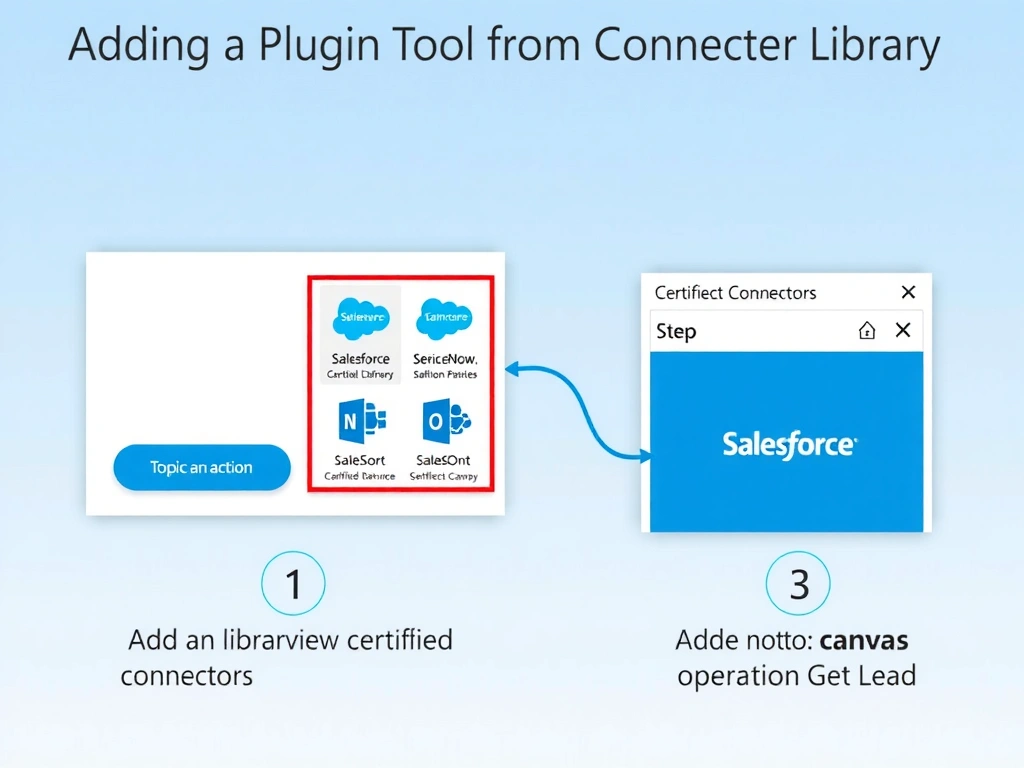
Power Platform's connector library is like a pre-stocked tool belt — certified connectors like Salesforce are already built and tested. 'Add an action' in a topic lets you pick directly from that library, configure authentication, and start calling Salesforce without writing a line of code.
Full explanation below image
Full Explanation
Copilot Studio integrates natively with the Power Platform connector ecosystem, which includes hundreds of certified connectors covering SaaS platforms like Salesforce, ServiceNow, SAP, and more. When authoring a topic, 'Add an action' presents the full connector library. Selecting the Salesforce connector allows you to choose specific operations (Get Lead, Create Contact, etc.), configure a connection (authentication), and add the action node directly to the topic canvas.
Option A (Azure Function wrapper) works but is unnecessary when a certified connector already exists. It adds development, maintenance, and infrastructure overhead.
Option C (new environment in Salesforce region) is nonsensical — environment regions relate to data residency, not connector access. Salesforce connector access is independent of environment region.
Option D (import Salesforce OpenAPI spec) also works technically, but is slower than using the pre-built certified connector. The certified connector already has all operations defined, tested, and approved.
Key exam principle: certified Power Platform connector exists → use 'Add an action' with connector library selection. This is always the fastest path for pre-built integrations. Custom connector or OpenAPI import is for APIs that don't have a certified connector.