
You are authoring a Copilot Studio topic that handles customer refund requests. You want the agent to present the user with three selectable options — 'Refund to original payment', 'Store credit', 'Exchange' — as clickable buttons rather than requiring the user to type. Which topic element should you add?
Select an answer to reveal the explanation.
Short Explanation and Infographic
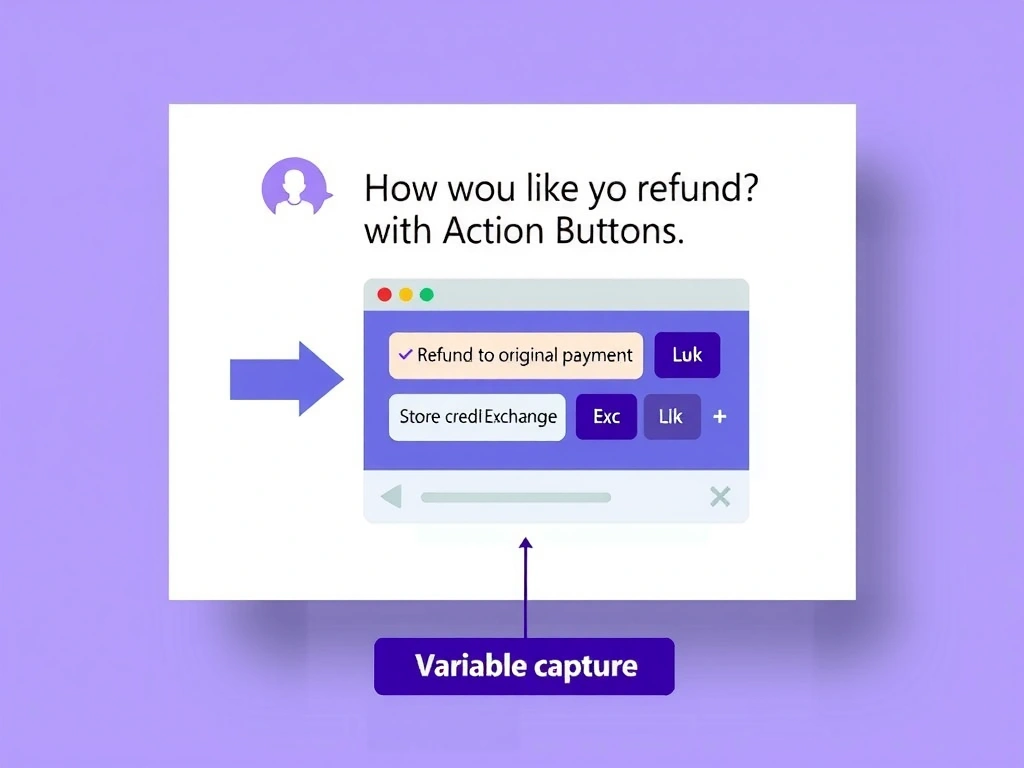
A Question node with multiple-choice options is the click-to-answer shortcut — Copilot Studio renders each option as a button card on supported channels. The user taps a button, the choice is captured in a variable, and the topic branches accordingly.
Full explanation below image
Full Explanation
In Copilot Studio topic authoring, the 'Question' node with the 'Multiple choice' answer type is the correct tool for presenting selectable button options. When rendered on channels like Teams, web chat, or the test pane, each choice appears as a clickable action card/button. The selected value is automatically stored in a topic variable for use in subsequent conditions.
Option A (Send a message with list text) displays text but produces no interactive buttons. The user would still have to type, which defeats the purpose.
Option C (Condition node with three branches) is part of the routing logic after a choice is made — it doesn't present options to the user.
Option D (HTTP action returning JSON array) is over-engineering; HTTP actions are for calling external APIs, not for building UI interaction patterns within the conversation.
Channel behavior note: button rendering depends on the channel. Microsoft Teams, the Copilot Studio test pane, and web chat widget support action buttons natively. In channels like SMS or voice, options are read as a numbered list instead. The Question node handles this rendering difference automatically.
Exam rule: clickable options in a topic = Question node + Multiple choice. This is also how you do slot-filling (collecting multiple required inputs in sequence) when combined with variable binding.