
Your company has an internal API for managing IT service desk tickets that has no Power Platform certified connector. You need Copilot Studio agents to call this API. What must you create before the API can be added as a tool in a topic?
Select an answer to reveal the explanation.
Short Explanation and Infographic
A custom connector is Power Platform's adapter for APIs without a built-in connector — you describe the API's endpoints, authentication, and parameters, and Power Platform wraps it in a reusable connector tile. Once registered, your Copilot Studio topic can call it just like any certified connector.
Full explanation below image
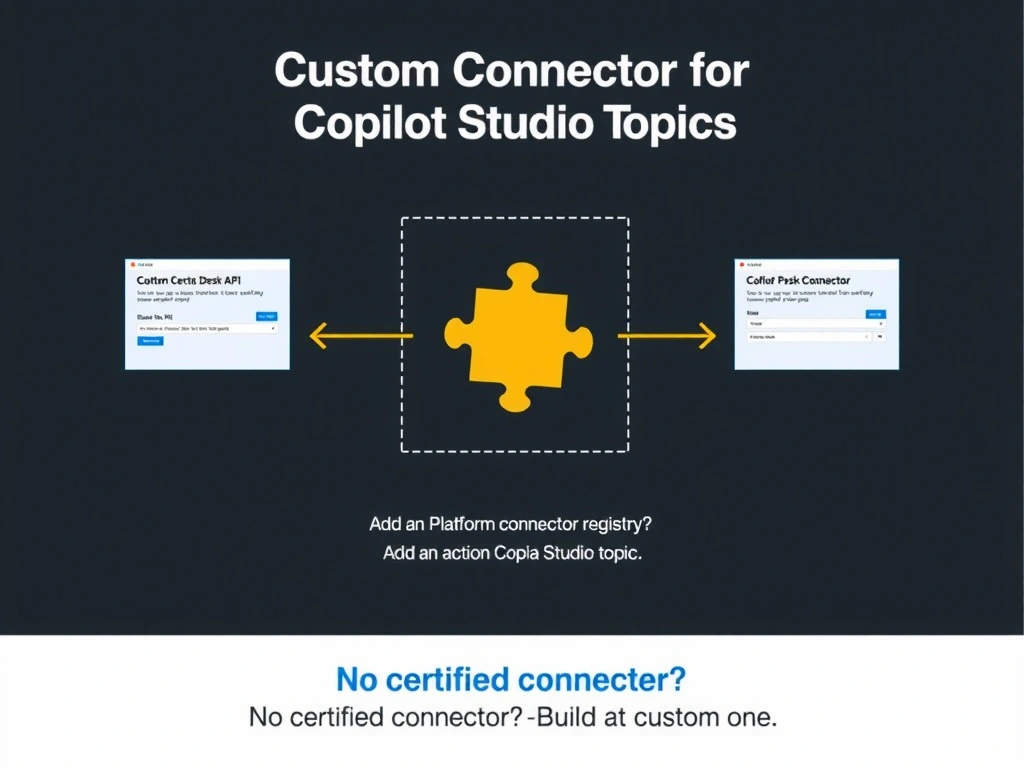
Full Explanation
Power Platform custom connectors allow you to register any API (REST or SOAP) as a reusable connector within the Power Platform ecosystem. You define the API's base URL, authentication scheme (API key, OAuth 2.0, Windows auth), and available operations either by uploading an OpenAPI/Swagger spec or manually defining them in the custom connector wizard.
Once the custom connector is created and saved, it appears in the connector library within Copilot Studio's 'Add an action' flow, just like certified connectors. From there, topics can call any of its defined operations.
Option A (Logic Apps polling to Dataverse) is a data integration pattern, not the correct approach for making an API callable as a topic action. Polling also introduces latency.
Option C (Teams app manifest / messaging extension) is a Teams extensibility concept unrelated to making an API callable in Copilot Studio topics.
Option D (APIM gateway policy) — APIM can be useful for centralizing API management, but putting APIM in front of the API doesn't by itself make it callable from a Copilot Studio topic. You'd still need a connector.
Exam flow: uncertified API → create custom connector (describe API) → 'Add an action' in topic → select custom connector. The custom connector lives in the Power Platform environment and must be shared with the environment or solution.