
A Copilot Studio agent at Wide World Importers crashes unexpectedly due to an unhandled exception not caught by any action node's OnError path. The current behavior is to display a generic platform error. The team wants a custom branded error experience. Which Copilot Studio configuration addresses this?
Select an answer to reveal the explanation.
Short Explanation and Infographic
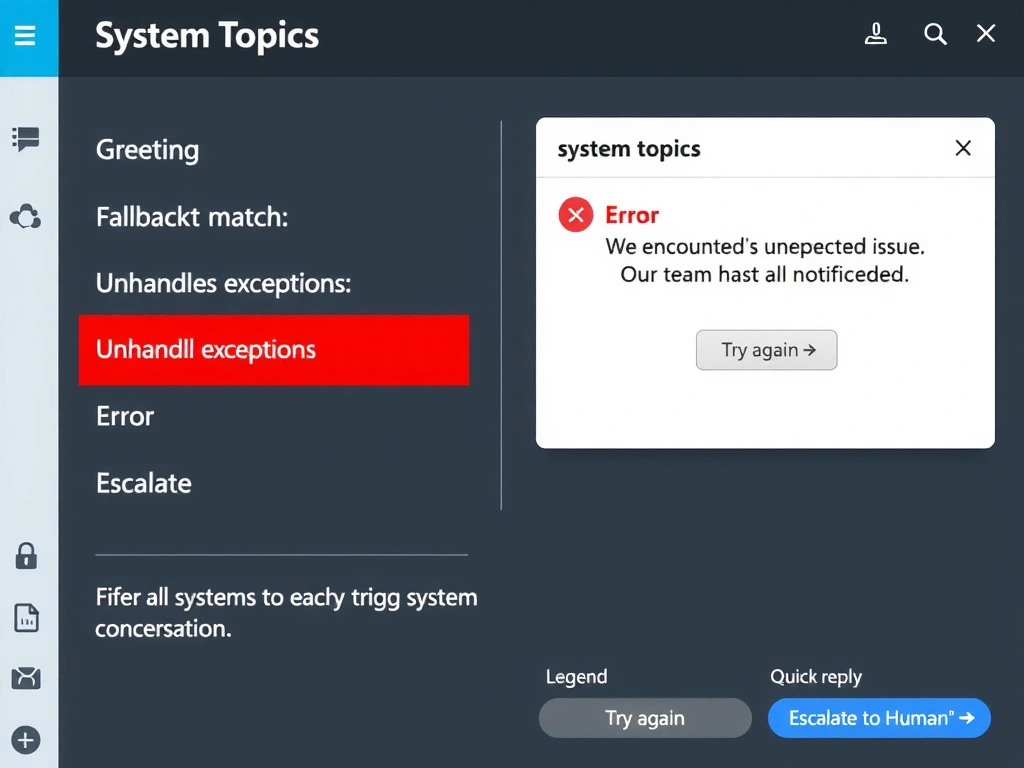
The Error system topic is Copilot Studio's universal safety net — when an exception escapes all other handlers, this is where it lands. Customizing it with your brand's messaging turns a crash into a graceful apology. The correct answer is B.
Full explanation below image
Full Explanation
## Why B is Correct Copilot Studio has a built-in Error system topic that fires when an unhandled exception occurs anywhere in the agent's execution and is not caught by a topic-level error handler. By customizing this system topic, developers can replace the generic platform error with a branded message, an offer to escalate to a human agent, a suggestion to try again, or any other desired recovery experience.
## Why the Distractors Are Wrong A (Fallback topic): The Fallback system topic fires when no topic matches the user's utterance — not when a runtime exception occurs. These are distinct system topics with distinct triggers.
C (Try/catch in every flow): Wrapping every flow in error-catching logic is defensive programming at the flow level, but it does not address exceptions that occur in topic logic, condition nodes, or other non-flow elements. It is also impractical to wrap every action node.
D (Webhook for monitoring): A monitoring webhook is valuable for observability but is not a user-facing error experience. It does not replace the error message seen by the user.
## Exam Tip System topic mapping: Fallback = no intent match. Error = unhandled runtime exception. Escalate = explicit escalation trigger. End of Conversation = conversation closing. Know which system topic to customize for which scenario.