
A Power Platform administrator has created a DLP policy that places the HTTP connector in the 'Blocked' data group for the production environment. A developer reports that a Copilot Studio agent topic that previously made direct HTTP requests to an external REST API is now failing. What is the correct explanation and resolution?
Select an answer to reveal the explanation.
Short Explanation and Infographic
DLP policies govern which connectors can be used in cloud flows in an environment. Block HTTP, and any flow using it stops working — including flows called by Copilot Studio topics. Fix: unblock it or swap to a custom connector in an approved group. Answer: C.
Full explanation below image
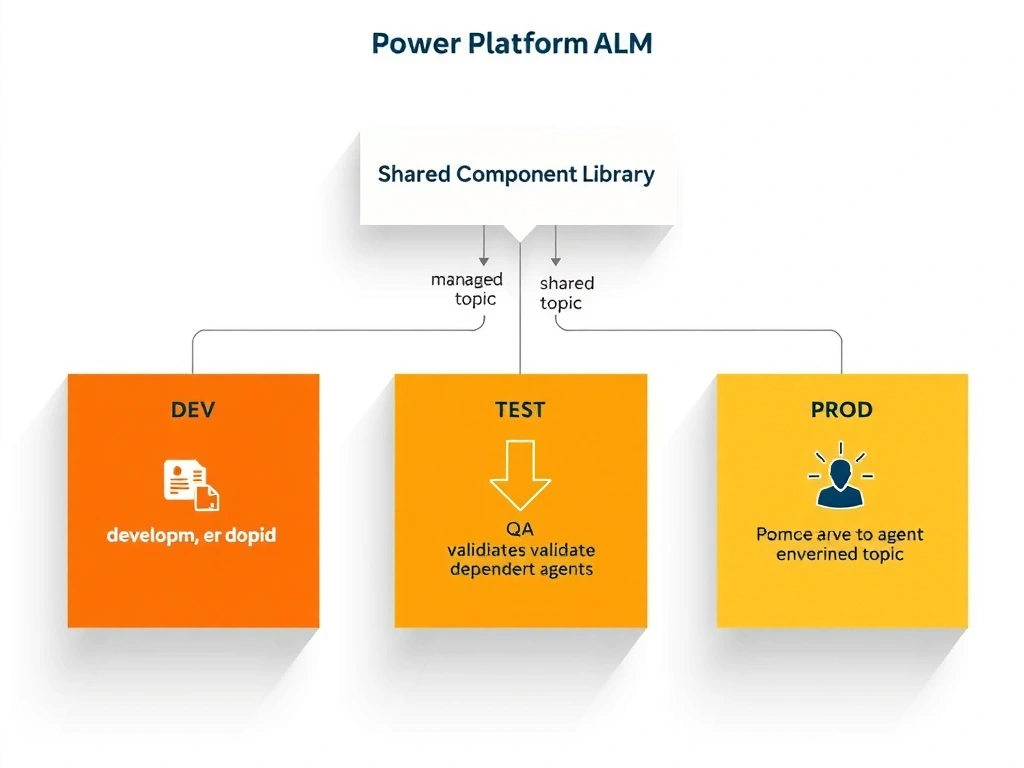
Full Explanation
Data Loss Prevention (DLP) policies in Power Platform control which connectors can be used in cloud flows within a given environment. When a connector is placed in the 'Blocked' group, it cannot be used in any cloud flow in the scope of that policy.
Option C is correct. The Copilot Studio topic most likely calls a Power Automate cloud flow that uses the HTTP connector to make API requests. When the DLP policy blocks the HTTP connector, that cloud flow becomes non-compliant and fails at runtime. The resolution depends on business requirements: if the HTTP connector needs to remain blocked (common in regulated environments), the developer should create a custom connector with the correct API definition and place that connector in the 'Business' data group. If the HTTP connector is needed, the admin can move it to 'Non-Business' or 'Business' as appropriate.
Option A is incorrect. DLP policies absolutely affect flows called by Copilot Studio topics. Copilot Studio's topic actions invoke cloud flows, and those flows are fully subject to DLP policy enforcement.
Option B is incorrect. Moving HTTP to 'Non-Business' still allows it to be used in flows — but only in flows that do not combine it with 'Business' group connectors. This may or may not fix the issue depending on what other connectors the flow uses. Option C more accurately describes the full problem and solution space.
Option D is incorrect. Moving the agent to a different environment is an extreme workaround that disrupts all other production users and configurations. It also doesn't solve the underlying policy issue.