
Tailspin Toys is launching a customer-facing Copilot Studio agent on their public website. Customers sign in using their existing Tailspin loyalty account (managed in a third-party identity provider). Which steps are required to configure custom authentication for this agent?
Select an answer to reveal the explanation.
Short Explanation and Infographic
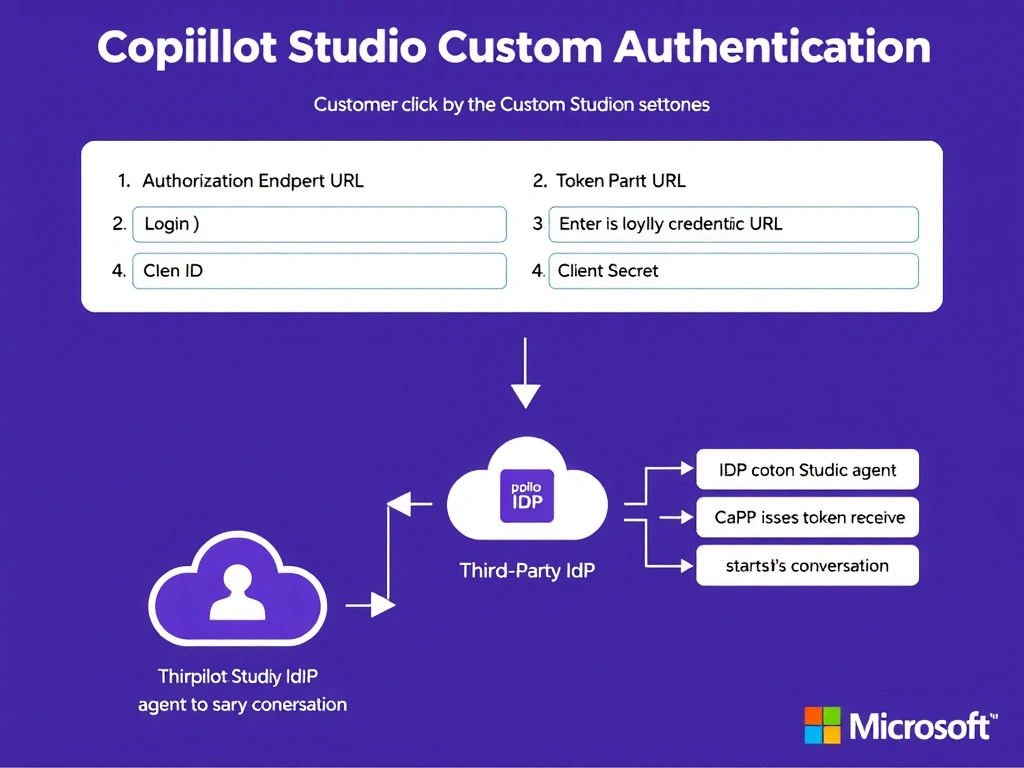
Custom OAuth auth in Copilot Studio is like installing a third-party lock on your front door — you give the platform the lock's specs (endpoints, client ID/secret) and it handles the key exchange for you. The correct answer is B.
Full explanation below image
Full Explanation
## Why B is Correct Copilot Studio's Custom authentication option supports any standards-compliant OAuth 2.0 identity provider. You configure it by providing: the authorization endpoint URL, token endpoint URL, client ID (from the IdP app registration), and client secret. Copilot Studio then manages the OAuth redirect flow, token acquisition, and refresh — the developer does not need to write authentication code manually.
## Why the Distractors Are Wrong A (Entra ID guest accounts): Inviting customers as B2B guests is a Microsoft-to-Microsoft scenario. For customers with a third-party IdP, guest accounts are not appropriate and create an administrative burden at scale.
C (Anonymous + collect credentials in topic): Collecting usernames and passwords inside a chat topic is a severe security anti-pattern. Credentials should never flow through conversational turn data.
D (Power Automate flow for validation): A flow can validate data but is not an authentication mechanism. It does not establish an authenticated session or issue a token that the agent can use for subsequent API calls.
## Exam Tip For Custom auth configuration, remember the four required fields: authorization endpoint, token endpoint, client ID, client secret. The exam may present incomplete lists as distractors.