
A developer adds a generative answers node to a specific topic in a Copilot Studio agent to answer questions about product warranties. The node is configured to search a SharePoint document library. During testing, the agent successfully retrieves warranty information but displays citations as raw document URLs that include internal SharePoint path tokens — confusing for end users. The developer also notices responses sometimes include content from unrelated SharePoint libraries accessible to the service account. What two configuration changes address these issues?
Select an answer to reveal the explanation.
Short Explanation
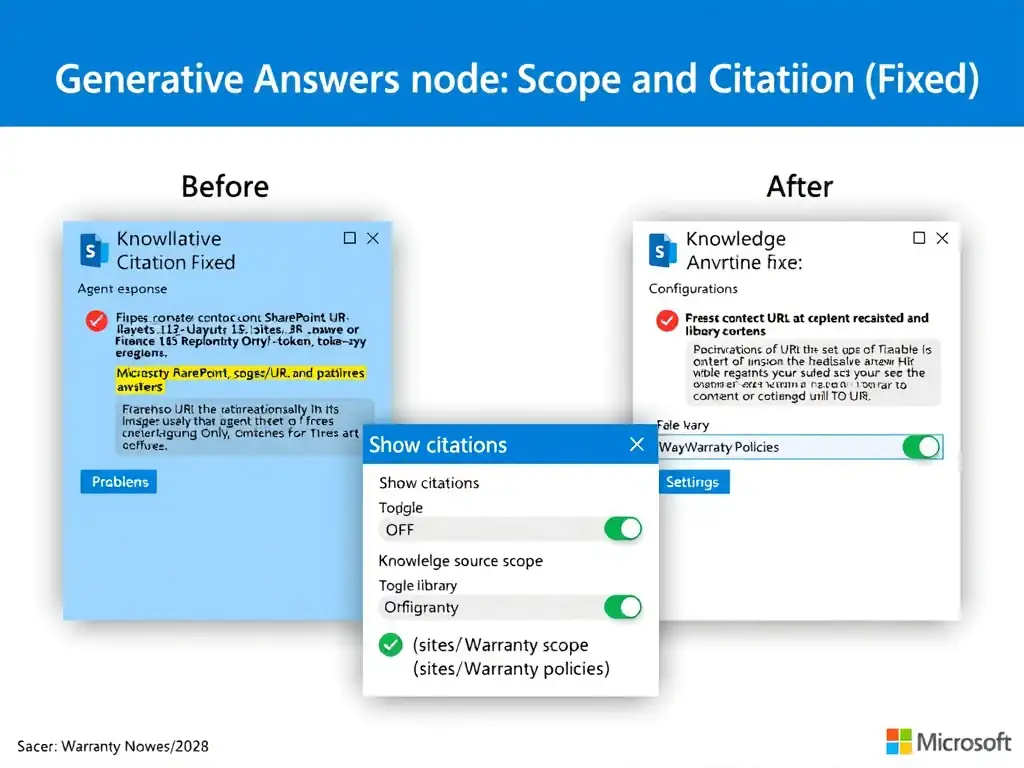
You fix this by turning off raw citation display in the generative answers node and narrowing the SharePoint knowledge source to the exact document library. That keeps the answer clean and stops the agent from pulling in unrelated libraries. Don't wrestle with the output after it's generated.
Full Explanation
The generative answers node in Copilot Studio has several configuration options that control both the scope of the knowledge source and how results are presented. To address raw URL citations confusing users, the developer can disable citation display in the node's presentation settings — the node will still generate the answer from the sources but will not append raw URL citations to the response. Alternatively, some agent configurations allow customizing citation format, but disabling them is the simplest fix when internal SharePoint URLs are not user-appropriate.
To address cross-library content contamination, the knowledge source configuration should scope the SharePoint connection to the specific document library path (e.g., https://contoso.sharepoint.com/sites/Warranty/Shared%20Documents/WarrantyPolicies) rather than the entire SharePoint site or tenant. By targeting the specific library, the generative answers search is limited to documents within that path only.
The choice that says to switch to Orchestration mode to change citation format and enable managed identity to restrict SharePoint access is incorrect because switching to Orchestration mode affects how topics are selected, not how citations are formatted. Managed identity is an authentication mechanism for service accounts accessing Azure resources — it does not restrict which SharePoint libraries a knowledge source can access; that is controlled by the knowledge source path configuration.
The choice that says to add a custom entity to the agent that strips URL tokens from citations and create a separate agent for each SharePoint library to isolate access is incorrect because creating a custom entity to strip URL tokens is fragile, complex, and an inappropriate use of entities (which are for recognizing values in user utterances, not post-processing AI outputs). Creating separate agents per library is operationally expensive and unnecessary.
The choice that says to enable the 'format responses as markdown' setting to display friendlier citation links and configure an Azure AD group to restrict SharePoint library visibility is incorrect because the 'format responses as markdown' setting (if it exists) changes text formatting, not URL visibility. Configuring Azure AD group membership to restrict SharePoint library visibility affects the end user's SharePoint access, not the agent's service-account-based knowledge source access.
Exam tip: The generative answers node scope configuration is a knowledge quality control lever — always scope knowledge sources as narrowly as possible to prevent irrelevant content from contaminating responses.