
A company builds a customer-facing mobile app using React Native. They want to embed their Copilot Studio agent directly inside the mobile app so users can chat without leaving the app. The mobile app team cannot use an iframe (not supported in React Native). The agent must maintain session state and support rich responses including adaptive cards. Which deployment approach supports this requirement?
Select an answer to reveal the explanation.
Short Explanation
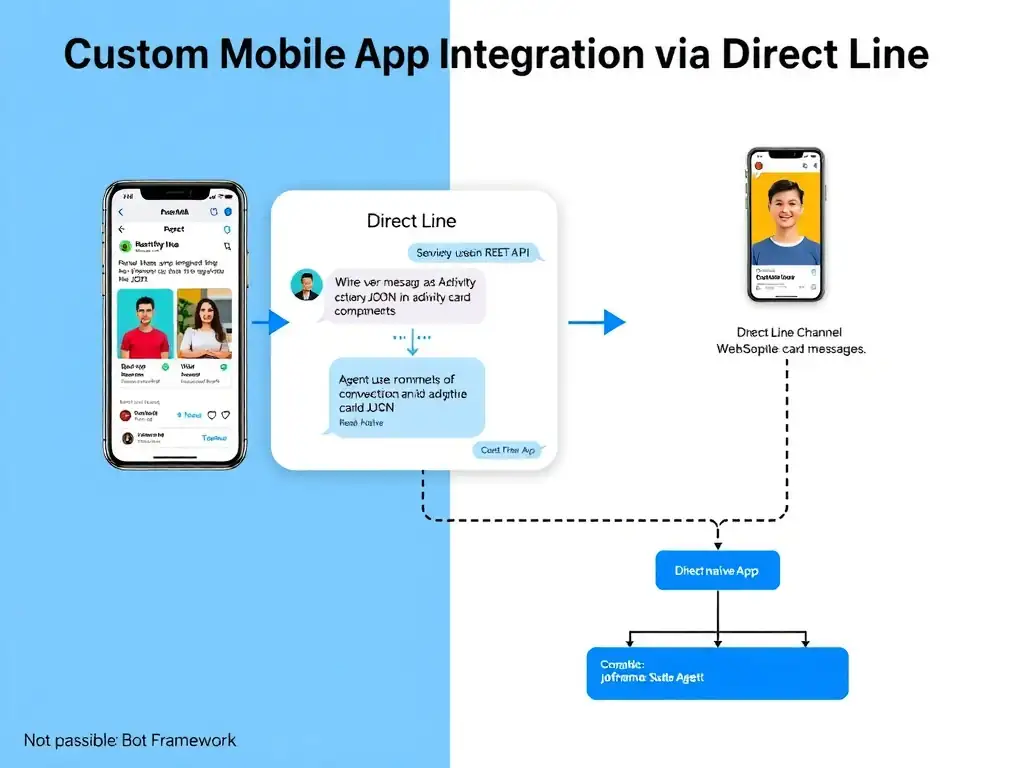
Direct Line is the universal adapter for custom-built apps — it turns your React Native app into a bot channel by sending and receiving messages as raw JSON. You create one conversation, keep its token alive for session state, and render adaptive cards with native UI components.
Full Explanation
When an application cannot use an iframe-based web chat, which is the case for native and React Native mobile apps, the correct integration mechanism is the Direct Line channel, integrated into the React Native app with the Bot Framework Direct Line SDK or REST API. Direct Line is a REST API and WebSocket-based protocol that allows any custom application to communicate with a Copilot Studio agent as if it were a Bot Framework channel.
In practice, the React Native app uses the Direct Line REST API or the Bot Framework Direct Line JavaScript SDK to create a conversation once, receiving a conversation ID and token for session management; send user messages as activities; receive agent responses, including adaptive card payloads, via polling or WebSocket; and render the responses using native React Native UI components. Adaptive cards are delivered as JSON payloads that the app can render using a React Native adaptive card library. Sessions are maintained through the conversation token issued at the start of each Direct Line conversation, and the token can be refreshed to keep long sessions alive.
The approach that publishes the agent to the Microsoft Teams channel and instructs mobile users to access it through the Teams mobile app is incorrect because it creates friction: users must switch apps, have a Microsoft 365 account, and interact within Teams' UI constraints. That defeats the purpose of embedding the agent in the company's own app.
The approach that uses the Direct Line API to create a new conversation for each message is incorrect because it breaks the required session state. Direct Line supports session continuity only when the app keeps the same conversation ID and token across messages, then sends subsequent activities into that conversation. Creating a new conversation for each message makes the agent treat each message as a fresh conversation, so context, variables, and multi-turn state are lost even if adaptive cards are rendered natively.
The approach that embeds the Copilot Studio web chat widget using a WebView component in React Native to approximate iframe embedding is technically possible because React Native has WebView components, but it is a poor practice for production. The WebView-embedded web chat inherits the limitations of a web page, cannot leverage native UI capabilities, has worse performance and accessibility, and behaves differently across iOS and Android. For a production mobile app, native Direct Line integration is the recommended architecture.
Exam tip: Direct Line = custom app integration (mobile apps, desktop apps, kiosk terminals, anything non-standard). Remember that the agent still runs in Copilot Studio — Direct Line is just the channel connecting the custom app to it.