
A developer wants to use AI Builder to extract fields from employee expense report forms that have a consistent layout — same field positions and labels across all submissions. Expense reports arrive as uploaded image files (JPG) in a SharePoint library. Which AI Builder model type should be selected, and how many sample documents are typically needed to train an acceptable model for a fixed-layout form?
Select an answer to reveal the explanation.
Short Explanation
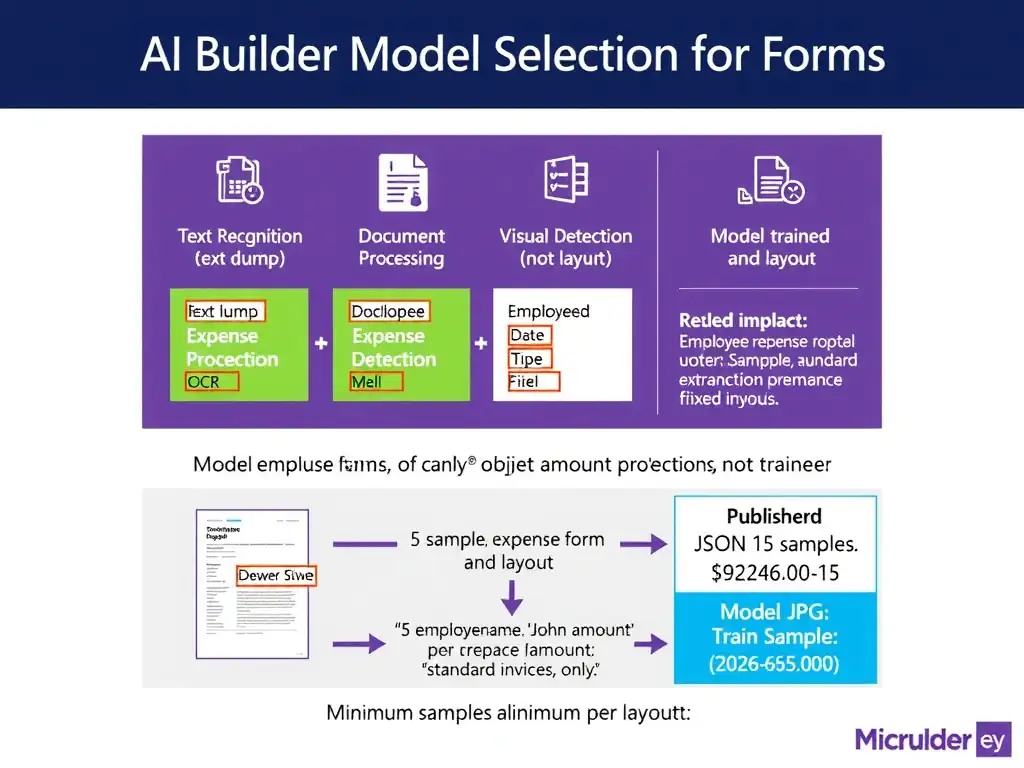
Document processing is the structured-form specialist in AI Builder. When you have fixed layouts like expense forms, five samples per template is the magic number — just enough to teach the model exactly where each field lives so it can find them reliably on every new submission.
Full Explanation
AI Builder's Document processing model is purpose-built for extracting structured data from forms and documents with consistent layouts. The developer uses a guided labeling interface to upload sample documents and draw selection boxes around the fields they want to extract, labeling each box with the field name. For a fixed-template layout, where all expense reports have the same structure, AI Builder requires a minimum of 5 sample documents per layout variation to train the model. Providing more samples, such as 10 to 20, improves accuracy, but 5 is the published minimum for a single-layout model. Once trained and published, the Document processing model accepts images (JPG, PNG) or PDF files and returns structured output: a JSON object with field names and their extracted text values. The text-recognition OCR approach that requires no training samples because it performs OCR on any image and returns all text automatically is incorrect because it returns raw text strings without field-level understanding or structure. It cannot distinguish between the 'Employee Name' label and the actual employee name value; it just returns both as undifferentiated text. The object-detection approach that identifies and extracts labeled regions from images without requiring a fixed document structure is incorrect because it is designed for detecting and locating specific objects within images, such as counting products on a shelf or detecting machinery components, and it does not extract text field values from structured forms. The prebuilt invoice-processing approach that handles all expense report formats automatically without training is incorrect because it is trained on standard commercial invoices, such as vendor invoices and purchase orders, and is not designed for internal expense report formats. Expense reports typically differ from commercial invoices in layout and field structure, so the prebuilt model would likely fail to extract the correct fields reliably. The custom-trained Document processing model is needed. Exam tip: Know the minimum sample counts: Document processing requires 5 per layout. Also know the distinction: Text recognition = OCR only, Document processing = structured field extraction, Object detection = visual object location.